Analyze Images & Extract Text with GPT-4o Vision and Telegram


Last edited 205 days ago
Who’s it for
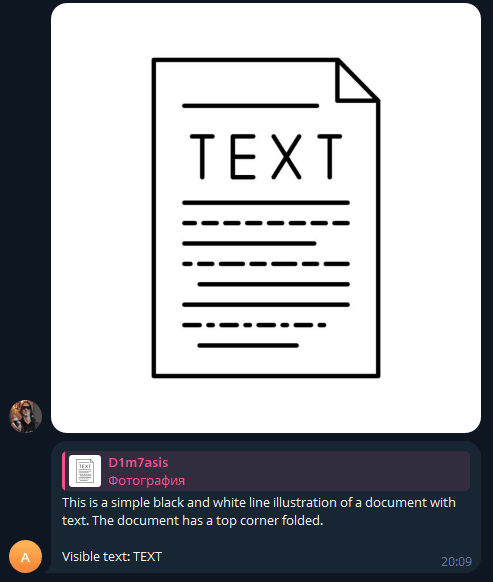
Teams and makers who want a plug-and-play vision bot: users send a photo in Telegram, the bot returns a concise description plus OCR text. No custom servers required—just n8n, a Telegram bot, and an AIMLAPI key.
What it does / How it works
The workflow listens for new Telegram messages, fetches the highest-resolution photo, converts it to base64, normalizes the MIME type, and calls AIMLAPI (GPT-4o Vision) via the HTTP Request node using the OpenAI-compatible messages format with an image_url data URI. The model returns a short caption and extracted text. The answer is sent back to the same Telegram chat.
Requirements
- n8n instance (self-hosted or cloud)
- Telegram bot token (from @BotFather)
- AIMLAPI account and API key (OpenAI-compatible endpoint)
How to set up
- Create a Telegram bot with @BotFather and copy the token.
- In n8n, add Telegram credentials (no hardcoded tokens in nodes).
- Add AIMLAPI credentials with your API key (base URL:
https://api.aimlapi.com/v1). - Import the workflow JSON and connect credentials in the nodes.
- Execute the trigger and send a photo to your bot to test.
How to customize the workflow
- Modify the vision prompt (e.g., add brand, language, or formatting rules).
- Switch models within AIMLAPI (any vision-capable model using the same
messagesschema). - Add an IF branch for text-only messages (reply with guidance).
- Log usage to Google Sheets or a database (user id, file id, response).
- Add rate limits, user allowlists, or Markdown formatting in Telegram responses.
- Increase timeouts/retries in the HTTP Request node for long-running images.
You may also like
New to n8n?
Need help building new n8n workflows? Process automation for you or your company will save you time and money, and it's completely free!


