Auto-Categorize Gmail Emails with AI and Send Prioritized Slack Alerts


Categories
Created by
maMatt Chong | n8n CreatorLast edited 206 days ago
Who is this for?
- Teams using Gmail and Slack who want to streamline email handling.
- Customer support, sales, and operations teams that want emails sorted by topic and priority automatically.
- Anyone tired of manually triaging customer emails.
What does it solve?
- Stops important messages from slipping through the cracks.
- Automatically identifies the nature and urgency of incoming emails.
- Routes emails to the right Slack channel with a clear, AI-generated summary.
How it works
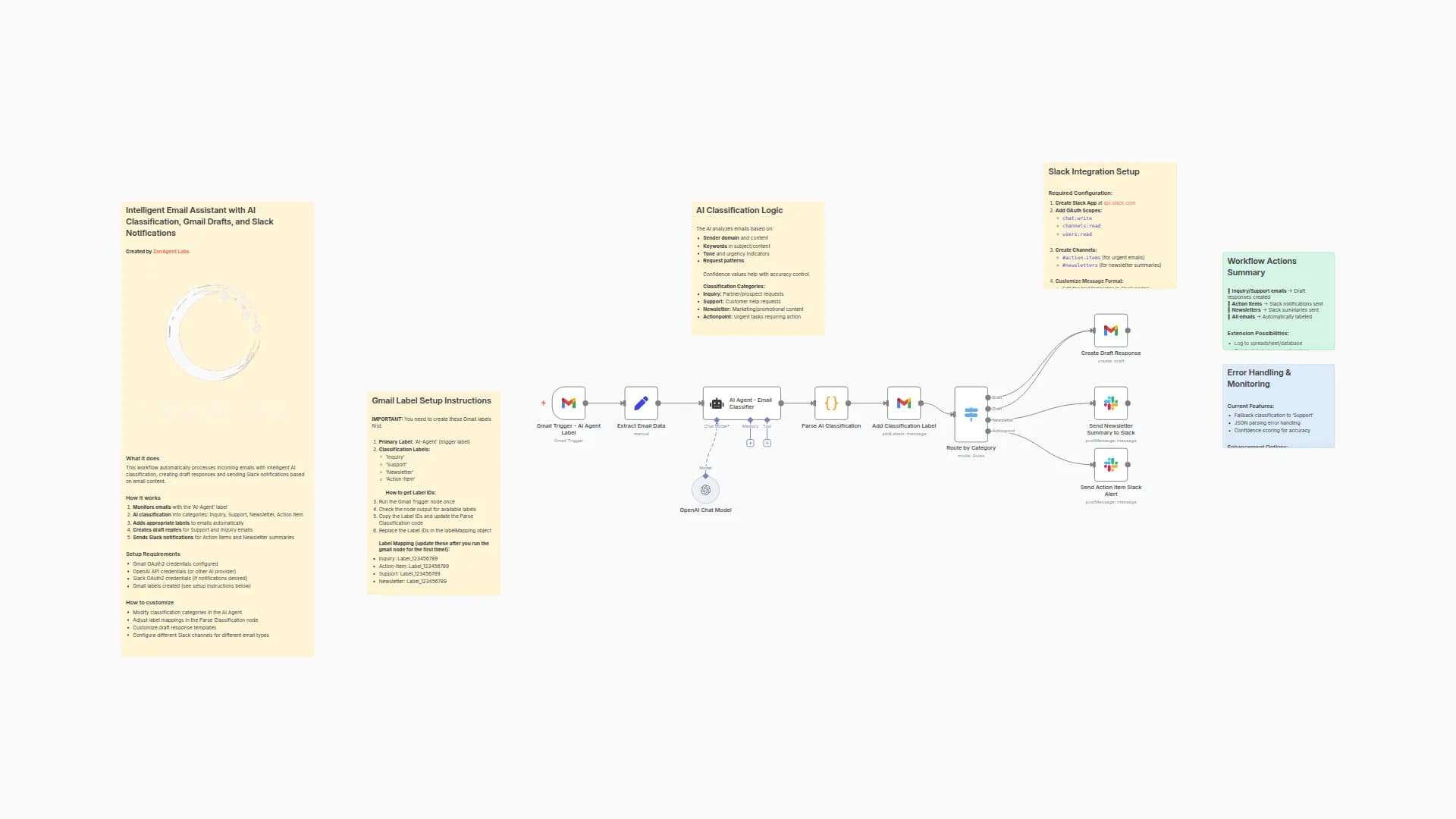
- The workflow watches for unread emails in your Gmail inbox.
- It fetches the full email content and passes it to OpenAI for classification.
- The AI returns structured JSON with the email’s category, priority, summary, and sender.
- Based on the AI result, it assigns a label and Slack channel.
- A message is sent to the right Slack channel with the details.
How to setup?
-
Connect credentials:
- Gmail (OAuth2)
- Slack (OAuth2)
- OpenAI (API Key)
-
Adjust email polling:
- Open the Gmail Trigger node and set how frequently it should check for new emails.
-
Verify routing settings:
- In the “Routing Map” node, update Slack channel IDs for each category if needed.
-
Customize AI behavior (optional):
- Tweak the AI Agent prompt to better match your internal categorization rules.
How to customize this workflow to your needs
- Add more categories: Update the AI prompt and the schema in the “Structured Output Parser.”
- Change Slack formatting: Modify the message text in the Slack node to include links, emojis, or mentions.
- Use different routing logic: Expand the Routing Map to assign based on keywords, domains, or even sentiment.
- Add escalation workflows: Trigger follow-up actions for high-priority or complaint emails.
You may also like

New to n8n?
Need help building new n8n workflows? Process automation for you or your company will save you time and money, and it's completely free!


