🤖📝 Auto-Document Workflows with GPT-4o-mini Sticky Notes


Last edited 206 days ago
🤖📝 Auto-Document Workflows with GPT-4o-mini Sticky Notes
Skip the tedious part of writing documentation and turn your n8n workflows into clear, shareable blueprints — fully automated.
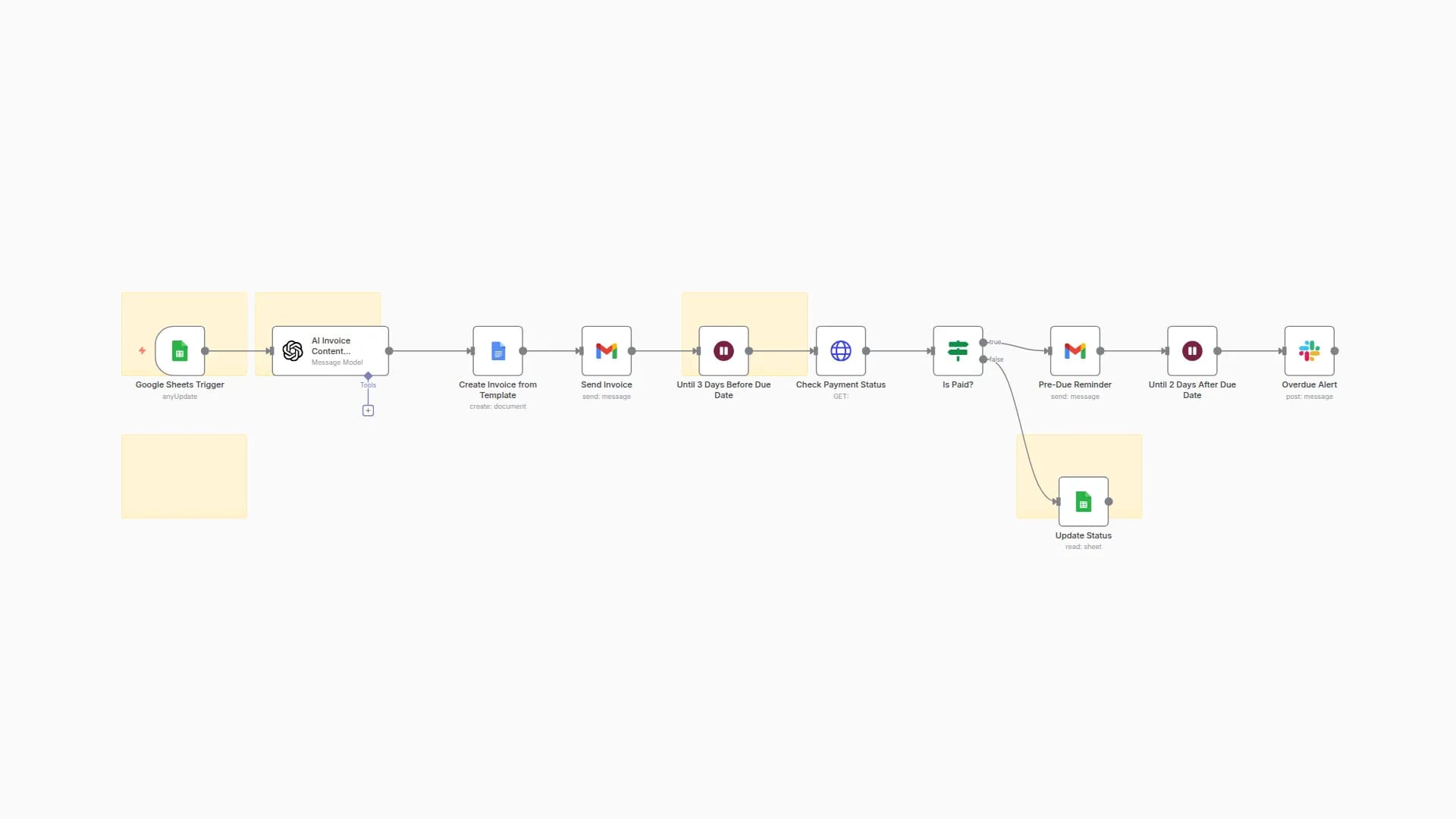
This workflow takes any workflow JSON, parses its nodes, generates structured sticky notes (both per-node and a general overview), and arranges them neatly on your canvas. No more messy layouts or missing documentation — everything is handled in one click.
It’s perfect if you want to publish to the n8n marketplace, onboard teammates quickly, or just keep your own automations easy to understand months later.
💡 What this workflow does
✅ Loads your existing workflow from a JSON file
🔍 Parses and unwraps real nodes (ignoring old stickies)
🤖 Uses AI to create concise sticky notes for each node
📝 Adds a general overview sticky with goals, flow, parameters, and gotchas
📐 Arranges all nodes + stickies (node above, sticky below, right-to-left)
💾 Saves a new documented workflow JSON, ready to reuse or share
⚙️ Step-by-step setup
-
Prepare your workflow file
- Export your n8n workflow JSON or point to an existing file path.
-
Configure the “Load Workflow” node
- Update the file selector to your JSON path, e.g.
/workflows/myflow.json.
- Update the file selector to your JSON path, e.g.
-
Add your OpenAI credentials
- In the OpenAI API nodes (
Node Sticky Notes+Overall Sticky Note), insert your API key.
- In the OpenAI API nodes (
-
Run the workflow
- Trigger manually with the
Execute Workflownode. - The script will parse your nodes, generate stickies, and align them on the canvas.
- Trigger manually with the
-
Save the result
- The “Save Documented Workflow” node writes a new file, e.g.
/workflows/myflow-with-sticky.json.
- The “Save Documented Workflow” node writes a new file, e.g.
🛠 Customization
- Sticky layout: Adjust spacing, colors, and alignment in the
Layout Blocks RTLnode (tweakGAP_X,GAP_Y, orSTICKY_COLOR). - Word count & style: Edit prompts inside the OpenAI nodes to make notes shorter, longer, or more technical.
- Overview focus: Customize the
Your Workflow Descriptionnode to pass context (e.g., project goals, intended audience). - File outputs: Save to a new path/version for version control of your documentation.
⚠️ Limitations / Gotchas
- Maximum of ~50 nodes are summarized in the overview for brevity.
- Old sticky notes are removed and replaced — you can’t preserve them unless you fork the workflow.
- Complex nodes (large Code / AI prompts) may require manual edits for clarity.
- Ensure n8n has read/write access to your workflow JSON paths.
🎯 Expected result
After execution, you’ll get a fully documented workflow JSON where each node is paired with a clean sticky note, plus an overview note neatly placed on the canvas. You can open this new file in n8n, share it, or submit it directly to the marketplace.
📬 Contact & Feedback
Need help customizing this? Have ideas for improvement?
📩 [email protected]
🐦 DM me on Twitter @guanchehacker
If you’re working on advanced workflow documentation + AI, let’s talk — this template can be a foundation for more powerful tools.
You may also like


New to n8n?
Need help building new n8n workflows? Process automation for you or your company will save you time and money, and it's completely free!


