Auto-Generate SEO Content from Trends with GPT-4o, FAL AI & Multi-Storage


Last edited 206 days ago
Who's it for
Content creators, SEO specialists, and marketing teams who want to automatically generate SEO-optimized content based on trending topics—complete with AI-generated images, optional videos, and ready-to-publish HTML.
How it works / What it does
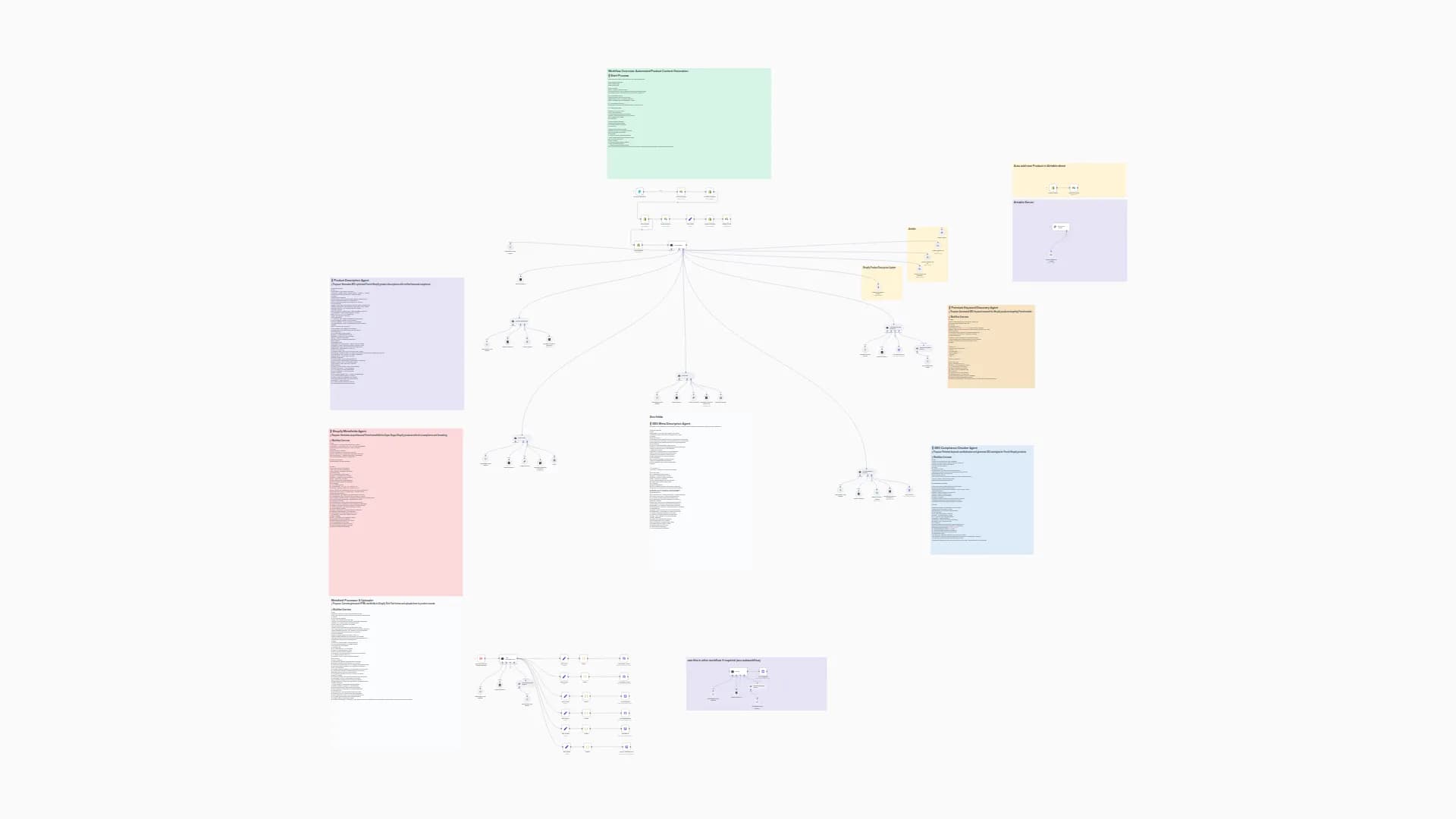
- Webhook receives a request with use case and video preferences.
- Get Trends XLSX downloads a spreadsheet (created by the Social Media Trends workflow) from SharePoint.
- Select Topic from Trends randomly picks one trending topic from the spreadsheet.
- AI Agent (GPT-4o) generates bilingual newsletter content about the selected trend.
- Get Newsletter Template fetches your HTML template; Build Newsletter injects the AI content.
- Optional creative assets:
• Pollinations AI → generates a 1080 × 1350 image.
• FAL AI → creates video from the image + Lyria2 audio → merged via FFmpeg. - Gmail Approval sends the draft for review; continues only on approval.
- Upload all files (HTML + JPG + video URL) to your chosen storage provider.
How to set up
- Import the template into n8n (cloud or self-hosted).
- Create credentials: OpenAI, Microsoft 365 (SharePoint), Gmail, and FAL AI.
- Upload your HTML newsletter template to SharePoint (see yellow sticky note for required placeholders).
- Ensure you have a trends spreadsheet (from the Social Media Trends workflow) in your SharePoint folder.
- Update Configuration Settings with your
ENV_*variables. - Activate the workflow and POST to the webhook:
{ "text": "usecase: blog post, include_video: true" }.
Requirements
- n8n 1.33 +
- OpenAI account
- Microsoft 365 tenant (SharePoint)
- Gmail account
- FAL AI API Key (for video generation)
- A trends spreadsheet (from the Social Media Trends workflow)
How to customize
- Change storage provider: replace SharePoint upload nodes with Google Drive, Dropbox, or S3.
- Modify topic selection: edit Select Topic from Trends for different selection logic.
- Adjust content tone: tweak the prompt in Prepare Newsletter Data.
- Skip video generation: set
include_video: falsein the webhook request.
You may also like

New to n8n?
Need help building new n8n workflows? Process automation for you or your company will save you time and money, and it's completely free!


