Auto-translate Blog Articles with Google Translate and Airtable Storage


Last edited 206 days ago
How it works
- Fetches a blog post HTML from your blog URL using an HTTP request node
- Extracts readable content using Cheerio (code node)
- Saves the raw blog text to Airtable
- Translates the content to a language of your choice using Google Translate
- Updates the same Airtable record with the translated version in a different column
Set up steps
- Estimated setup time: 15–20 minutes (includes connecting Airtable and Google Translate credentials)
- You’ll need an Airtable base with
HTMLandTRANSLATEDfields- Or use this pre-made base: Airtable Template
- Simply add your blog post URL inside the HTTP Request node
You may also like
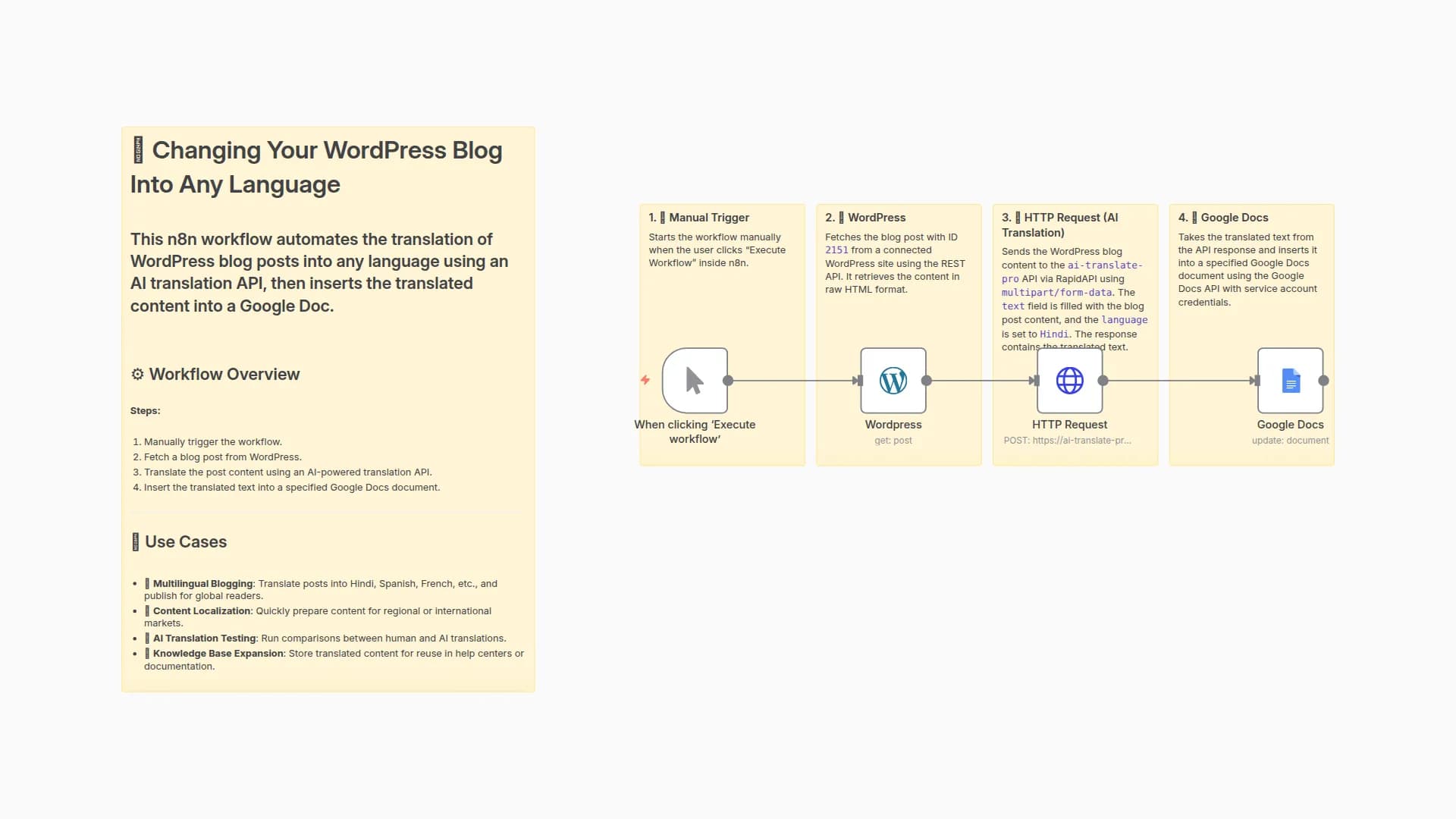
Auto-Translate WordPress Blog Posts to Any Language with AI Translate Pro to Google Docs
evevoortsolutions
689
57
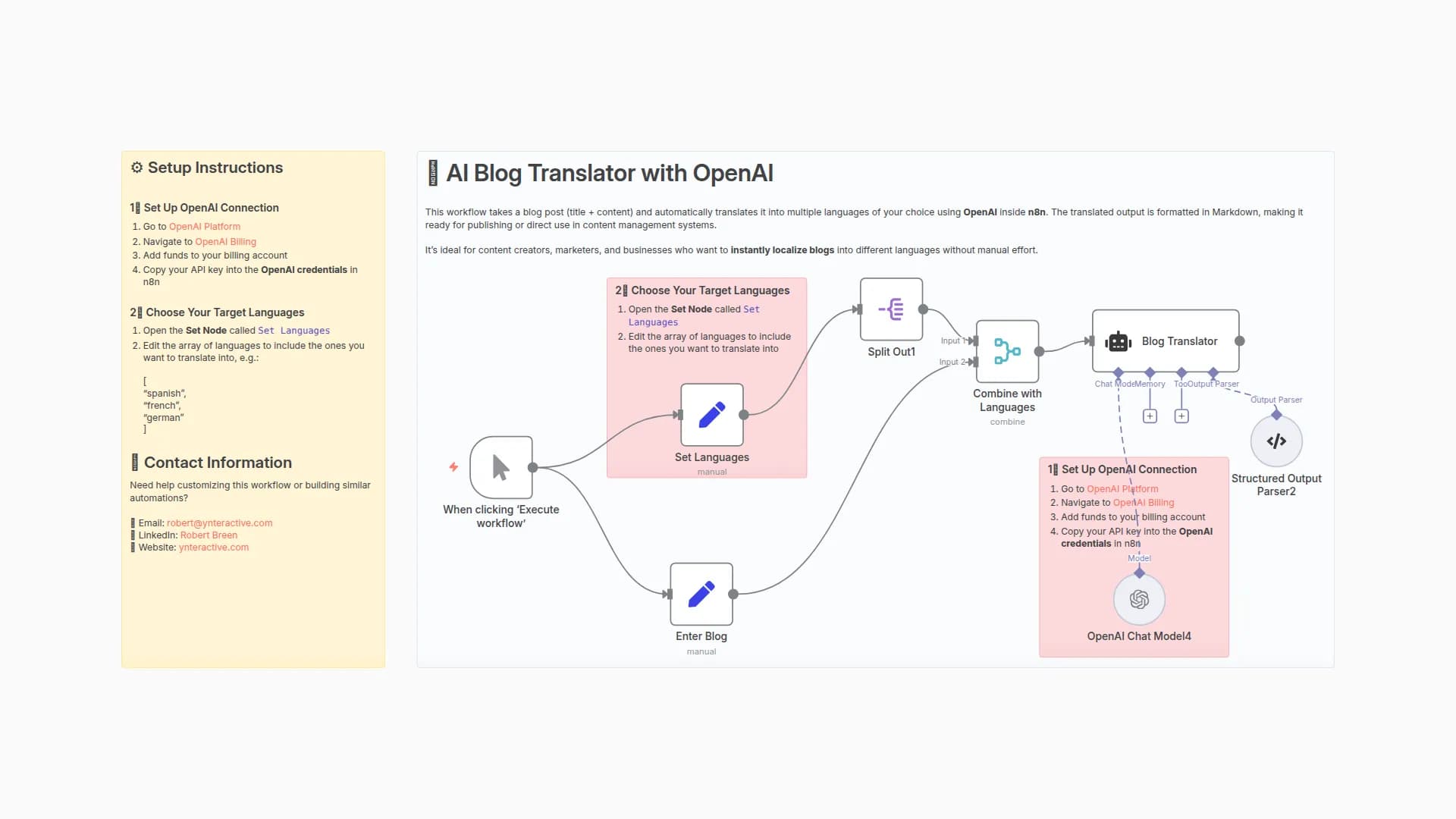
Auto-Translate Blog Content to Multiple Languages with GPT-4o and Markdown
rbrbreen
1.1k
103

YouTube to Multilingual Blogs: Convert Videos to SEO-Friendly Google Doc Articles
evevoortsolutions
804
53
New to n8n?
Need help building new n8n workflows? Process automation for you or your company will save you time and money, and it's completely free!


