Automate LinkedIn Post Creation with Image using Google Gemini & DALL-E


Last edited 205 days ago
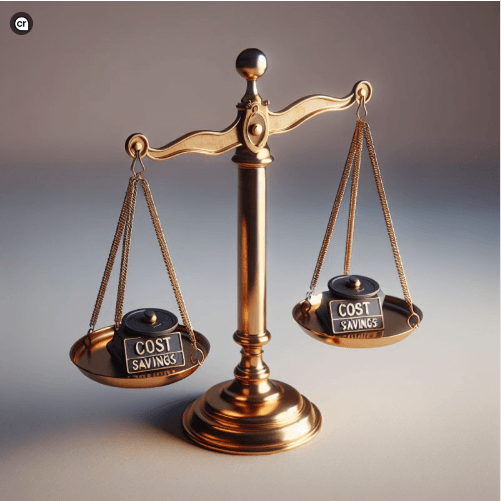
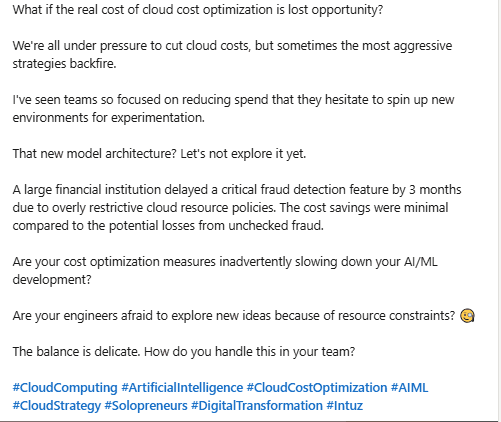
This n8n template from Intuz delivers a complete AI-powered solution for automated LinkedIn posts, including unique content, custom images, and optimized hashtags.
Use cases are many: Generate and schedule tailored LinkedIn content for different use-cases. By feeding the AI specific prompts, you can create specific post depending upon the topics and visuals to maintain a consistency yet and an online presence.
How it works
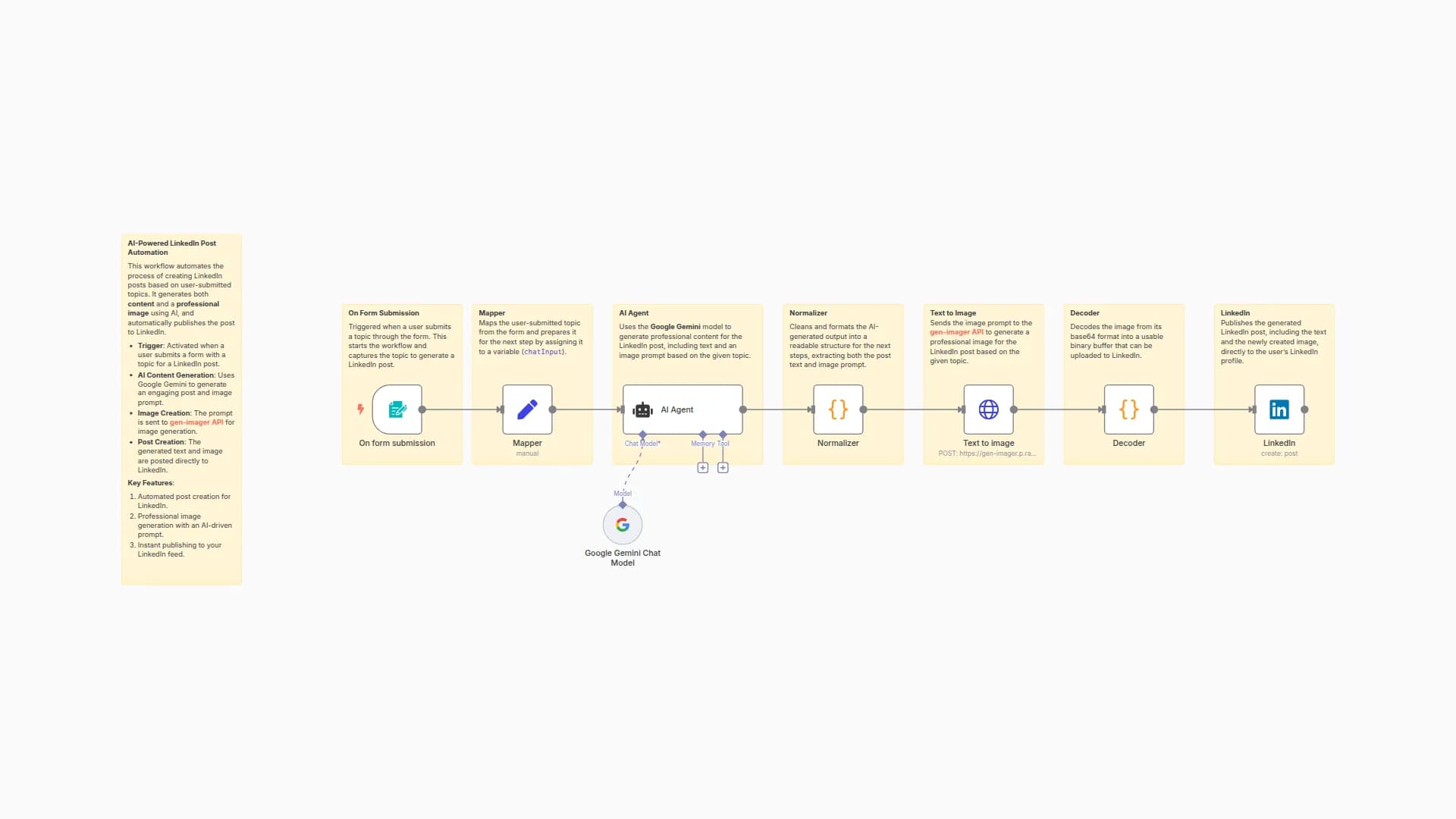
Maintaining a consistent and engaging presence on LinkedIn can be time-consuming, requiring constant ideation, content creation, and manual posting. This workflow takes that burden off your shoulders, delivering a fully automated solution for generating and publishing high-quality LinkedIn content.
-
Scheduled Content Engine: Each day (or on your chosen schedule), the workflow kicks into gear, ensuring a fresh stream of content.
-
Smart Topic & Content Generation: Using the power of Google Gemini, it intelligently crafts unique content topics and then expands them into full, engaging posts, ensuring your message is always fresh and relevant.
-
Dynamic Image Creation: To make your posts stand out, the workflow leverages an AI image generator (like DALL-E) to produce a custom, eye-catching visual that perfectly complements your generated text.
-
SEO-Optimized Hashtag Generation: Google Gemini then analyzes your newly created post and automatically generates a set of relevant, trending, and SEO-friendly hashtags, significantly boosting your content's reach and discoverability.
-
Seamless LinkedIn Publishing: Finally, all these elements—your compelling text, unique image, and powerful hashtags—are merged and automatically published to your LinkedIn profile, establishing you as a thought leader with minimal effort.
How to Use: Quick Start Guide
This guide will get your AI LinkedIn Content Automation workflow up and running in n8n.
Import Workflow Template:
- Download the template's JSON file and import it into your n8n instance via "File" > "Import from JSON."
Configure Credentials:
- Google Gemini: Set up and apply your API key credentials to all "Google Gemini Chat Model" nodes.
- AI Image Generation (e.g., OpenAI): Create and apply API key credentials for your chosen image generation service to the "Generate an Image" node.
- LinkedIn: Set up and apply OAuth credentials to the "Create a post" node for your LinkedIn account.
Customize Schedule & AI Prompts:
-
Schedule Trigger: Double-click "Schedule Trigger 1" to set how often your workflow runs (e.g., daily, weekly).
-
AI Prompts: Review and edit the prompts within the "Content Topic Generator," "Content Creator," and "Hashtag Generator / SEO" nodes to guide the AI for your desired content style and topics.
Test & Activate:
-
Test Run: Click "Execute Workflow" to perform a test run and verify all steps are working as expected.
-
Activate: Once satisfied, toggle the workflow "Active" switch to enable automated posting on your defined schedule.
Requirements
To use this workflow template, you will need:
-
n8n Instance: A running n8n instance (cloud or self-hosted) to import and execute the workflow.
-
Google Gemini Account: For content topic generation, content creation, and hashtag generation (requires Google Gemini API Key) from Google AI Studios.
-
AI Image Generation Service Account: For creating images (e.g., OpenAI DALL-E API Key or similar service that the "Generate an Image" node uses).
-
LinkedIn Account: For publishing the generated posts (requires LinkedIn OAuth Credentials for n8n connection).
Connect with us
- Website: https://www.intuz.com/services
- Email: [email protected]
- LinkedIn: https://www.linkedin.com/company/intuz
- Get Started: https://n8n.partnerlinks.io/intuz
For Custom Worflow Automation
Click here- Get Started
You may also like
New to n8n?
Need help building new n8n workflows? Process automation for you or your company will save you time and money, and it's completely free!


