Automate Restaurant Marketing & Booking with Excel, VAPI Voice Agent & Calendar


Created by
onOneclick AI SquadLast edited 205 days ago
This n8n template demonstrates how to create a comprehensive marketing automation and booking system that combines Excel-based lead management with voice-powered customer interactions. The system utilizes VAPI for voice communication and Excel/Google Sheets for data management, making it ideal for restaurants seeking to automate marketing campaigns and streamline booking processes through intelligent voice AI technology.
Good to know
- Voice processing requires active VAPI subscription with per-minute billing
- Excel operations are handled in real-time with immediate data synchronization
- The system can handle multiple simultaneous voice calls and lead processing
- All customer data is stored securely in Excel with proper formatting and validation
- Marketing campaigns can be scheduled and automated based on lead data
How it works
Lead Management & Marketing Automation Workflow
- New Lead Trigger: Excel triggers capture new leads when customers are added to the lead management spreadsheet
- Lead Preparation: The system processes and formats lead data, extracting relevant details (name, phone, preferences, booking history)
- Campaign Loop: Automated loop processes through multiple leads for batch marketing campaigns
- Voice Marketing Call: VAPI initiates personalized voice calls to leads with tailored restaurant offers and booking invitations
- Response Tracking: All call results and lead responses are logged back to Excel for campaign analysis
Booking & Order Processing Workflow
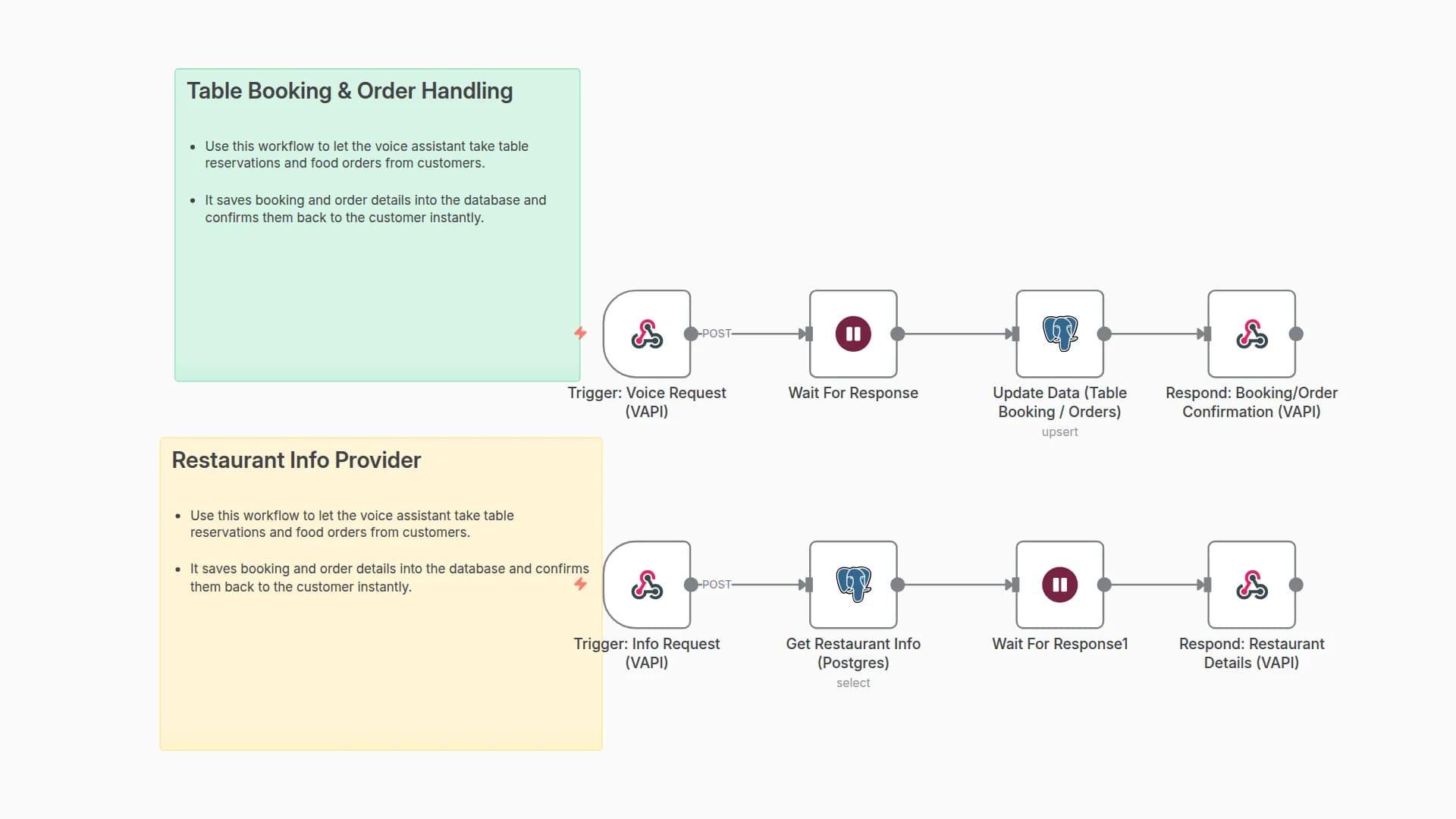
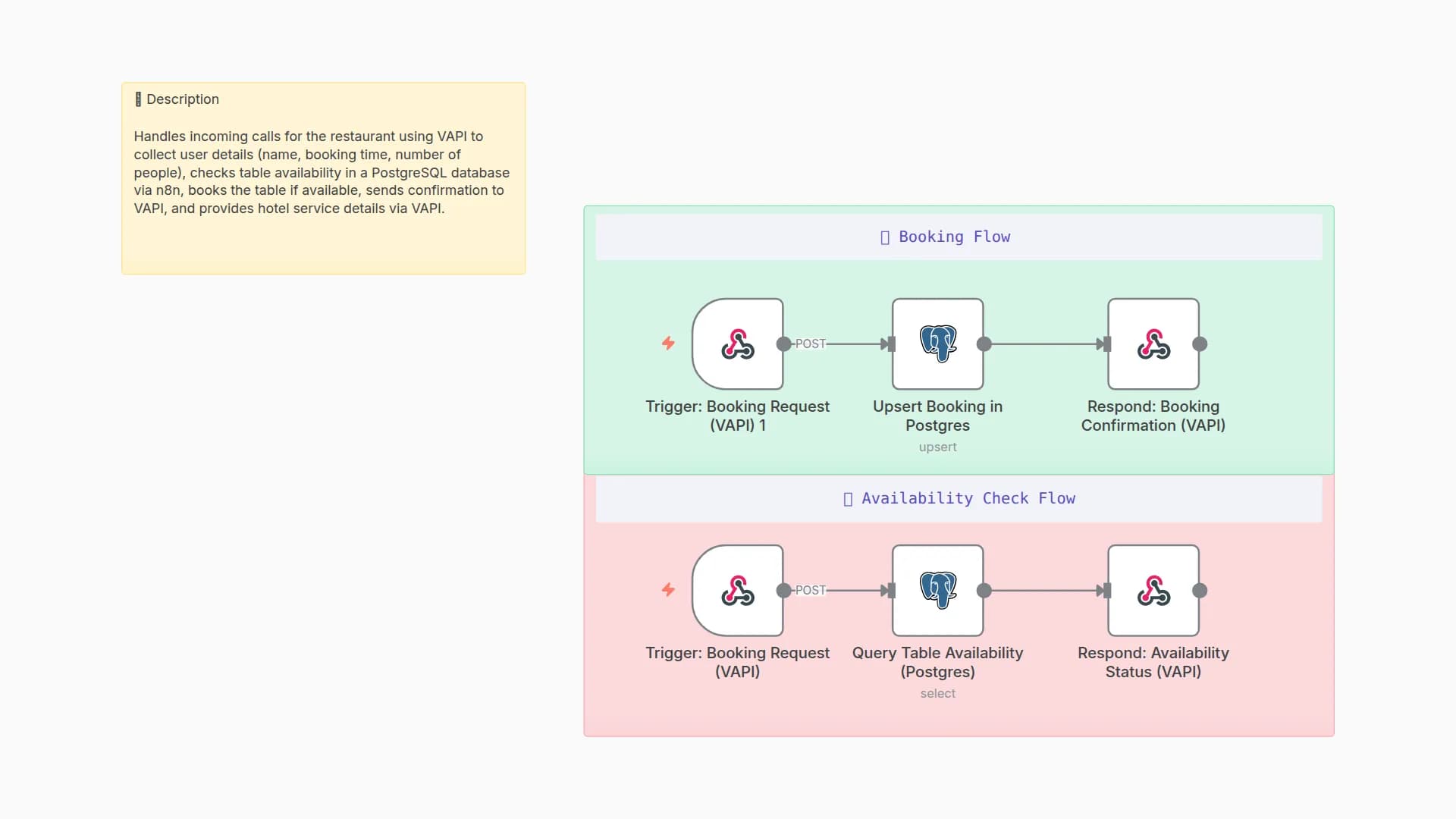
- Voice Response Capture: VAPI webhook triggers when customers respond to marketing calls or make direct booking requests
- Response Storage: Customer responses and booking preferences are immediately saved to Excel sheets
- Information Extraction: System processes natural language responses to extract booking details (party size, preferred times, special requests)
- Calendar Integration: Booking information is automatically scheduled in restaurant management systems
- Confirmation Loop: Automated follow-up voice messages confirm bookings and provide additional restaurant information
Excel Sheet Structure
Lead Management Sheet
Column
Description
lead_id
Unique identifier for each lead
customer_name
Customer's full name
phone_number
Primary contact number
Customer email address
last_visit_date
Date of last restaurant visit
preferred_cuisine
Customer's food preferences
party_size_typical
Usual number of guests
preferred_time_slot
Preferred dining times
marketing_consent
Permission for marketing calls
lead_source
How customer was acquired
lead_status
Current status (new, contacted, converted, inactive)
last_contact_date
Date of last marketing contact
notes
Additional customer information
created_at
Lead creation timestamp
Booking Responses Sheet
Column
Description
response_id
Unique response identifier
customer_name
Customer's name from call
phone_number
Contact number used for call
booking_requested
Whether customer wants to book
party_size
Number of guests requested
preferred_date
Requested booking date
preferred_time
Requested time slot
special_requests
Dietary restrictions or special occasions
call_duration
Length of VAPI call
call_outcome
Result of marketing call
follow_up_needed
Whether additional contact is required
booking_confirmed
Final booking confirmation status
created_at
Response timestamp
Campaign Tracking Sheet
Column
Description
campaign_id
Unique campaign identifier
campaign_name
Descriptive campaign title
target_audience
Lead segments targeted
total_leads
Number of leads contacted
successful_calls
Calls that connected
bookings_generated
Number of bookings from campaign
conversion_rate
Percentage of leads converted
campaign_cost
Total VAPI usage cost
roi
Return on investment
start_date
Campaign launch date
end_date
Campaign completion date
status
Campaign status (active, completed, paused)
How to use
- Setup: Import the workflow into your n8n instance and configure VAPI credentials
- Excel Configuration: Set up Excel/Google Sheets with the required sheet structure provided above
- Lead Import: Populate the Lead Management sheet with customer data from various sources
- Campaign Setup: Configure marketing message templates in VAPI nodes to match your restaurant's branding
- Testing: Test voice commands such as "I'd like to book a table for tonight" or "What are your specials?"
- Automation: Enable triggers to automatically process new leads and schedule marketing campaigns
- Monitoring: Track campaign performance through the Campaign Tracking sheet and adjust strategies accordingly
The system can handle multiple concurrent voice calls and scales with your restaurant's marketing needs.
Requirements
- VAPI account for voice processing and natural language understanding
- Excel/Google Sheets for storing lead, booking, and campaign data
- n8n instance with Excel/Sheets and VAPI integrations enabled
- Valid phone numbers for lead contact and compliance with local calling regulations
Customising this workflow
- Multi-location Support: Adapt voice AI automation for restaurant chains with location-specific offers
- Seasonal Campaigns: Try popular use-cases such as holiday promotions, special event marketing, or loyalty program outreach
- Integration Options: The workflow can be extended to include CRM integration, SMS follow-ups, and social media campaign coordination
- Advanced Analytics: Add nodes for detailed campaign performance analysis and customer segmentation
You may also like

New to n8n?
Need help building new n8n workflows? Process automation for you or your company will save you time and money, and it's completely free!


