Automate Security Incident Triage with GPT-4o-mini and Gmail Notifications


Last edited 205 days ago
What this workflow does
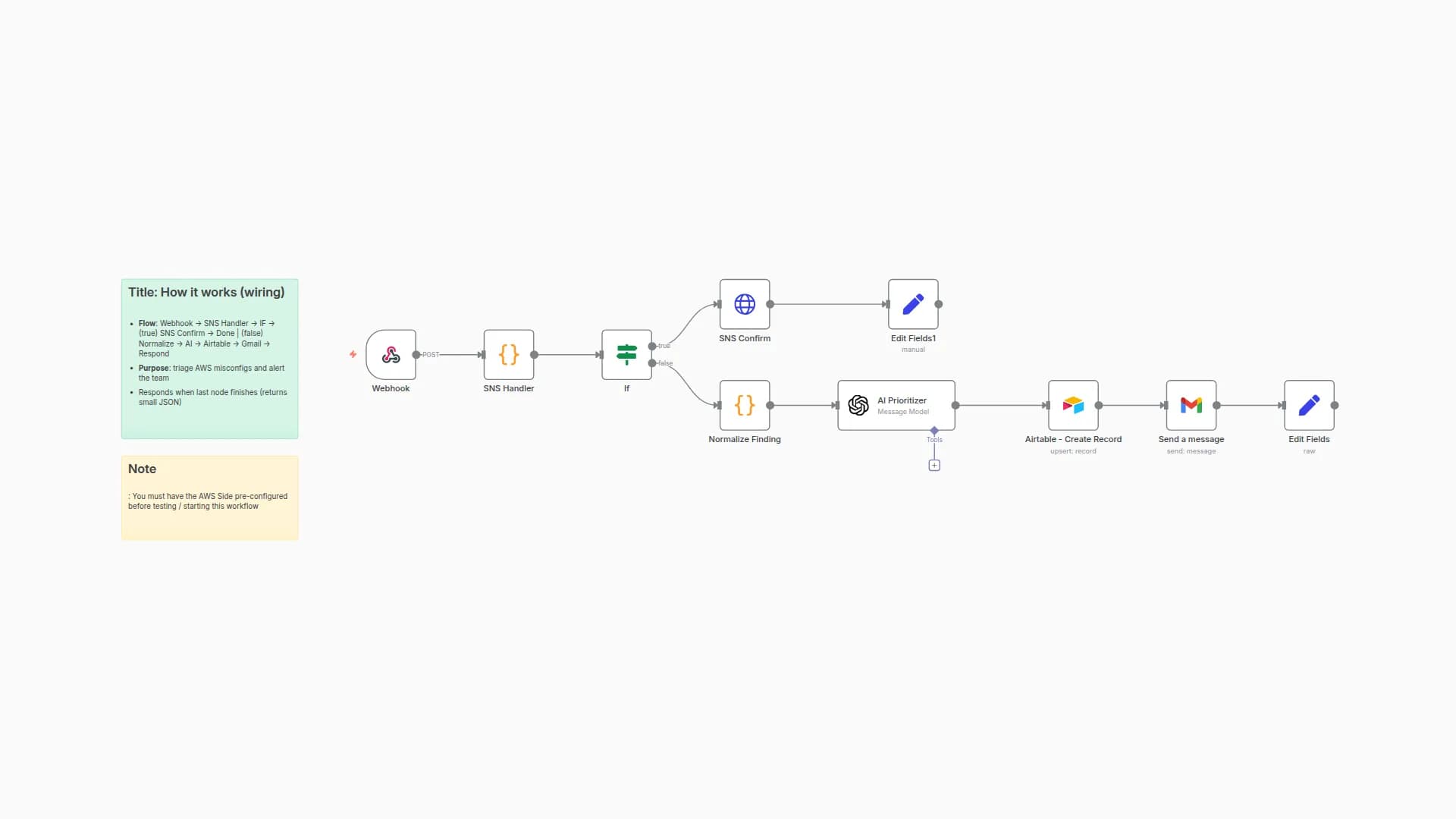
Automatically triages inbound security findings (e.g., from AWS Security Hub via EventBridge → SNS → Webhook), classifies them with an LLM, generates a 3-step remediation plan, and emails a compact incident brief.
Pipeline: Webhook → Clean_Finding (normalize) → Classify (LLM) → Plan (LLM) → Gmail (email). You can substitute Microsoft Teams, Slack, etc.
-
Normalizes the incoming finding JSON (title, description, account, resource id/type, updated_at).
-
Uses an LLM to assign incident_type, severity (P0--P3), urgency, short_title, and why (concise rationale).
-
Produces a 3-step remediation plan with owner_hint and success_criteria---kept atomic and practical.
-
Sends a clean HTML email with all details (subject line includes short title, resource, and account).
Category: Security / Cloud / Incident Management
Time to set up: ~10--15 minutes
Difficulty: Beginner--Intermediate
Cost: Mostly free (n8n CE; OpenAI usage + Gmail/SMTP as used)
What you'll need
-
An n8n instance reachable over HTTP (for the Webhook node).
-
OpenAI (or compatible) credentials set in n8n.
-
Gmail OAuth2 credentials (or swap Gmail node for SMTP).
-
A source that can POST a Security-Hub-style finding to your webhook (EventBridge/SNS, a SIEM, or curl).
Output (Email)
-
Subject:
<short_title> - <resource_id> in <account_id> -
Body: HTML summary with Type, Account, Urgency, Why, Next Actions (3 steps), Owner, Success criteria.
You may also like
New to n8n?
Need help building new n8n workflows? Process automation for you or your company will save you time and money, and it's completely free!


