Automate SEO Blog Post Creation and Publishing with OpenAI & WordPress


Last edited 206 days ago
AI WordPress - SEO Content Generator automates creating and publishing SEO-friendly blog articles on WordPress. It combines AI technologies like OpenAI and OpenRouter to craft catchy titles, write 1500+ word articles, generate natural featured images, and publish everything seamlessly.
This workflow turns your WordPress site into a content powerhouse that boosts traffic and saves you hours by handling the entire blog post process automatically.
Why Use AI WordPress - SEO Content Generator?
Save Time
Automate the entire SEO content creation from ideation to publishing, freeing up hours weekly.
Lose Writer's Block
Get fresh, unique, and engaging article ideas without stressing over topics or titles.
Boost SEO
Generate optimized titles, meta-descriptions, and focus keyphrases to improve search rankings and click-through rates.
Professional Polish
Automated featured images and structured posts make your blog look like it has a full editorial team behind it.
Perfect For
Content Marketers
Streamline your content pipeline for blogs that rank and convert.
Small Business Owners
Keep your website fresh with relevant IT and business tech content without hiring writers.
WordPress Users
Anyone who wants hassle-free SEO blog posts on their WordPress site without lifting a finger.
How It Works
Step
Process
Trigger
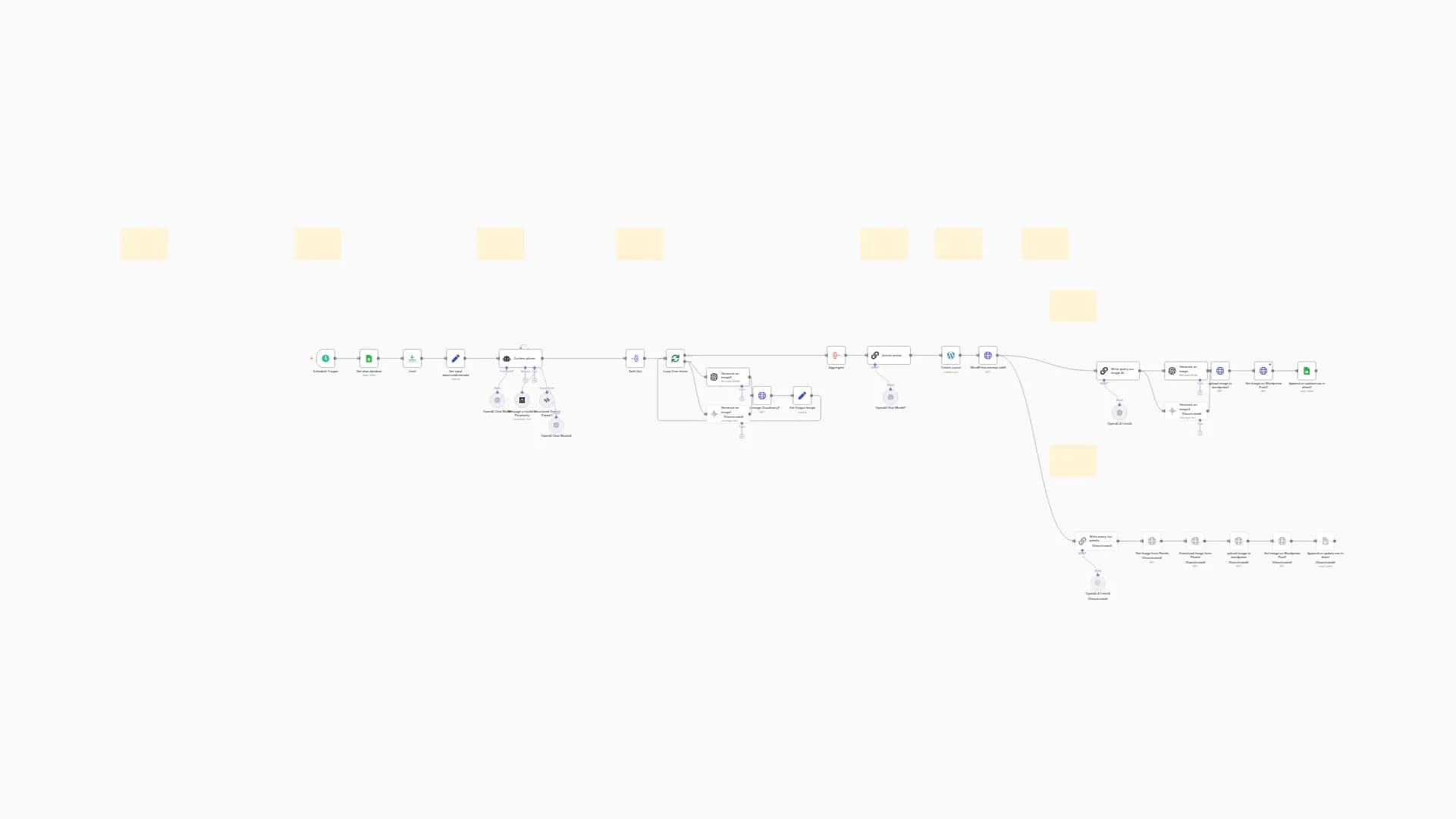
Starts on schedule every 3 hours or manually via Telegram command "generate"
Process
Chooses article topic and category, then crafts title, slug, keyphrases, and meta description using AI
Smart Logic
Writes a long-form SEO article (1500-2500 words) with actionable, audience-focused advice and generates a natural-looking featured image to match the post
Output
Publishes drafted articles to WordPress, sets featured images, and sends notifications to Discord and Telegram channels
Quick Setup
Step 1: Import & Configure
- Import JSON file to your n8n instances
Step 2: Add Credentials
Configure the following API connections:
- WordPress API - For publishing posts
- OpenAI API - For article and image generation
- OpenRouter API - For topic generation
- Discord Webhook - For notifications (optional)
- Telegram API - For manual triggering (optional)
Step 3: Customize Settings
- Adjust posting URLs and endpoints
- Configure Telegram commands
- Set content categories as needed
- Replace placeholder WordPress site URLs with your own
Step 4: Test & Deploy
- Run the workflow manually to verify setup
- Check that posts appear correctly on your WordPress site
- Enable scheduled triggers for automation
Requirements
Before getting started, make sure you have:
- Active n8n instances
- WordPress account with API access
- OpenAI API key for article and image generation
- OpenRouter API key for topic generation
- Discord server webhook URL (optional)
- Telegram bot token for manual triggering (optional)
Level Up Ideas
Take your automation to the next level:
- Add multilingual support for global SEO coverage
- Integrate social media posting for automatic cross-channel promotion Available HERE!
- Incorporate advanced AI writing models for even richer articles
Get Support
Created by: khaisa Studio
Tags: SEO, WordPress, AI Content, Automation
Category: Content Creation
Need custom work? Contact me
Start automating your blog posts today!
You may also like
New to n8n?
Need help building new n8n workflows? Process automation for you or your company will save you time and money, and it's completely free!


