Automate SEO Title & Description Updates for WordPress with Yoast SEO API

Last edited 205 days ago
This workflow automates the update of Yoast SEO metadata for a specific post or product on a WordPress or WooCommerce site.
It sends a POST request to a custom API endpoint exposed by the Yoast SEO API Manager plugin, allowing for programmatic changes to the SEO title and meta description.
Prerequisites
- A WordPress site with administrator access.
- The Yoast SEO plugin installed and activated.
- The Yoast SEO API Manager companion plugin installed and activated to expose the required API endpoint.
- WordPress credentials configured within your n8n instance.
Setup Steps
- Configure the Settings Node: In the
Settingsnode, replace the value of thewordpress URLvariable with the full URL of your WordPress site (e.g.,https://your-domain.com/). - Set Credentials: In the
HTTP Request - Update Yoast Metanode, select your pre-configured WordPress credentials from the Credential for WordPress API dropdown menu. - Define Target and Content: In the same
HTTP Requestnode, navigate to the Body Parameters section and update the following values:post_id: The ID of the WordPress post or WooCommerce product you wish to update.yoast_title: The new SEO title.yoast_description: The new meta description.
How It Works
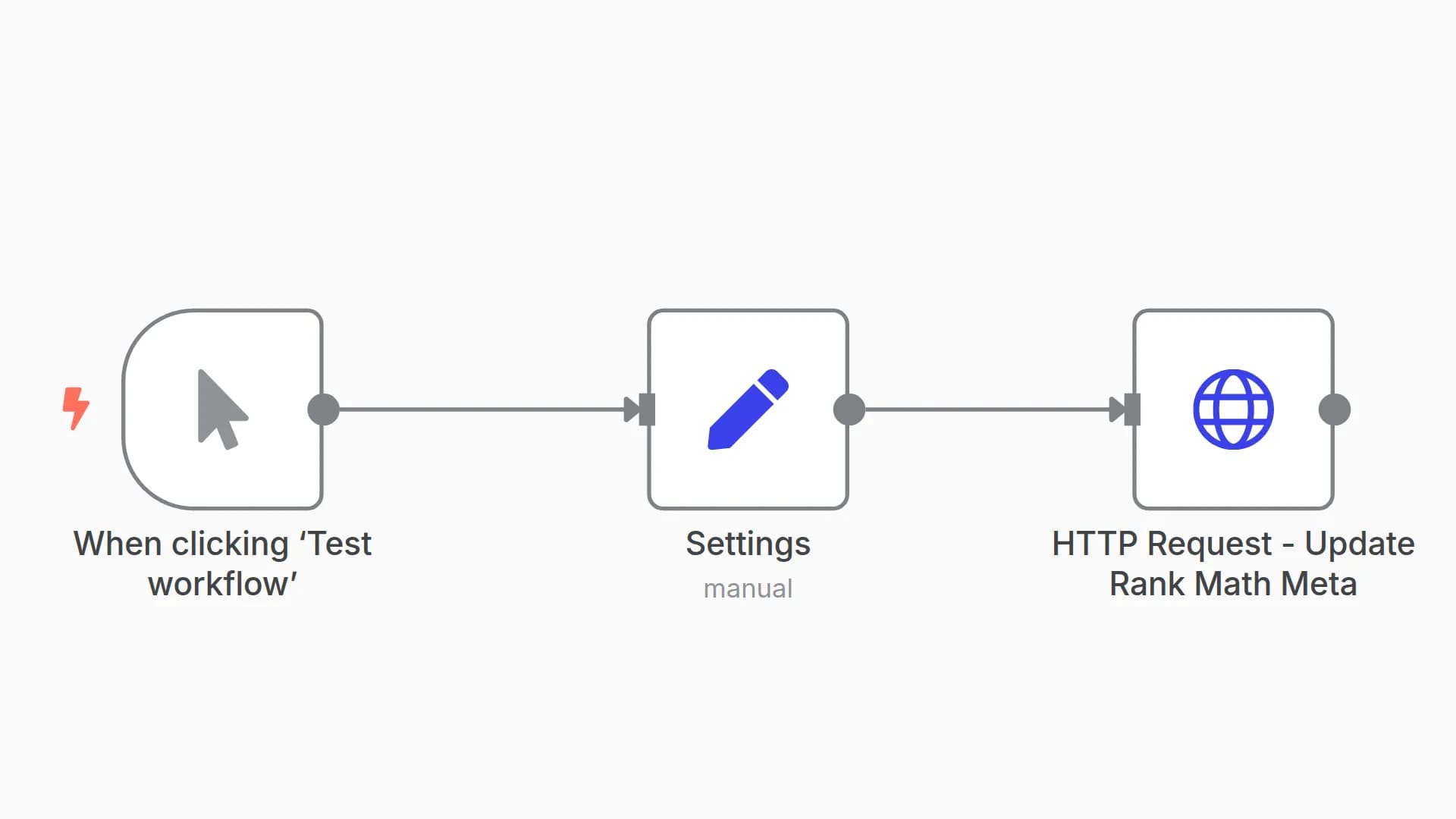
- Manual Trigger: The workflow is initiated manually. This can be replaced by any trigger node for full automation.
- Settings Node: This node defines the base URL of the target WordPress instance. This centralizes the configuration, making it easier to manage.
- HTTP Request Node: This is the core component. It constructs and sends a
POSTrequest to the/wp-json/yoast-api/v1/update-metaendpoint. The request body contains thepost_idand the new metadata, and it authenticates using the selected n8n WordPress credentials.
Customization Guide
- Dynamic Inputs: To update posts dynamically, replace the static values in the
HTTP Requestnode with n8n expressions. For example, you can use data from a Google Sheets node by setting thepost_idvalue to an expression like{{ $json.column_name }}. - Update Additional Fields: The underlying API may support updating other Yoast fields. Consult the Yoast SEO API Manager plugin's documentation to identify other available parameters (e.g.,
yoast_canonical_url) and add them to the Body Parameters section of theHTTP Requestnode. - Change the Trigger: Replace the
When clicking ‘Test workflow’node with any other trigger node to fit your use case, such as:- Schedule: To run the update on a recurring basis.
- Webhook: To trigger the update from an external service.
- Google Sheets: To trigger the workflow whenever a row is added or updated in a specific sheet.
Yoast SEO API Manager Plugin for WordPress
// ATTENTION: Replace the line below with <?php - This is necessary due to display constraints in web interfaces.

<?php
/**
 * Plugin Name: Yoast SEO API Manager v1.2
 * Description: Manages the update of Yoast metadata (SEO Title, Meta Description) via a dedicated REST API endpoint.
 * Version: 1.2
 * Author: Phil - https://inforeole.fr (Adapted by Expert n8n)
 */

if ( ! defined( 'ABSPATH' ) ) {
    exit; // Exit if accessed directly.
}

class Yoast_API_Manager {

    public function __construct() {
        add_action('rest_api_init', [$this, 'register_api_routes']);
    }

    /**
     * Registers the REST API route to update Yoast meta fields.
     */
    public function register_api_routes() {
        register_rest_route( 'yoast-api/v1', '/update-meta', [
            'methods'             => 'POST',
            'callback'            => [$this, 'update_yoast_meta'],
            'permission_callback' => [$this, 'check_route_permission'],
            'args'                => [
                'post_id' => [
                    'required'          => true,
                    'validate_callback' => function( $param ) {
                        $post = get_post( (int) $param );
                        if ( ! $post ) {
                            return false;
                        }
                        $allowed_post_types = class_exists('WooCommerce') ? ['post', 'product'] : ['post'];
                        return in_array($post->post_type, $allowed_post_types, true);
                    },
                    'sanitize_callback' => 'absint',
                ],
                'yoast_title' => [
                    'type'              => 'string',
                    'sanitize_callback' => 'sanitize_text_field',
                ],
                'yoast_description' => [
                    'type'              => 'string',
                    'sanitize_callback' => 'sanitize_text_field',
                ],
            ],
        ] );
    }

    /**
     * Updates the Yoast meta fields for a specific post.
     *
     * @param WP_REST_Request $request The REST API request instance.
     * @return WP_REST_Response|WP_Error Response object on success, or WP_Error on failure.
     */
    public function update_yoast_meta( WP_REST_Request $request ) {
        $post_id = $request->get_param('post_id');

        if ( ! current_user_can('edit_post', $post_id) ) {
            return new WP_Error(
                'rest_forbidden',
                'You do not have permission to edit this post.',
                ['status' => 403]
            );
        }

        // Map API parameters to Yoast database meta keys
        $fields_map = [
            'yoast_title'       => '_yoast_wpseo_title',
            'yoast_description' => '_yoast_wpseo_metadesc',
        ];

        $results = [];
        $updated = false;

        foreach ( $fields_map as $param_name => $meta_key ) {
            if ( $request->has_param( $param_name ) ) {
                $value = $request->get_param( $param_name );
                update_post_meta( $post_id, $meta_key, $value );
                $results[$param_name] = 'updated';
                $updated = true;
            }
        }

        if ( ! $updated ) {
            return new WP_Error(
                'no_fields_provided',
                'No Yoast fields were provided for update.',
                ['status' => 400]
            );
        }

        return new WP_REST_Response( $results, 200 );
    }

    /**
     * Checks if the current user has permission to access the REST API route.
     *
     * @return bool
     */
    public function check_route_permission() {
        return current_user_can( 'edit_posts' );
    }
}

new Yoast_API_Manager();
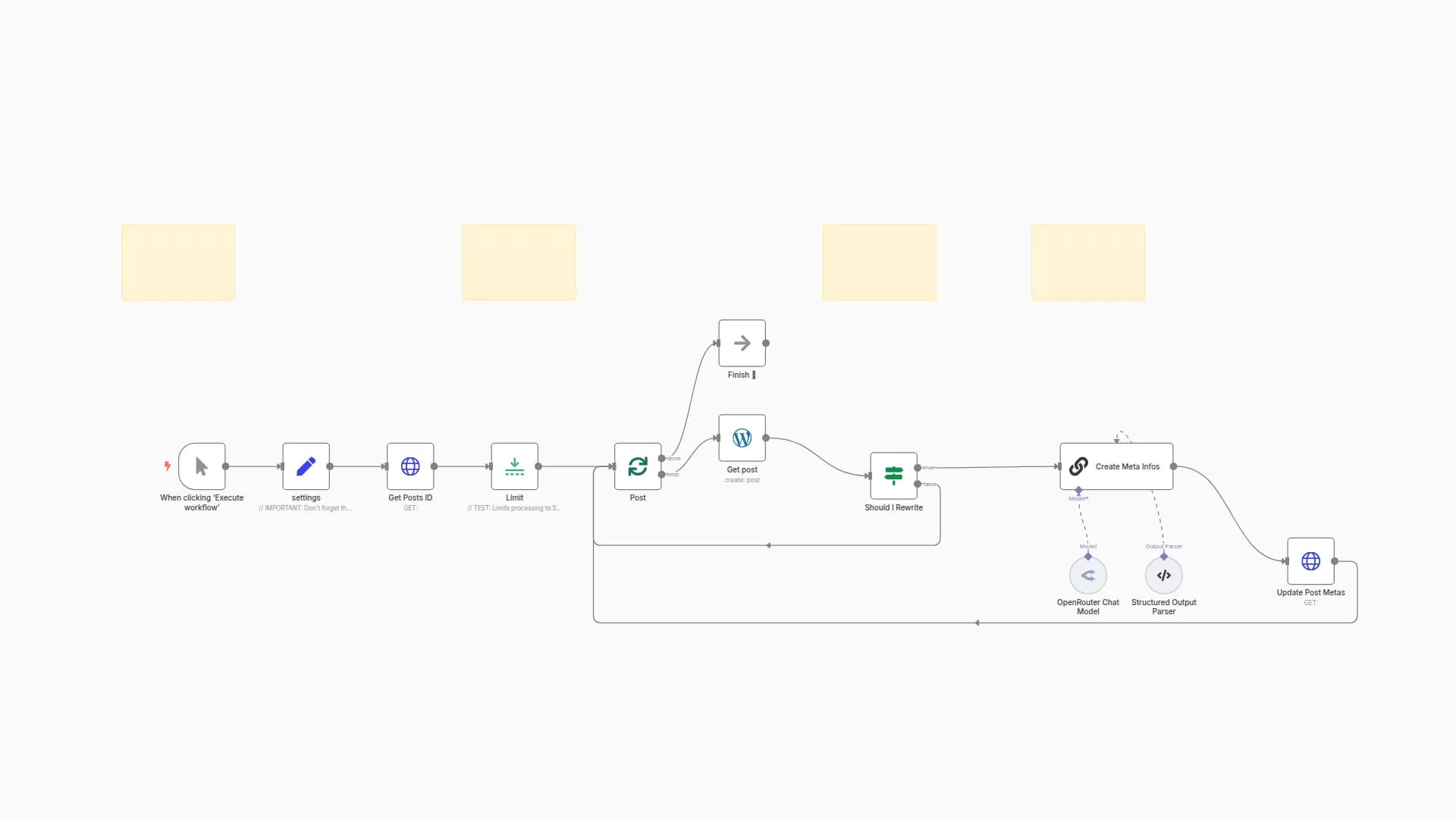
Bulk version available here : this bulk version, provided with a dedicated WordPress plugin, allows you to generate and bulk-update meta titles and descriptions for multiple articles simultaneously using artificial intelligence. It automates the entire process, from article selection to the final update in Yoast, offering considerable time savings.
.
🇫🇷 Contactez nous pour automatiser vos processus
You may also like

New to n8n?
Need help building new n8n workflows? Process automation for you or your company will save you time and money, and it's completely free!


