Automate TikTok Video Posting from Google Sheets & Drive with Blotato


Categories
Created by
mfMuhammad Farooq IqbalLast edited 205 days ago
Automate TikTok video posting from Google Sheets & Drive with Blotato. Perfect for content creators and social media managers.
⚠️ IMPORTANT
Self-hosted n8n only - requires community nodes not available in cloud version.
Google Sheets Structure
Required columns: ID, Media URL, Caption, Status
- Videos must be in Google Drive
- Status must be "pending" for processing
- Captions can include hashtags (5 max recommended)
How it works
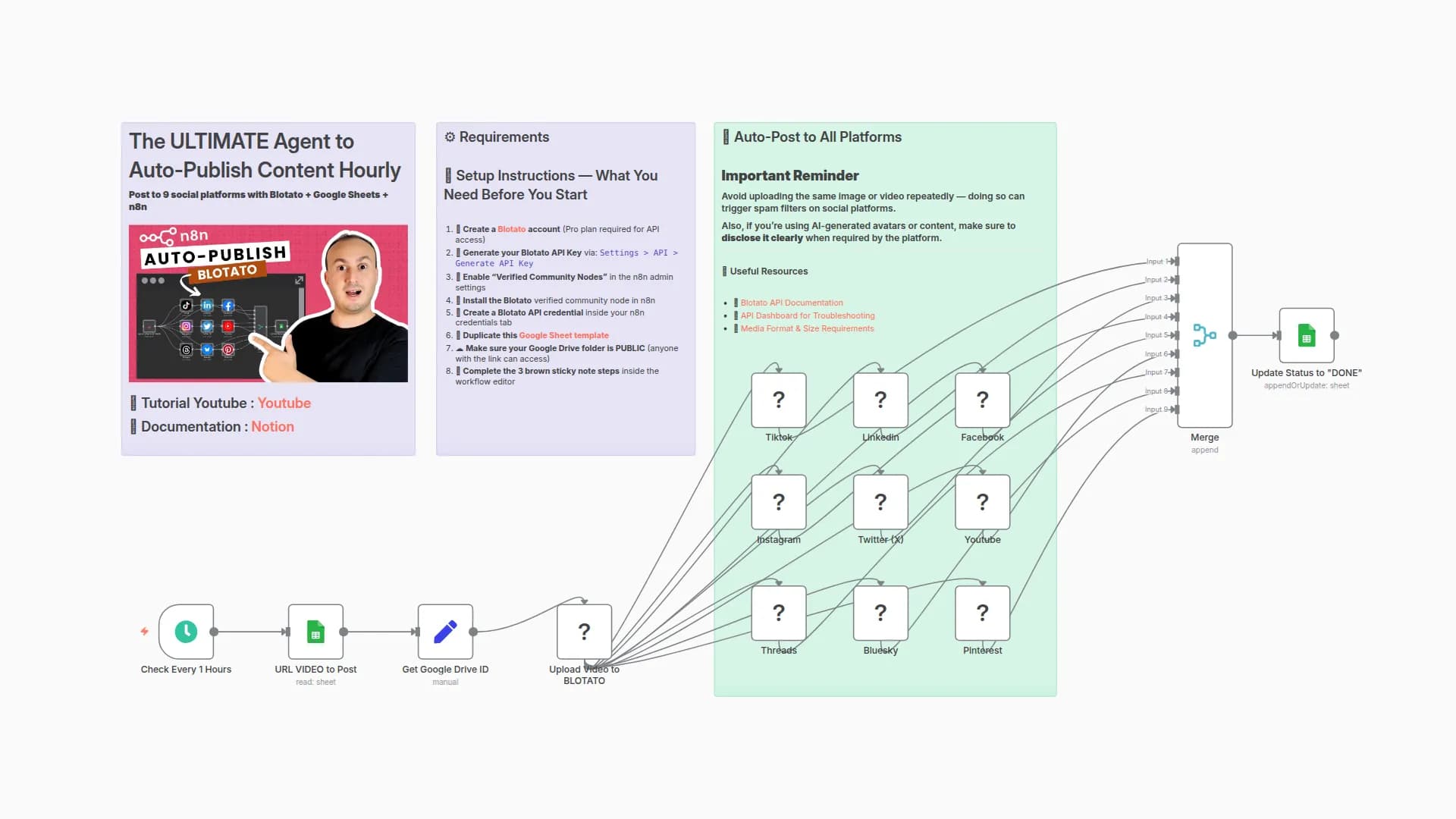
- Schedule Trigger → Runs every hour
- Fetch Data → Gets pending videos from Google Sheets
- Process Video → Extracts Drive ID and shares file
- Upload → Transfers to Blotato platform
- Post → Automatically posts to TikTok
- Update Status → Marks as "posted" in spreadsheet
Requirements
- Self-hosted n8n instance
- Blotato API account
- Google Drive & Sheets OAuth2 credentials
- Community node: @blotato/n8n-nodes-blotato.blotato
Use cases
- Automated TikTok content posting
- Batch video processing
- Content management workflows
- Scheduled social media distribution
The workflow processes one video per hour to avoid rate limits and maintains a clear audit trail through Google Sheets integration.
You may also like
New to n8n?
Need help building new n8n workflows? Process automation for you or your company will save you time and money, and it's completely free!


