Automated Email Classification & Response System with Groq AI and Pinecone


Last edited 206 days ago
📝 Description
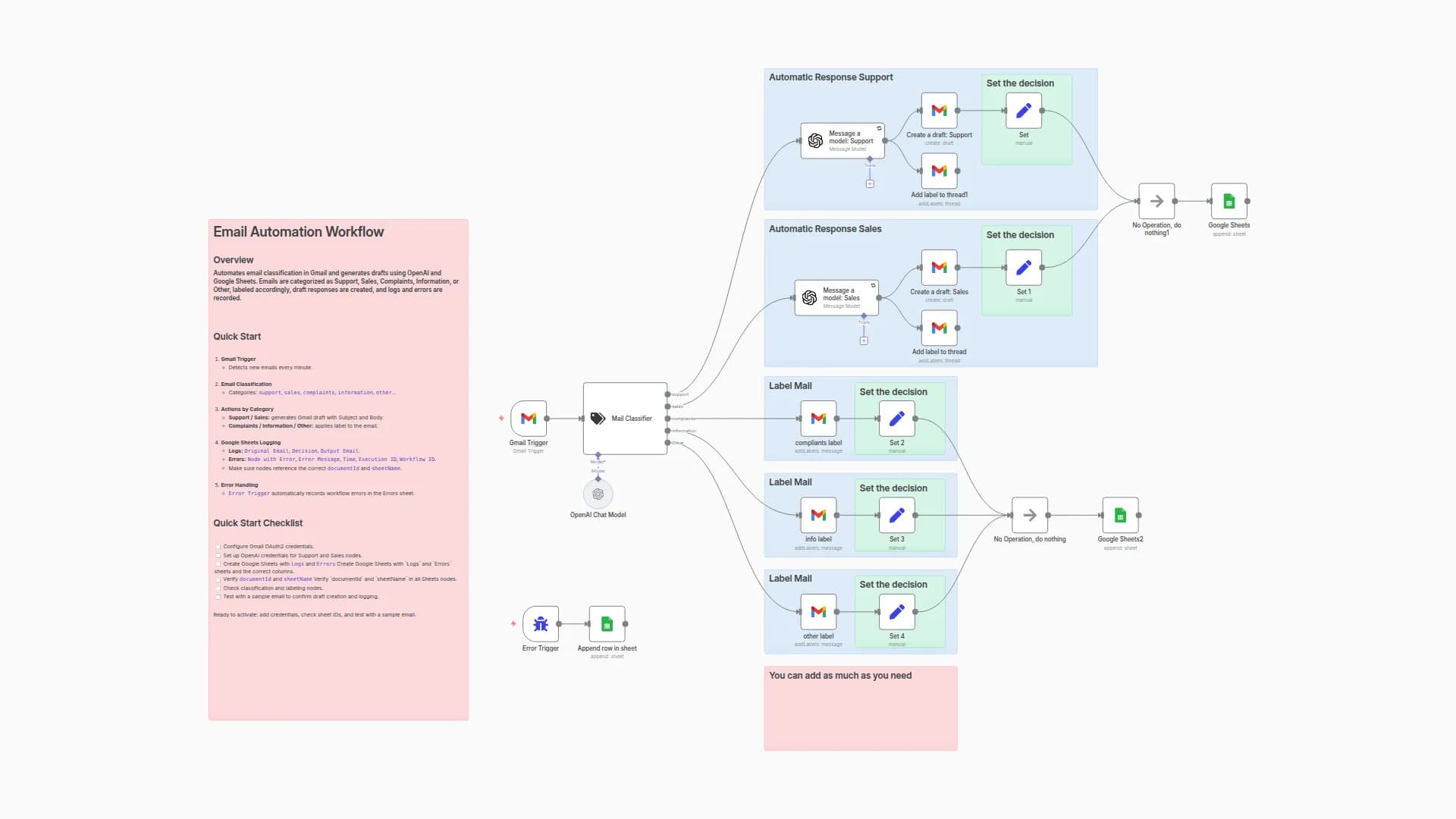
This workflow helps automatically classify incoming emails using a combination of conditional logic and minimal AI-based classification. The system checks email content, performs sentiment analysis, uses OpenAI for categorization, and routes emails accordingly — with smart but efficient use of LLMs and AI Agents.
⚙️ How it works
Trigger: An IMAP Email Trigger initiates the workflow upon receiving a new email.
Code Block: Parses essential data from the email.
Switch Node: Routes emails based on classification.
LLM Chain: Processes specific email cases (e.g., inquiries or complaints).
AI Agent (Minimal): Used only when other methods cannot determine intent.
Email Responses: Sends tailored replies or routes to support/sales teams accordingly.
Sentiment Analysis: Assists with tone evaluation for better response routing.
🧩 Set up steps
Estimated setup time: 10–15 minutes
You’ll need:
An IMAP-compatible email account
OpenAI or any compatible LLM provider
Pinecone (optional, for vector memory)
SMTP credentials for sending email
Replace placeholder credentials in sticky notes before running.
You may also like
New to n8n?
Need help building new n8n workflows? Process automation for you or your company will save you time and money, and it's completely free!


