Automated Invoice Follow-ups with Smart Response Tones via Google Sheets & Email

Created by
maMarthLast edited 205 days ago
🔍 How It Works
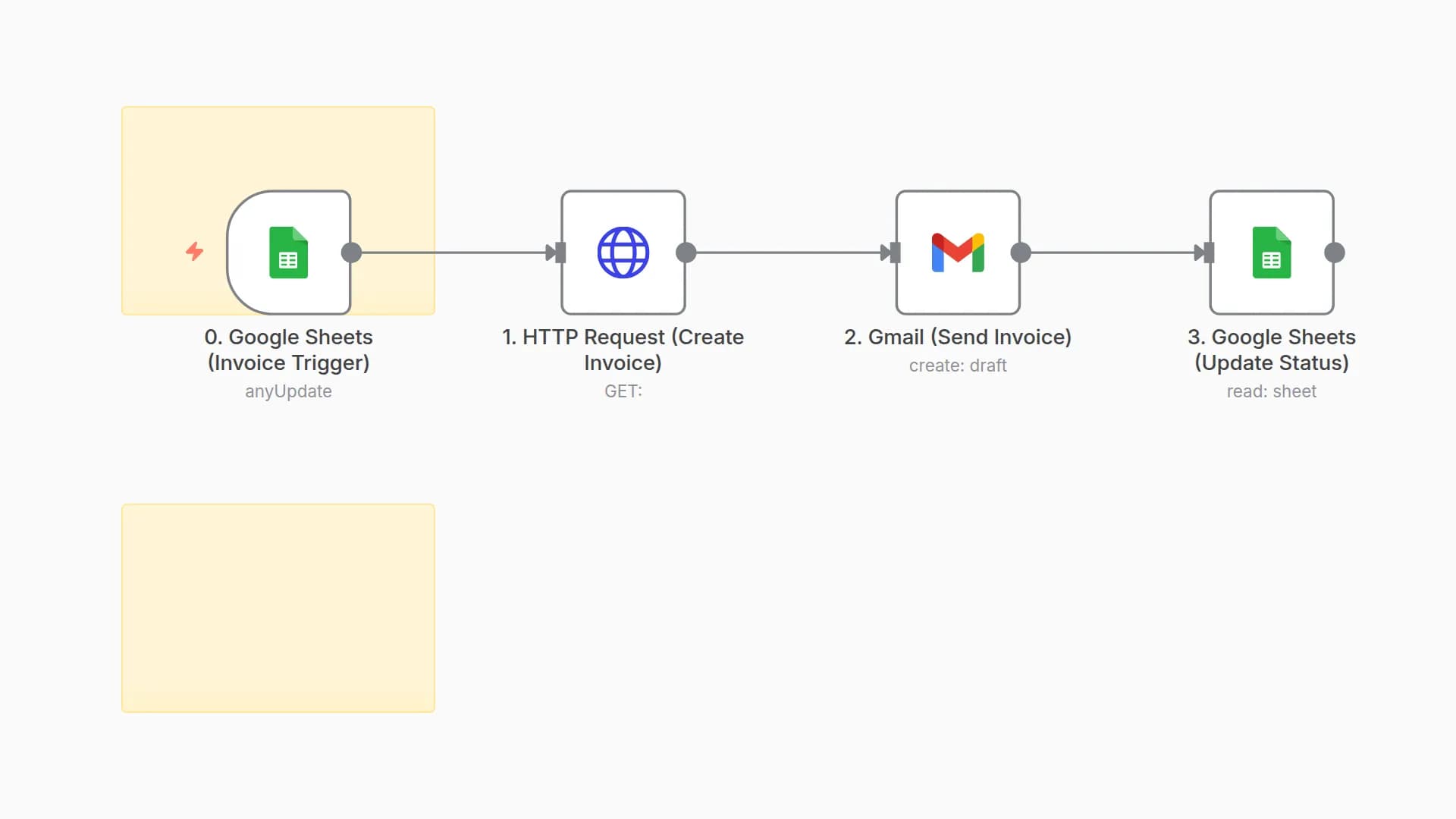
This AI Agent checks your invoice database (Google Sheets) daily and looks for unpaid invoices that are past their due date. It calculates how many days each invoice is overdue (Days Past Due / DPD), then automatically crafts a follow-up message with an appropriate tone:
- 1–7 days overdue: Friendly reminder
- 8–14 days overdue: Slightly firm nudge
- 15+ days overdue: Final warning tone
After generating the message, it sends the follow-up via email to the client and logs the interaction. You can extend this to send WhatsApp messages, Slack alerts, or update a CRM.
⚙️ Set Up Steps
- Connect Google Sheets : Replace YOUR_SHEET_ID in the workflow with the actual Sheet ID
- Make sure your sheet has these columns: client_name, email, invoice_number, due_date, status
- Adjust Cron Trigger
- By default, it runs daily — you can change the frequency in the “Daily Trigger” node.
- Configure Email Node
- Set your email sender (Gmail, SMTP, or Mailgun) in the “Send Email” node.
- Customize Messages (Optional)
- Modify tone and content in the “Generate Message” node based on your brand style.
- Run & Monitor
- Activate the workflow
- Monitor activity in Google Sheets or add a logging step (Notion, Slack, etc.)
You may also like

New to n8n?
Need help building new n8n workflows? Process automation for you or your company will save you time and money, and it's completely free!


