Automated Meta Ads Analysis with Gemini AI, ScrapingFlash, and Google Sheets


Categories
Created by
pfPaul-François GORIAUXLast edited 205 days ago
This workflow acts as your personal AI-powered analyst for Meta Ads.
It's pretty straightforward:
- First, it grabs a list of Facebook Ad Library URLs you want to check out from a Google Sheet.
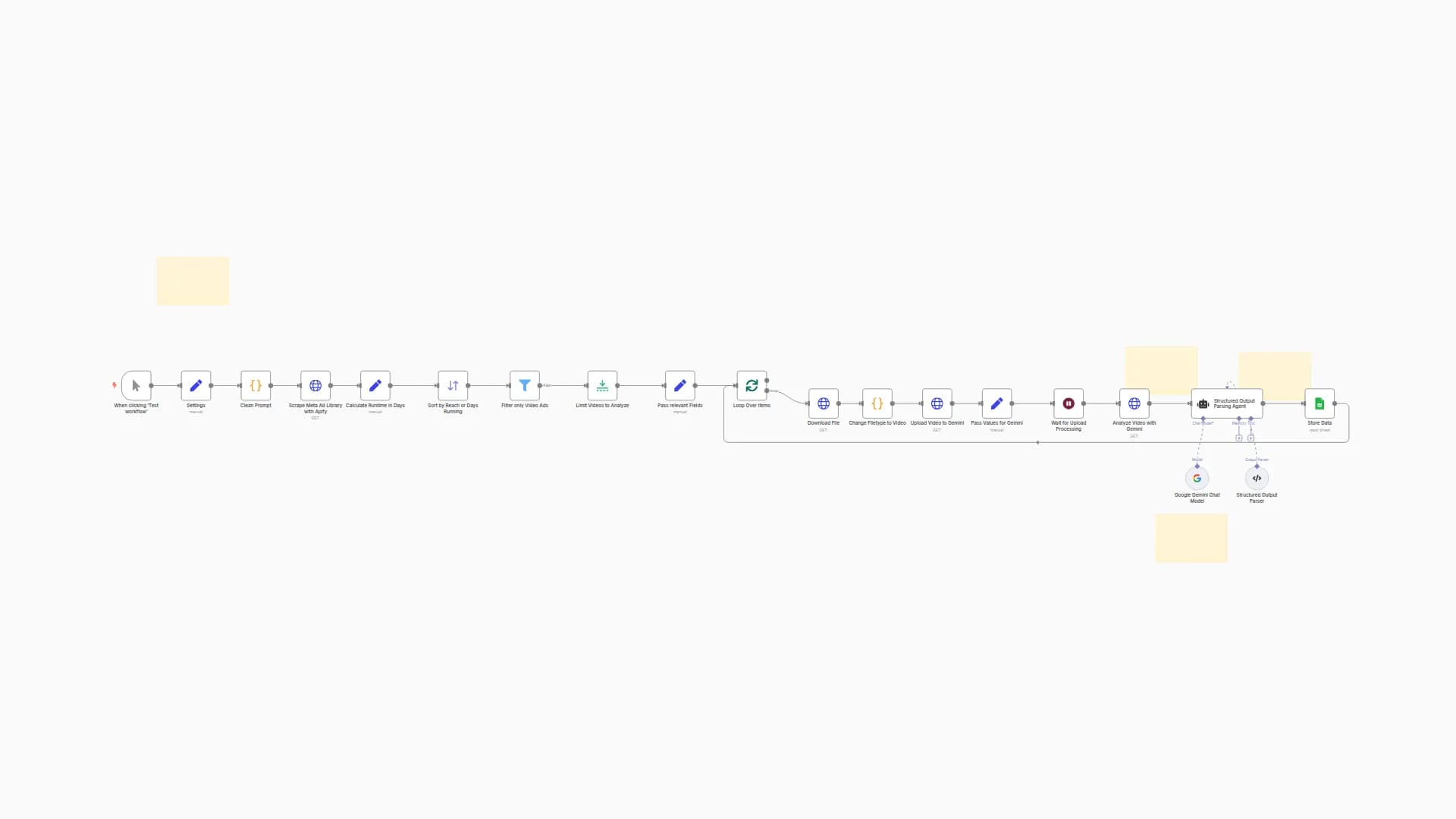
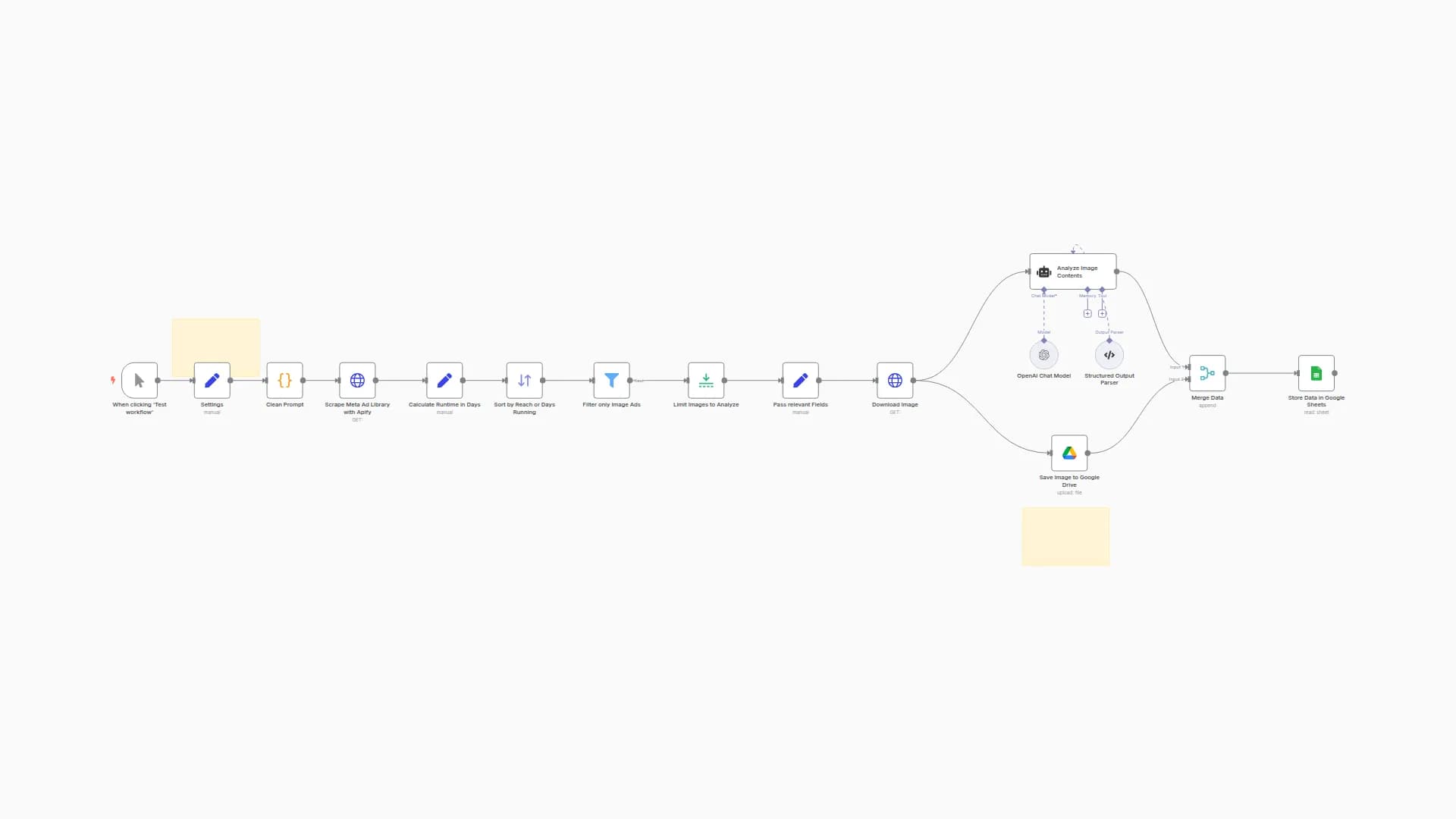
- Then, it automatically scrapes the active ads from those pages.
Here's the cool part: it sends each ad's image and text to Google Gemini, which analyzes it like an expert marketer would.
Finally, Gemini's full analysis—we're talking strengths, weaknesses, actionable suggestions, and a performance score—gets dropped neatly into another Google Sheet for you.
Set up steps
You should be ready to roll in about 5 minutes. There are no complex configurations, you just need to:
- Connect your accounts: The workflow has placeholders waiting for your credentials for Google (for Sheets and the Gemini API) and ScrapingFlash.
- Link your Google Sheets: Just point the first Google Sheets node to the sheet with your URLs, and tell the last node where you want to save the results.
All the nitty-gritty details and expressions are explained in the sticky notes inside the workflow itself!
You may also like
New to n8n?
Need help building new n8n workflows? Process automation for you or your company will save you time and money, and it's completely free!


