Automated Workflow Backup to Google Drive with Smart Cleanup


Last edited 206 days ago
How it works
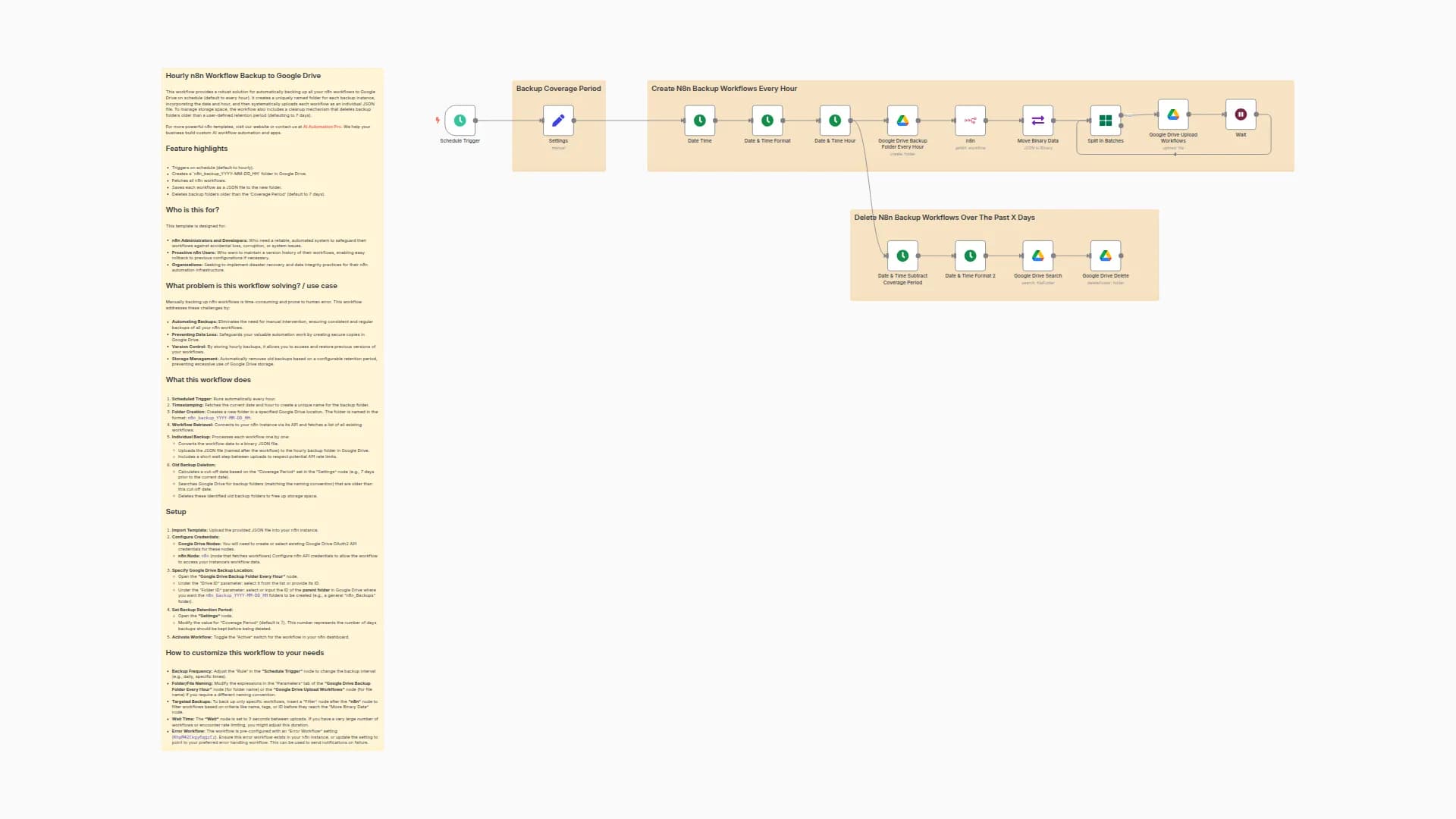
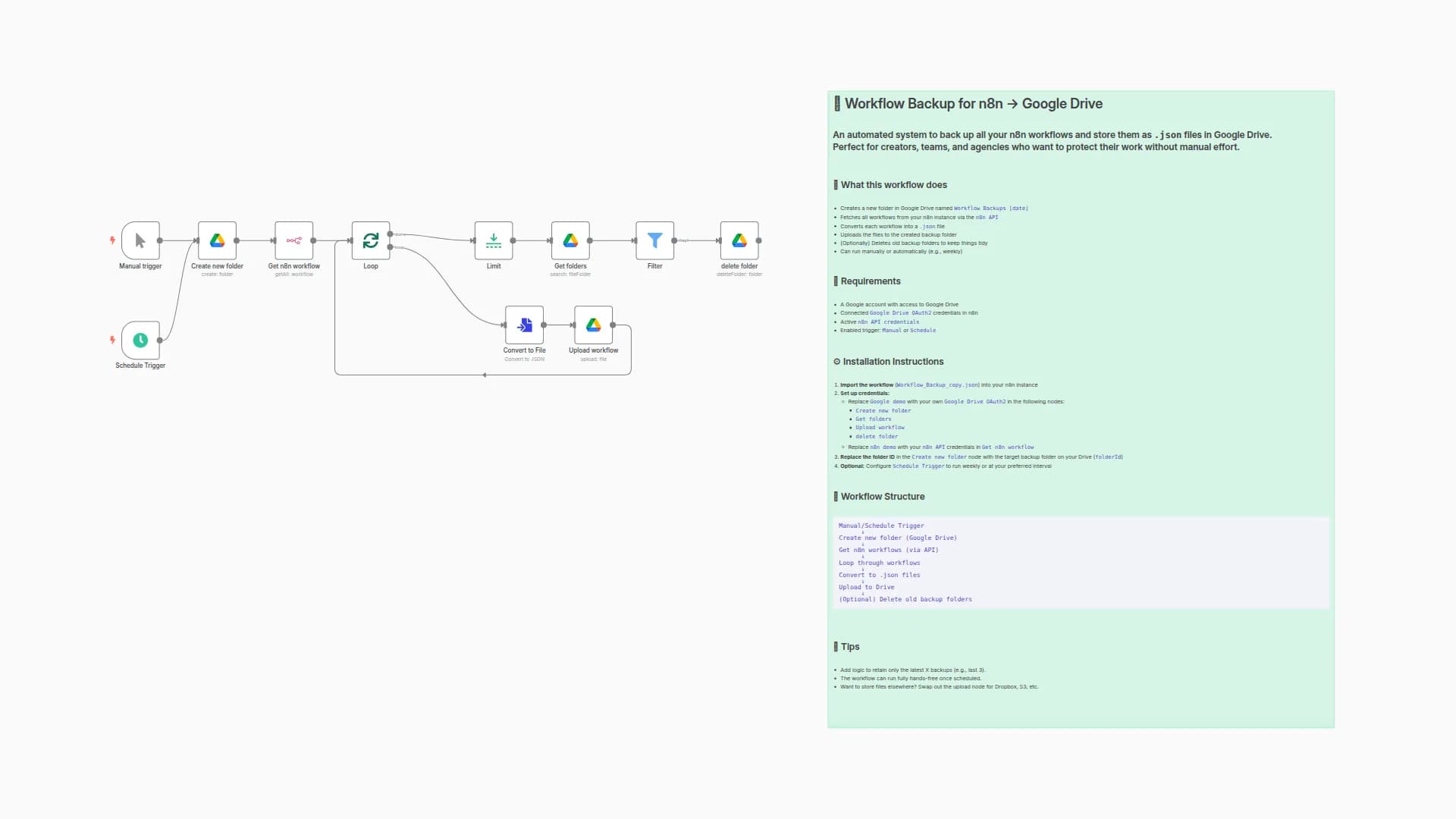
This workflow provides a complete, automated backup solution for your n8n instance, running on a daily schedule to ensure your automations are always safe.
- Automatic cleanup: It first connects to your Google Drive to find and delete old backup folders, keeping your storage clean and organized based on a retention number you set.
- Daily folder creation: It then creates a new, neatly dated folder to store the current day's backup.
- Fetches & saves workflows: Finally, it uses the n8n API to get a list of all your workflows, converts each one to a
.jsonfile, and uploads them to the newly created folder in Google Drive.
Set up steps
Setup time: ~3 minutes
This template is designed to be as plug-and-play as possible. All configurations are grouped in a single node for quick setup.
- Connect your accounts: Authenticate the
Google Driveandn8n APInodes with your credentials. - Configure main settings: Open the
Setnode named "CONFIG - Set your variables here" and:- Paste the ID of your main Google Drive folder where backups will be stored.
- Adjust the number of recent backups you want to keep.
- Activate workflow: Turn on the workflow. Your automated backup system is now active.
For more detailed instructions, including how to find your Google Drive folder ID, please refer to the sticky notes inside the workflow.
You may also like

New to n8n?
Need help building new n8n workflows? Process automation for you or your company will save you time and money, and it's completely free!


