Automatic Workflow Error Notifications via Gmail

Last edited 205 days ago
What this template does
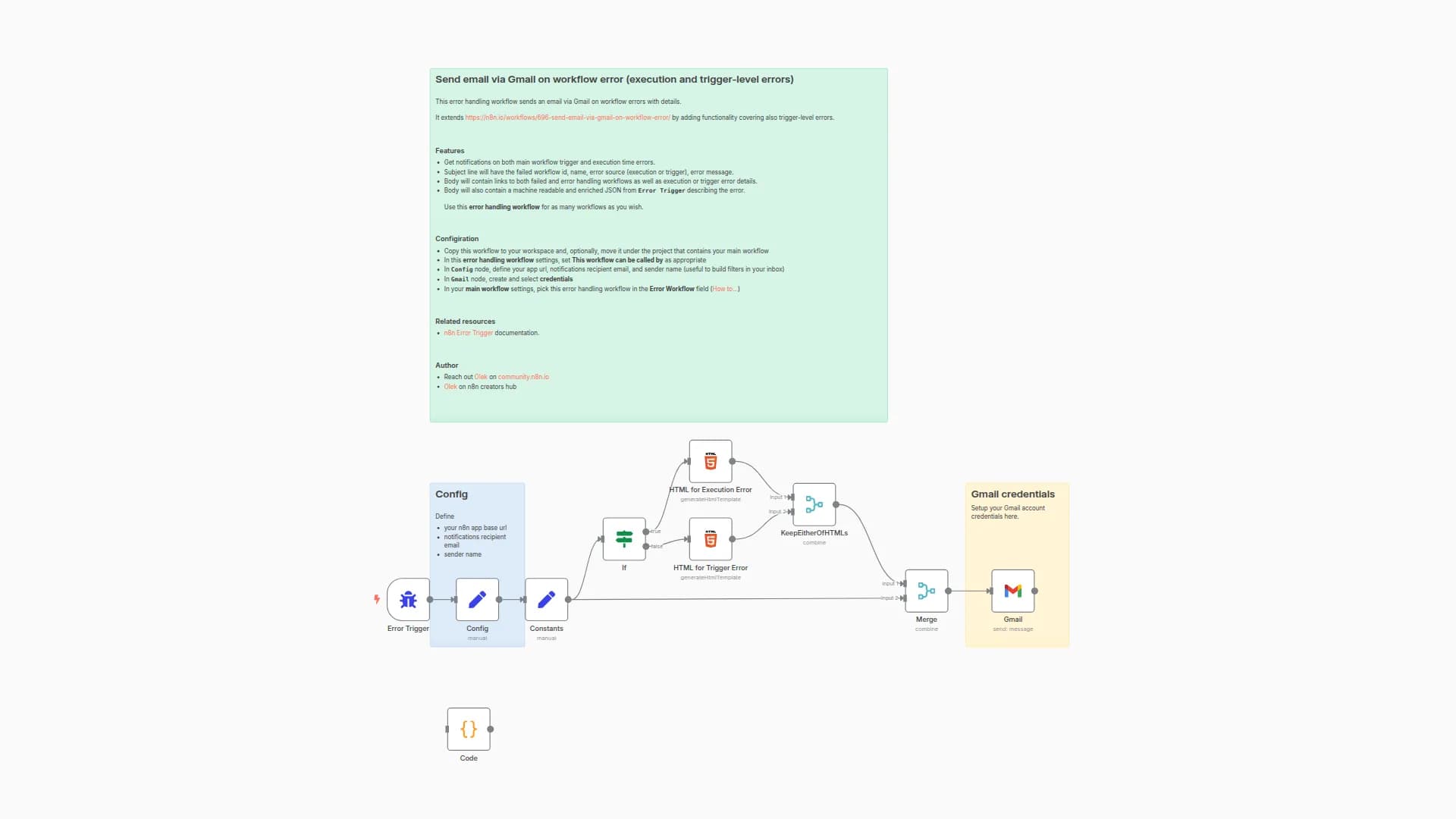
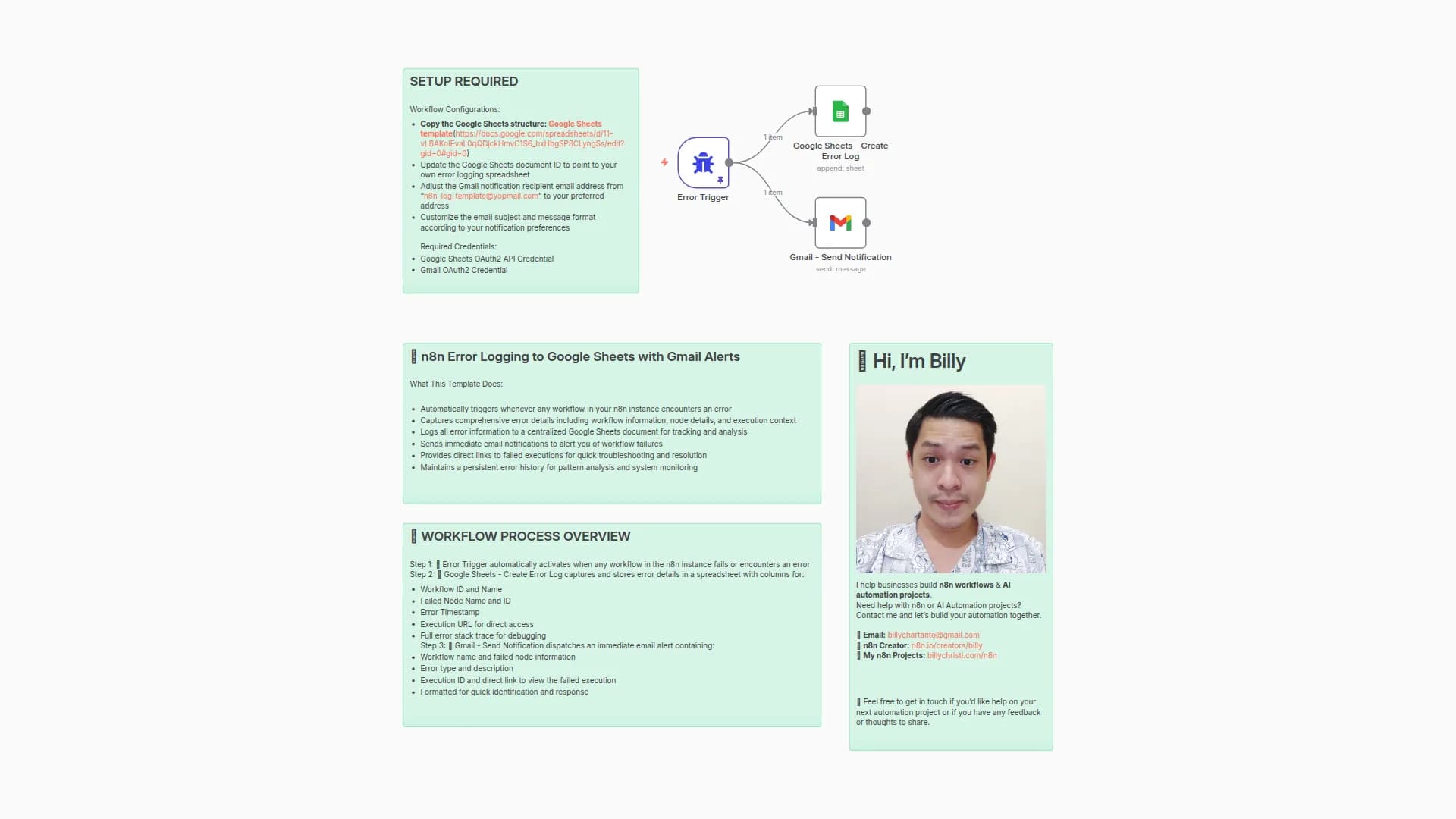
Sends you an email (via Gmail) whenever any workflow that references this one fails. The message includes the workflow name/ID, execution URL, last node executed, and the error message.
Why it’s useful
Centralizes error notifications so you notice failures immediately and can jump straight to the failed execution.
Prerequisites
- A Gmail account connected through n8n’s Gmail node credentials.
- This workflow set as the Error Workflow inside the workflows you want to monitor.
How it works
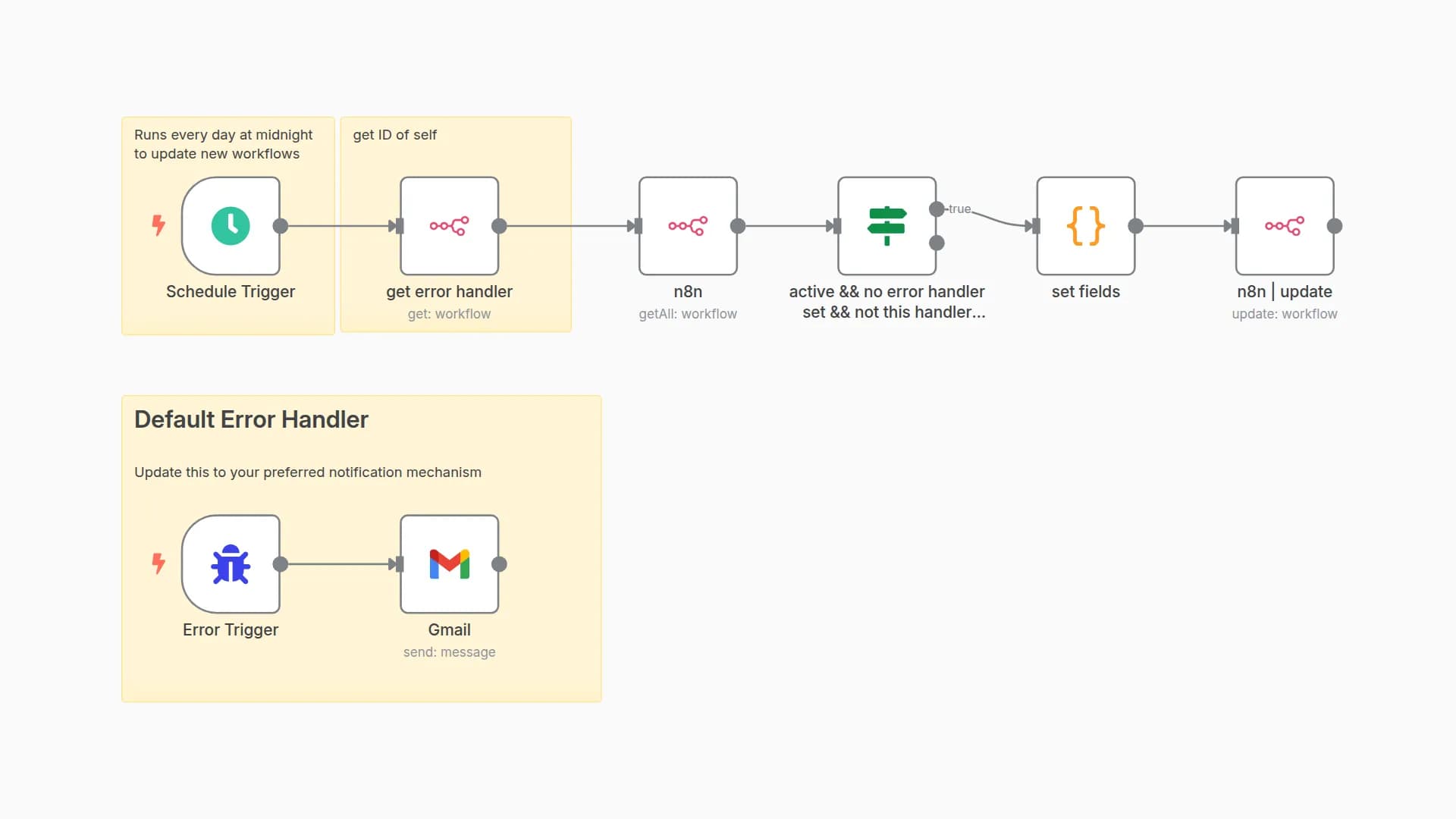
- Error Trigger starts this workflow whenever a linked workflow fails.
- Gmail (Send → Message) composes and sends an email using details from the Error Trigger.
Notes
- Error workflows don’t need to be activated to work.
- You can’t test them by running manually—errors must occur in an automatically run workflow (cron, webhook, etc.).
You may also like
New to n8n?
Need help building new n8n workflows? Process automation for you or your company will save you time and money, and it's completely free!


