Automatically Transfer Shopify Order Data to Structured Airtable Records


Last edited 206 days ago
Shopify Order Data to Airtable
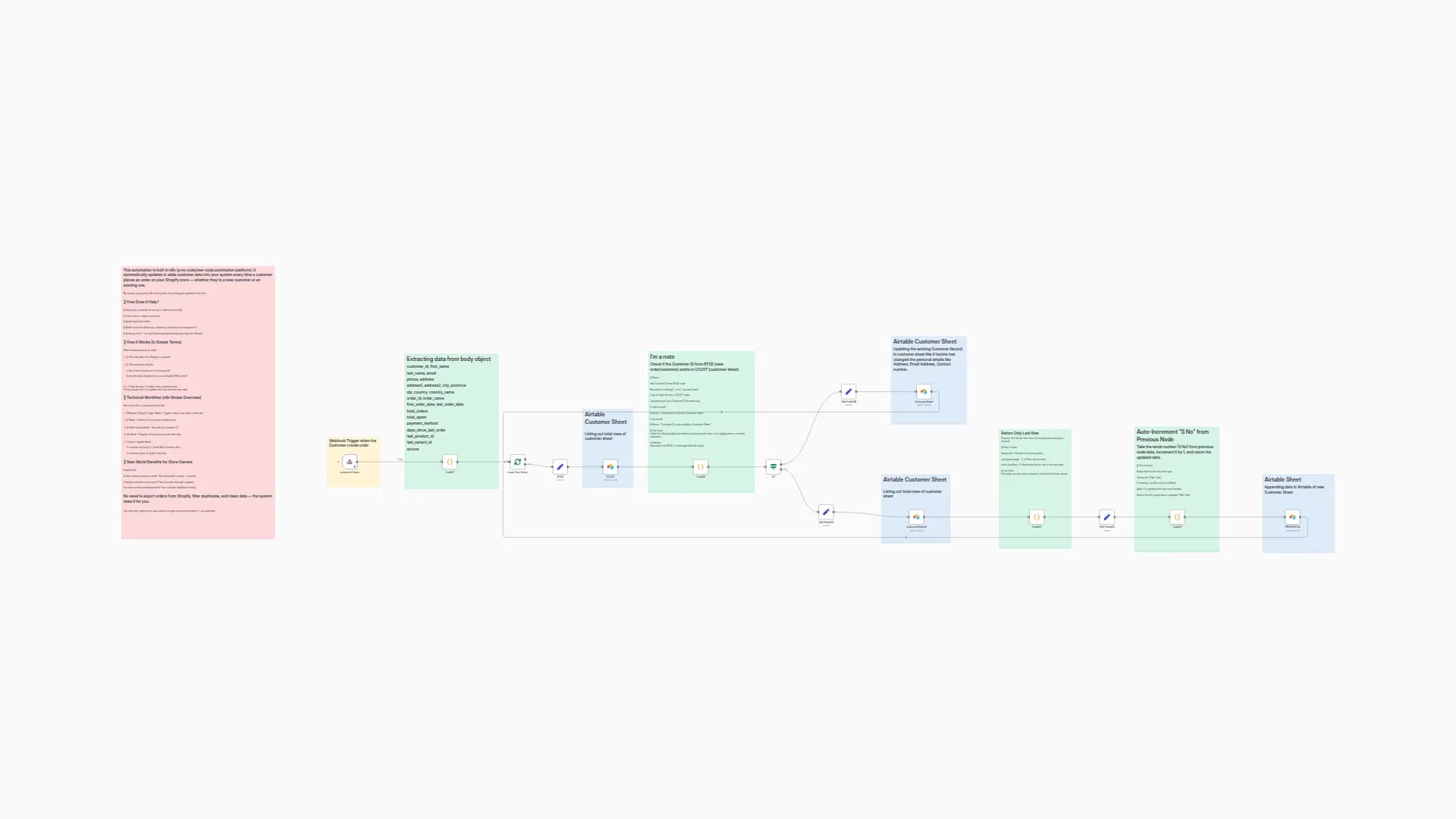
This n8n template demonstrates how to capture incoming Shopify order webhooks, transform the data into a structured format, and insert each product line item as a separate record in an Airtable sheet. It provides both high-level order information and detailed product-level metrics, making it ideal for analytics, reporting, inventory management, and customer insights.
Good to Know
Airtable API Rate Limits: By default, Airtable allows 5 requests per second per base. Consider batching or adding delays if you process high volumes of orders.
Shopify Webhook Configuration: Ensure you have configured the orders/create webhook in your Shopify Admin to point to the n8n webhook node.
Field Mapping: The template maps standard Shopify fields; if your store uses custom order or line item properties, update the Function nodes accordingly.
How It Works
Webhook Trigger: A Shopify orders/create webhook fires when a new order is placed.
Normalize Order Data: The Function node extracts core order, customer, shipping, and billing details and computes financial totals (subtotal, tax, shipping, discounts).
Line Item Breakdown: A second Function node builds an array of objects—one per line item—calculating per-item totals, tax/shipping allocation, and product attributes (color, size, material).
Check Customer Record: Optionally check against an Airtable "Customers" sheet to flag new vs existing customers.
Auto-Increment Record ID: A Function node generates a running serial number for each Airtable record.
Insert Records: The Airtable node writes each line item object into the target base and table, creating rich records with both order-level and product-level details.
How to Use
Clone the Template: Click "Use Template" in your n8n instance to import this workflow.
Configure Credentials:
Shopify Trigger: Add your Shopify store domain and webhook secret.
Airtable Node: Set up your Airtable API key and select the base and table.
Review Field Names: Match the field names in the Function nodes to the columns in your Airtable table.
Activate Workflow: Turn on the workflow and place a test order in your Shopify store.
Verify Records: Check your Airtable sheet to see the new order and its line items.
Requirements
n8n@latest
Shopify Store with orders/create webhook configured
Airtable Account with a base and table ready to receive records
Customizing This Workflow
Add Custom Fields: Extend the Functions to include additional Shopify metafields, discounts, or customer tags.
Alternative Destinations: Replace the Airtable node with Google Sheets, Supabase, or another database by swapping in the corresponding node.
Error Handling: Insert If/Wait nodes to retry on API failures or send notifications on errors.
Multi-Currency Support: Adapt the currency logic to convert totals based on dynamic exchange rates.
You may also like
New to n8n?
Need help building new n8n workflows? Process automation for you or your company will save you time and money, and it's completely free!


