Bidirectional ClickUp Task & Google Calendar Sync with Multi-Calendar Routing


Categories
Created by
r4R4wd0GLast edited 223 days ago
Who’s it for
Teams that manage tasks in ClickUp and want those tasks reflected—and kept in sync—in Google Calendar automatically.
How it works
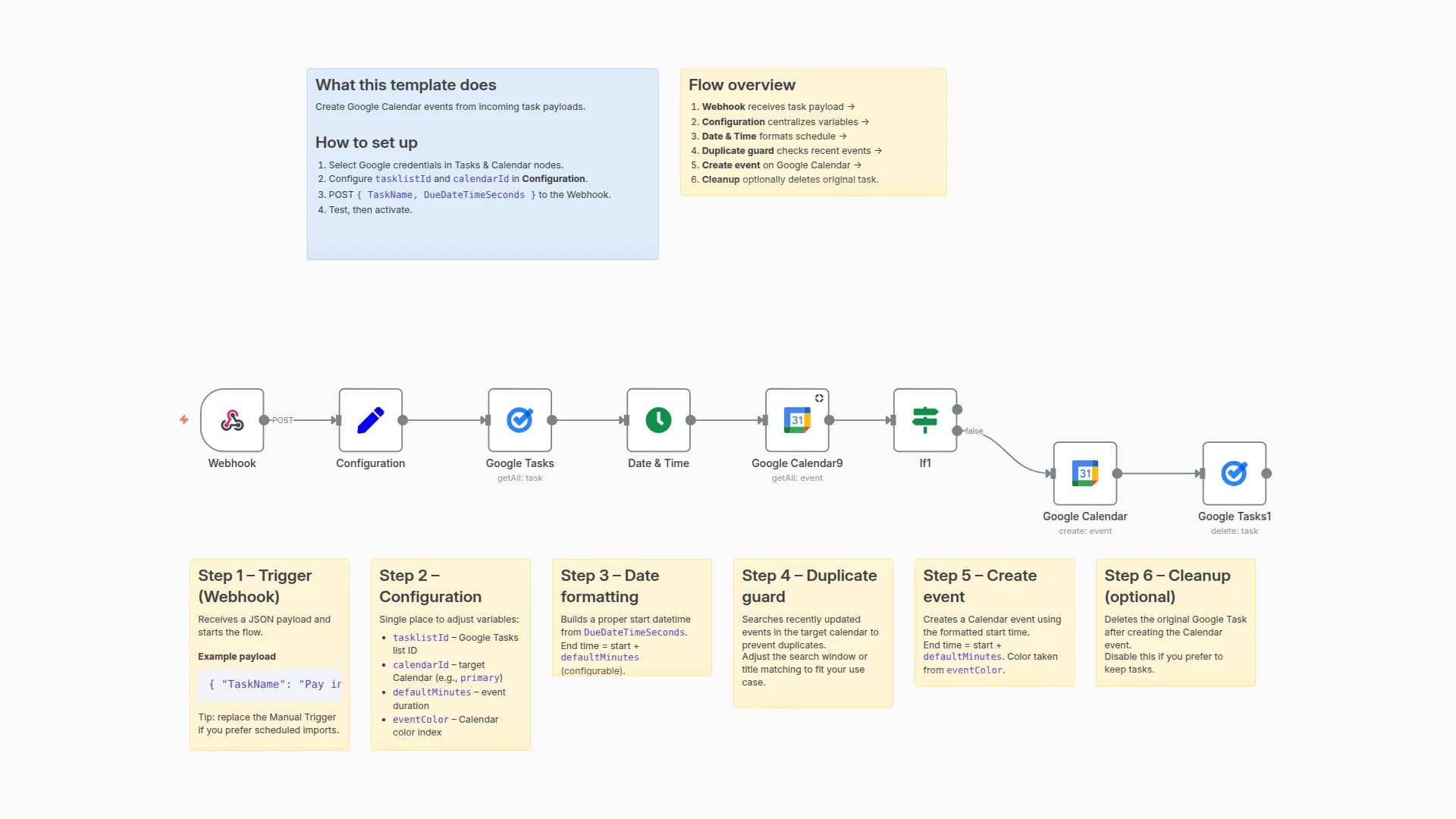
A ClickUp Trigger captures task events (create, update, delete). For new tasks, the workflow creates a Google Calendar event with the correct start/end. It stores a mapping between clickupTaskId and calendarEventId in a Google Sheet so later updates and deletions can target the right event. Multiple lanes (personal/school/tech/internship) let you route tasks to different calendars.
How to set up
- Assign ClickUp OAuth, Google Calendar, and Google Sheets credentials to the nodes.
- Open the Configuration node and fill:
calendarId_*for each lanesheetIdandsheetTabNamefor the mapping sheet- (optional)
clickupTeamId
- Enable the ClickUp Trigger and run a manual test to validate mapping creation and event syncing.
Requirements
- ClickUp workspace with OAuth permissions
- Google Calendar & Sheets access
- A Google Sheet for the event↔task mapping
How to customize the workflow
- Edit the calendar routing in Edit Fields nodes or point them to different
calendarId_*values. - Adjust event colors/fields in Google Calendar nodes.
- Extend the mapping sheet with extra columns (e.g., status, labels) as needed.
You may also like
New to n8n?
Need help building new n8n workflows? Process automation for you or your company will save you time and money, and it's completely free!


