Capture Website Form Submissions to Notion CRM Database


Last edited 206 days ago
⚡️ How It Works
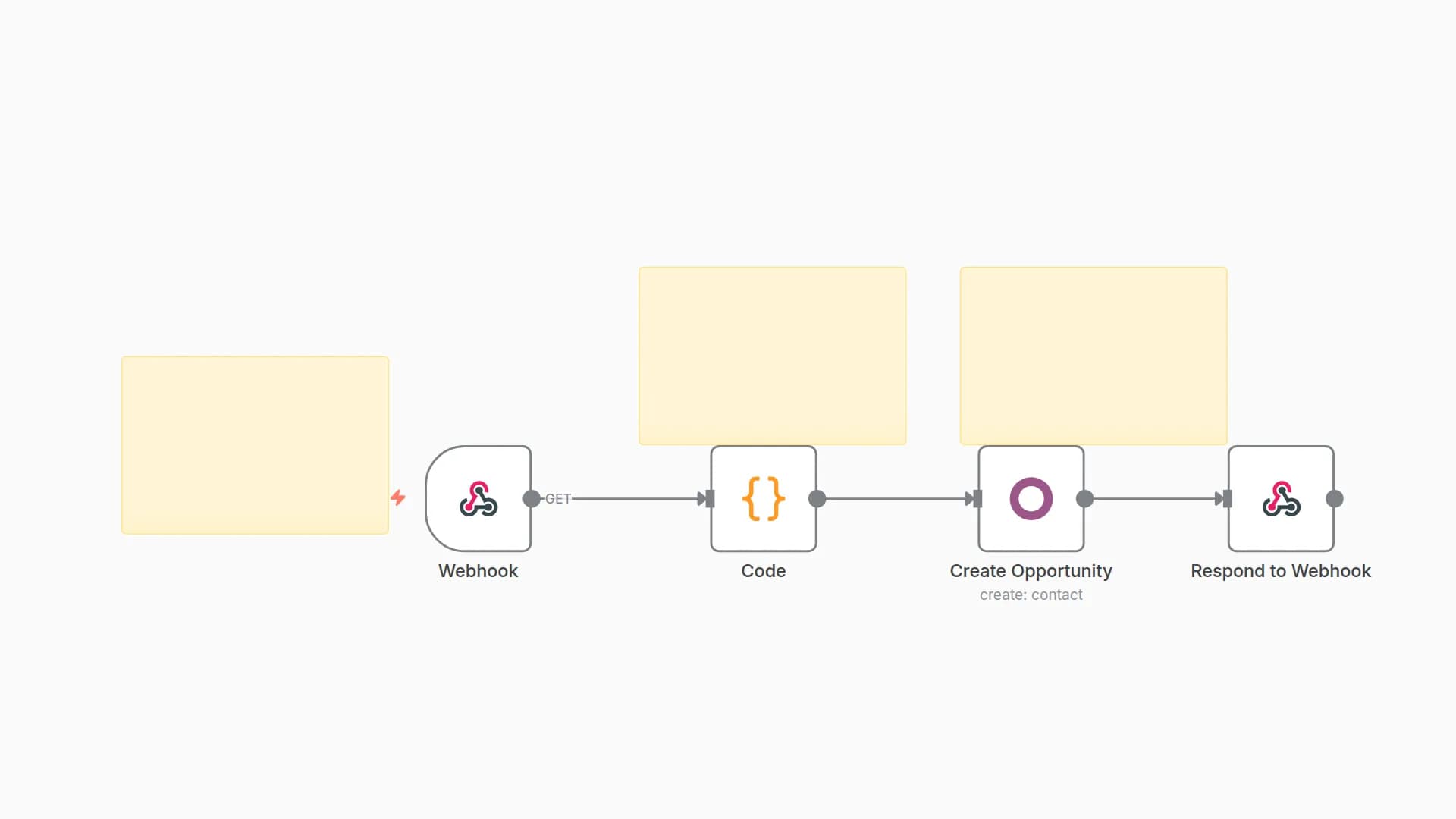
This workflow captures form submissions from your website, formats the data, and automatically creates a new entry in your Notion CRM database. It eliminates manual copy-pasting and keeps your leads or requests organised in one place.
🛠 Setup Steps
1.	Webhook Node
•	Create a webhook in n8n.
•	Connect your website form to POST submissions to this webhook URL.
2.	Code Node
•	Formats the incoming data to match your Notion database structure.
•	You can customise the fields in the code to suit your specific form inputs.
3.	Notion Node (Create Page)
•	Connect your Notion account.
•	Choose your target database.
•	Map each field from the Code node output to your Notion database properties.
4.	Test
•	Submit a test form entry.
•	Confirm the data appears correctly in Notion.
⸻
👥 Who It’s For
✅ Freelancers collecting project inquiries
✅ Agencies managing client onboarding forms
✅ Business owners wanting organised lead capture
✅ Teams that use Notion as their central CRM or task manager
✅ Anyone tired of manually transferring form data into Notion
You may also like


New to n8n?
Need help building new n8n workflows? Process automation for you or your company will save you time and money, and it's completely free!


