🛠️ Create PDF from HTML with Gotenberg


Last edited 205 days ago
How it works
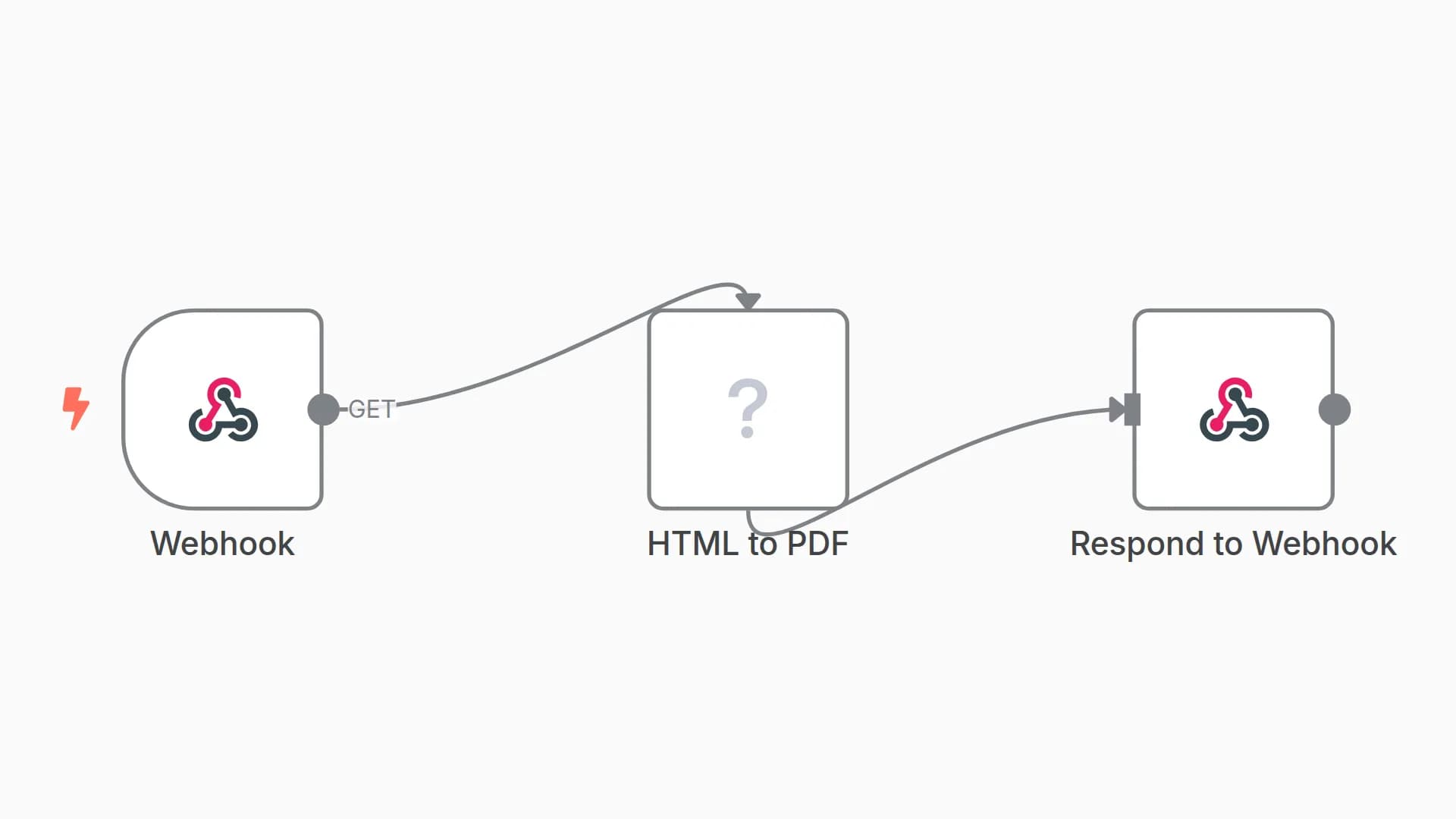
This workflow converts an HTML string into a polished PDF file using the powerful open-source Gotenberg service. It's designed to be a reusable utility in your automation stack.
- Receives Input: The workflow is triggered with a JSON object containing the full
htmlcode as a string and a desiredfile_namefor the output. - Prepares File: It converts the incoming HTML string into a binary
index.htmlfile, which is required for the API call. - Calls Gotenberg API: It sends the HTML file to a running Gotenberg instance via an HTTP request. It also dynamically sets the output filename and embeds metadata (like Author, Title, and Creation Date) directly into the PDF.
- Returns PDF: The workflow outputs the final binary PDF file, ready to be saved, sent in an email, or used in the next step of your main workflow.
Set up steps
Setup time: ~3 minutes
This workflow has one critical prerequisite: a running Gotenberg instance that your n8n can connect to.
1. Prerequisite: Run Gotenberg
You need to have the Gotenberg service running. The easiest way is with Docker. Add the following service to your docker-compose.yml file (the same one you use for n8n):
services:
  # ... your n8n service ...

  gotenberg:
    image: gotenberg/gotenberg:8
    restart: always
Then, restart your stack with docker compose up -d. This makes Gotenberg available at the address http://gotenberg:3000 from within your n8n container.
2. Use as a Sub-Workflow
This workflow is ready to be used as a sub-workflow.
- In your main workflow, add an Execute Sub-Workflow node.
- In the Workflow parameter, select this "Create PDF from HTML" workflow.
- Provide the input data in the required format: a JSON object with
htmlandfile_namekeys.
You may also like
New to n8n?
Need help building new n8n workflows? Process automation for you or your company will save you time and money, and it's completely free!


