Error Log Monitor with SSH, Slack Alerts & Jira Ticket Creation


Last edited 206 days ago
Description
- Automates monitoring of error logs and notifies developers of critical errors.
- Sends Slack alerts for critical and non-critical errors, with auto-creation of Jira tickets for critical issues.
Essential Information
- Triggers manually or on a scheduled basis (e.g., every 5 minutes).
- Reads and parses server logs to detect errors.
- Alerts developers via Slack and creates Jira tickets for critical errors.
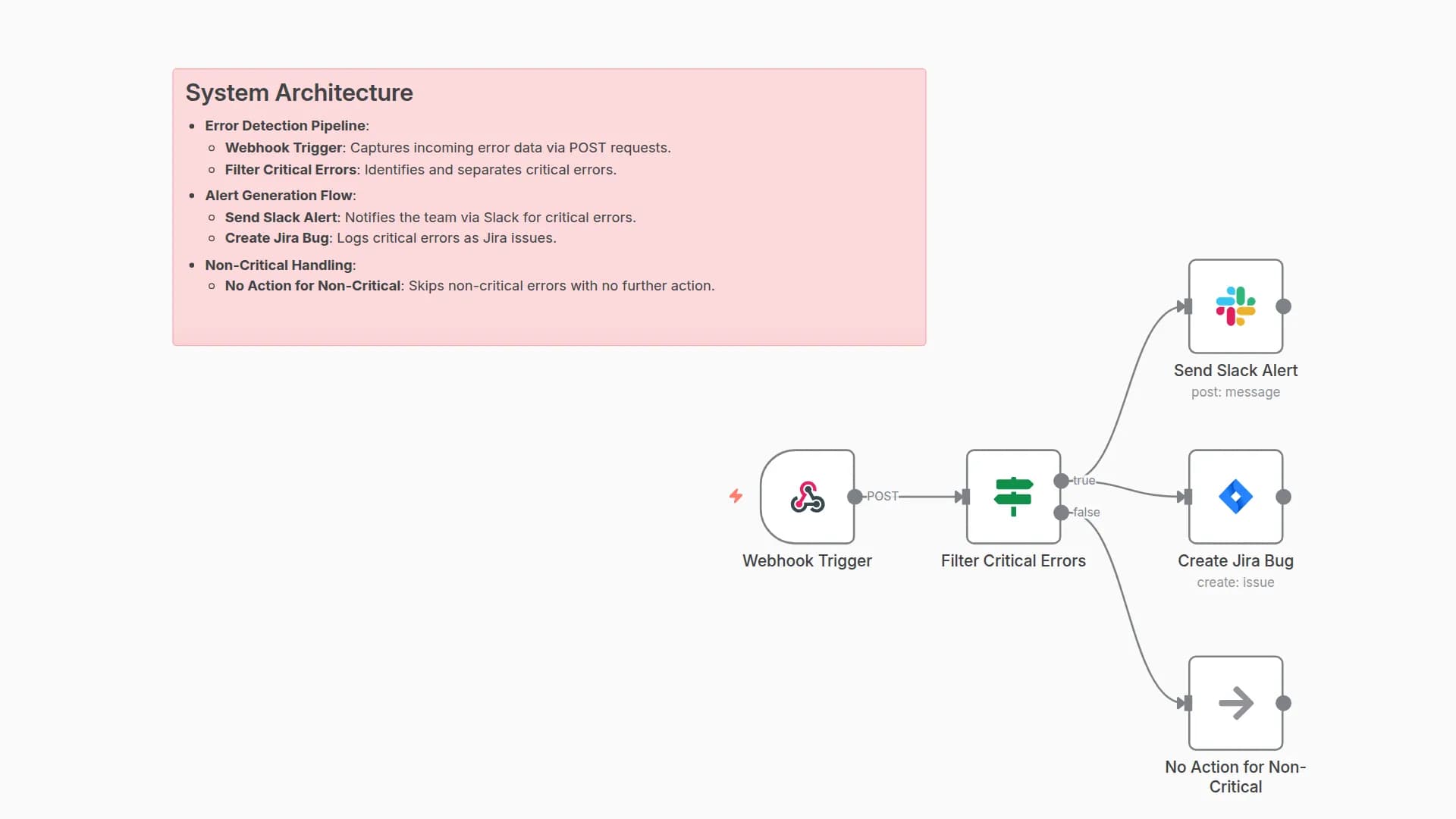
System Architecture
- Error Detection Pipeline:
- Manual Trigger: Initiates the workflow manually.
- Schedule Every 5min: Schedules automatic runs every 5 minutes.
- Set Config: Configures basic parameters for log reading.
- Read Error Logs: Executes SSH command to fetch server logs.
- Wait For All Logs: Ensures all logs are read.
- Error Processing Flow:
- Parse Logs: Parses logs and categorizes critical vs. non-critical errors.
- IF Critical Error: Filters for critical errors.
- Alert and Ticket Creation:
- Send Slack Alert: Sends detailed alerts for critical errors via Slack.
- Create Jira Ticket: Creates a Jira ticket for critical errors.
- Send Non-Critical Alert: Sends simple alerts for non-critical errors via Slack.
Implementation Guide
- Import the workflow JSON into n8n.
- Configure SSH credentials for log access.
- Set up Slack and Jira integrations with appropriate credentials.
- Test with a manual trigger and sample log data.
- Adjust the schedule (e.g., every 5min) and error parsing rules as needed.
- Monitor alert accuracy and ticket creation.
Technical Dependencies
- SSH access for reading server logs.
- Slack API for team notifications.
- Jira API for bug ticket creation.
- n8n for workflow automation and scheduling.
Customization Possibilities
- Adjust the Cron schedule for different intervals (e.g., every 10min).
- Modify
Parse Logsnode to refine error categorization rules. - Customize Slack alert messages in
Send Slack AlertandSend Non-Critical Alertnodes. - Enhance Jira ticket details in
Create Jira Ticketnode (e.g., add priority). - Add email notifications for additional alert channels.
You may also like
New to n8n?
Need help building new n8n workflows? Process automation for you or your company will save you time and money, and it's completely free!


