Facebook / Meta Ads Performance Monitoring with Slack Alerts (CTR, CPC, ROAS)


Last edited 206 days ago
Who’s it for
This workflow is for marketing teams, performance marketers, and media buyers running Facebook (Meta) Ads who want to stay on top of creative performance without manually checking Ads Manager every day.
What it does
The workflow automatically monitors Facebook Ads performance at the ad creative level and sends real-time Slack notifications when key metrics cross your thresholds. It tracks CTR, CPC, ROAS, spend, and conversions over a rolling time window, then flags:
- Underperformers (e.g. CTR below 0.5% for 2 days).
- Top performers (e.g. ROAS above 5x).
What business value this workflow provides
-
Faster detection of problems
Instead of waiting for a weekly report, you know within a day (or whatever window you configure) if an ad’s CTR is tanking or if spend is producing poor ROAS. That prevents wasted budget. -
Highlighting winners
When an ad’s ROAS is high (e.g. >5x), you get an instant Slack ping. You can then shift budget to scale it before performance fades. -
Reduced manual monitoring
Normally someone has to log into Meta Ads Manager daily, filter by campaign/ad, export CSVs, check CTR/ROAS, then write up notes. That’s time-consuming and error-prone. Automating this means you spend less time gathering data and more time making decisions. -
Team visibility
Posting to Slack means the whole marketing team is aligned on what’s working and what isn’t, without sharing dashboards or CSVs around.
How it works
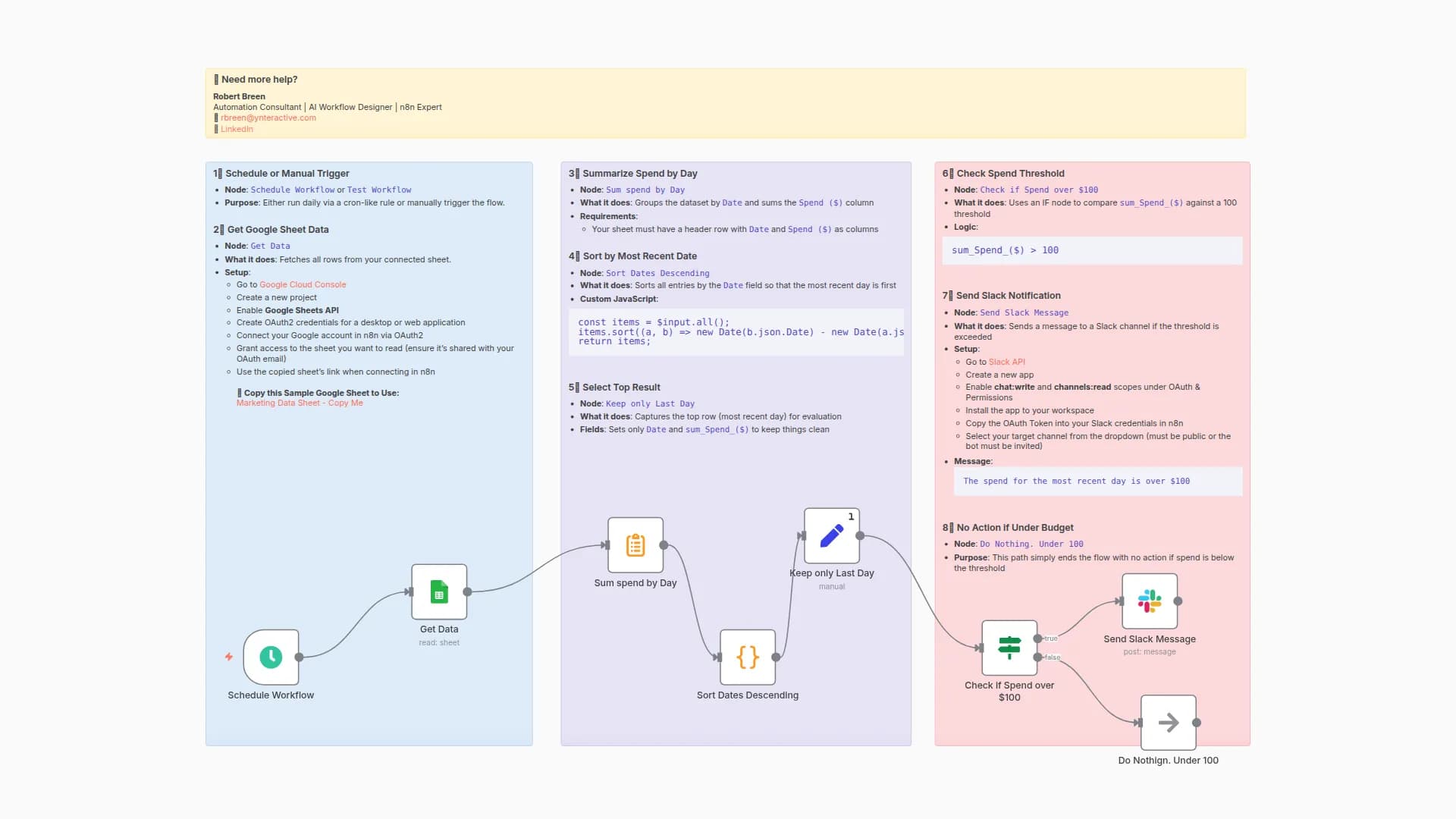
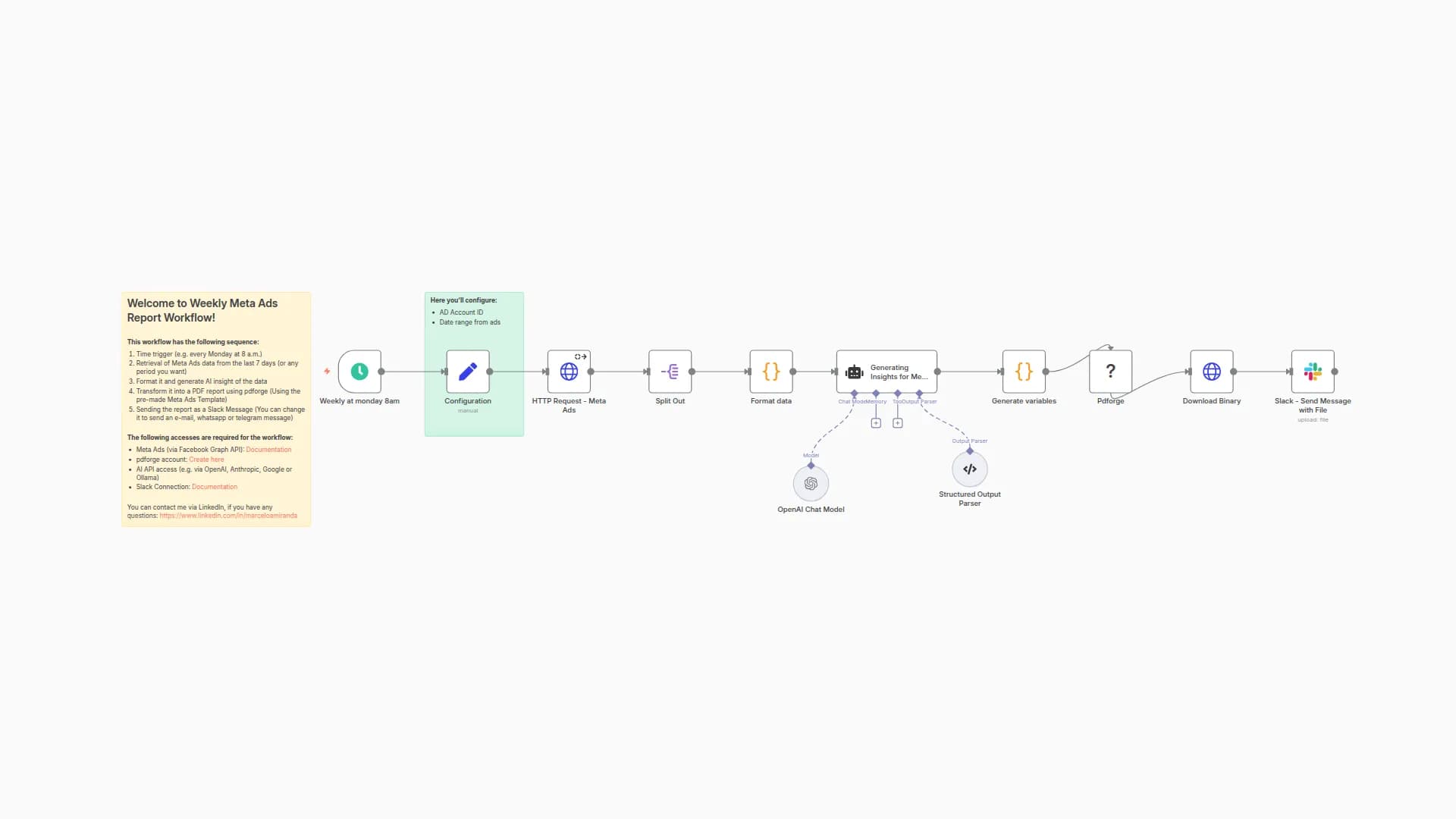
- Workflow trigger (manual or scheduled).
- Fetch ad-level insights from the Facebook Ads API.
- A Code node normalizes metrics (CTR %, CPC, ROAS, spend, conversions).
- Compare against your CTR and ROAS thresholds.
- If conditions are met, send a Slack block message with ad name, ID, spend, CTR, CPC, ROAS, and the reasons it was flagged.
How to set up
- In the Edit Fields node, set your
act_id(Facebook Ad Account ID) andcampaign_id. - Adjust
ctr_min,roas_top, andlookback_daysto fit your goals. - Connect your Slack credentials and set the channel for alerts.
Requirements
- A Facebook (Meta) Ads account with API access.
- Slack workspace with a bot/app that has
chat:writepermission. - n8n credentials for both services.
How to customize
- Add ad thumbnails by including
creativein the insights fields. - Extend the workflow to automatically pause underperforming ads.
You may also like

New to n8n?
Need help building new n8n workflows? Process automation for you or your company will save you time and money, and it's completely free!


