Generate AI Images in Telegram with GPT-4o Enhancement and Flux Pro


Last edited 205 days ago
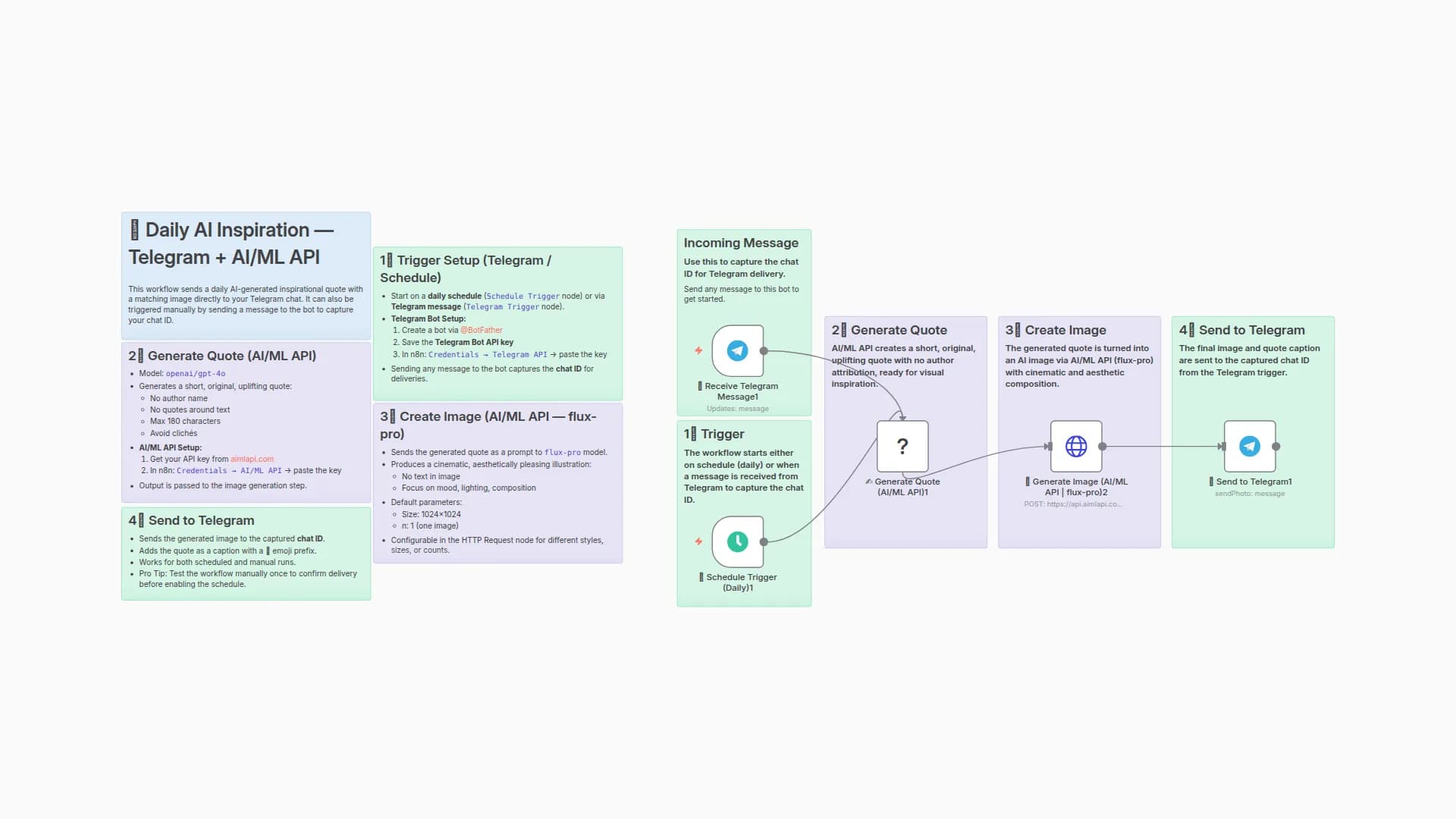
🧠 AI Image Generator Bot — Telegram + AI/ML API
This n8n workflow allows users to generate AI-generated images by sending messages to a Telegram bot. Each request is logged in Google Sheets and limited by a daily quota per user. Image prompts are enhanced by LLM before generation.
🚀 Features
- 📩 Telegram-based input
- 🧠 Prompt enhancement with GPT-4o
- 🎨 AI image generation via
flux-promodel (AIMLAPI) - 🖋 Auto-caption generation
- 📊 Usage tracked per user daily in Google Sheets
- 🔒 Daily request limits
- ✅ Graceful UX for over-limit cases
🛠 Setup Guide
1. 📲 Create Telegram Bot
- Talk to @BotFather
- Use
/newbot→ Choose a name and username - Save the bot token
2. 🔐 Set Up Credentials in n8n
Telegram API: Use your bot tokenGoogle Sheets: Set up via OAuth2 or Service AccountAI/ML API: Set up with your API key from aimlapi.com
3. 📗 Prepare Google Sheet
- Name: Any (e.g.,
Image bot usage statistic) - Sheet:
Sheet1 - Columns:
user_id | date | query | result_url
- Share the sheet with the email of your service/OAuth2 account
4. 🔧 Configure the Workflow
-
Open the n8n editor and import the JSON
-
Update:
- Telegram credential
- Google Sheets credential and Sheet ID
- AI/ML API credentials
⚙️ Flow Summary
Node
Function
📩 Receive Telegram Message
Triggered by user message
📊 Fetch Usage Logs
Reads today's entries from Sheet
📈 Count Today’s Requests
Counts how many generations today
🔢 Set Daily Limit
Sets default limit (5)
🚦 Check Limit Exceeded?
If over limit → notify
🧠 Enhance Prompt
Uses GPT-4o to improve user's prompt
🎨 Generate Image
Sends to AIMLAPI to generate
🖋 Describe Image
Generates caption for the image
📤 Send Image to User
Sends back to Telegram
📝 Log Successful Generation
Writes to Google Sheets
📁 Data Logging
Each successful generation is stored in Google Sheets:
user_id
date
query
result_url
💡 Example Prompt Flow
-
User sends:
astronaut cat floating in space -
Bot replies:
Here’s your image:
A majestic feline astronaut drifts through a glittering cosmic void, its helmet reflecting starlight. -
The image is sent with the caption
🔄 Daily Limit
- Default:
5generations/day per Telegram user - You can change this in the
🔢 Set Daily Limitnode
🧪 Testing
- Use
/execute workflowin Telegram — not "Execute Node" in editor - Log test results to sheet
- Add extra
Setnodes for debugging as needed
📎 Resources
You may also like

New to n8n?
Need help building new n8n workflows? Process automation for you or your company will save you time and money, and it's completely free!


