Generate Videos from Text Prompts using GPT-5 and Google Veo-3

Last edited 205 days ago
This workflow contains community nodes that are only compatible with the self-hosted version of n8n.
🎬 GPT-5 Cinematic Video Generator (n8n + AI/ML API + Google Veo-3)
This n8n workflow transforms even a single word into a fully rendered cinematic video using Google Veo-3 image-to-video and prompt expansion with GPT-5. Ideal for rapid creative prototyping, content creation, and AI-driven video production.
🚀 Key Features
- Ultra-Short Input Ready – Works with just one keyword or a short idea.
- AI Prompt Expansion – GPT-5 adds cinematic elements: camera motion, mood, color palette, and composition.
- Automated Video Generation – Veo-3 i2v model creates smooth, visually appealing clips.
- Smart Polling – Waits until video is ready, with success/fail handling.
- Direct Output – Returns ready-to-use video URL for download or publishing.
🛠 Setup Guide
-
Create AI/ML API Credentials
- Get your API key from AI/ML API Keys.
- In n8n > Credentials, add AI/ML account (Bearer token).
-
(Optional) Change Image Source
- Edit the
Set image URLnode to point to your desired still image for video generation.
- Edit the
-
Run from Chat
- Send a word or short phrase via Chat Trigger to start the process.
-
(Optional) Extend Output
- Add Google Drive upload, YouTube publish, or database logging nodes for a complete content pipeline.
💡 How It Works
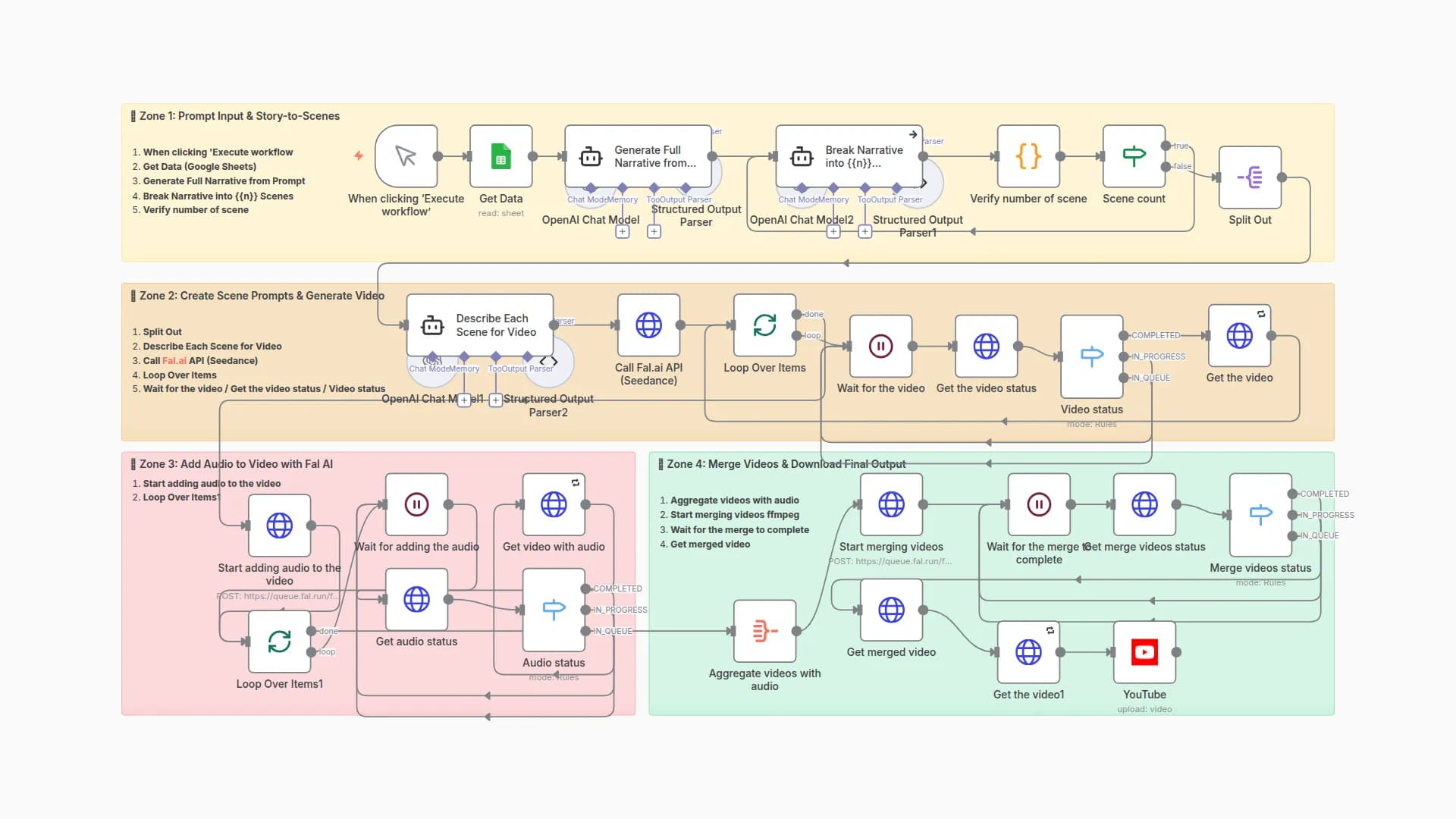
- Trigger – Receives chat input (keyword or brief).
- Prompt Expansion – GPT-5 turns it into a cinematic, Veo-3-optimized description.
- Video Creation – Sends prompt + image to Veo-3 image-to-video.
- Polling – Checks generation status every 30 seconds until complete.
- Result – Returns direct video URL, ready for your next steps.
You may also like

New to n8n?
Need help building new n8n workflows? Process automation for you or your company will save you time and money, and it's completely free!


