Generate Weekly Grocery Lists in Notion with Automated Email Notifications


Last edited 206 days ago
Who’s it for
Busy homemakers, creators, and anyone who wants a simple, no-cost way to plan weekly meals and get a ready-to-shop grocery list—without extra apps.
What it does
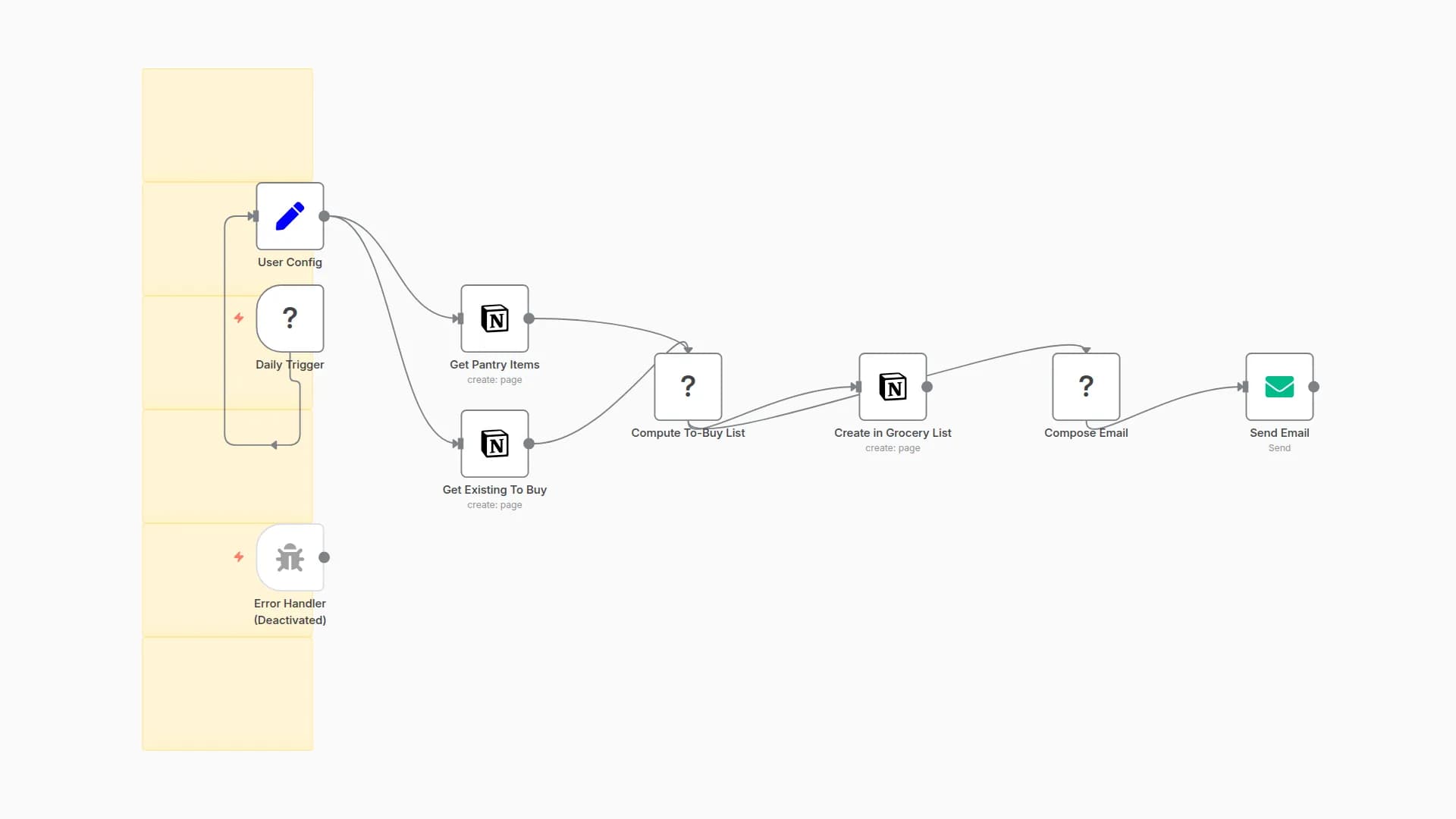
Runs on a weekly Cron schedule, generates a grocery list, creates rows in your Notion database (Ingredient, Quantity, Status), and emails the list (optional Telegram confirmation). It includes a Notion connection check, detailed error notifications (email and optional Telegram), a success email with timestamp, and optional persistent logging to a Notion “Logs” database.
Requirements
- Notion account + integration connected to your database
- SMTP credentials for the Email node
- (Optional) Telegram bot and chat ID for alerts
- (Optional) Notion log database if you want persistent logs
How to set up
- Import the workflow and open Set: Configuration to fill:
fromEmail,emailTo,notifyEmail,notionDb,telegramChatId- (Optional)
logToNotion(true/false),notionLogDb
- In Notion, create a DB with properties:
- Ingredient (Title), Quantity (Rich text), Status (Select: “To Buy”)
- Attach your Notion and SMTP credentials (and Telegram if used).
- Run once to test, then set Cron to your preferred weekly time.
How to customize
- Edit the recipe/grocery items in the Code node.
- Change the Cron schedule (test with “Every minute,” then revert to weekly).
- Enable Telegram alerts, and/or turn on Notion logging for audit trails.
You may also like

New to n8n?
Need help building new n8n workflows? Process automation for you or your company will save you time and money, and it's completely free!


