🎓 Learn Code Node (JavaScript) with an Interactive Hands-On Tutorial


Last edited 205 days ago
How it works
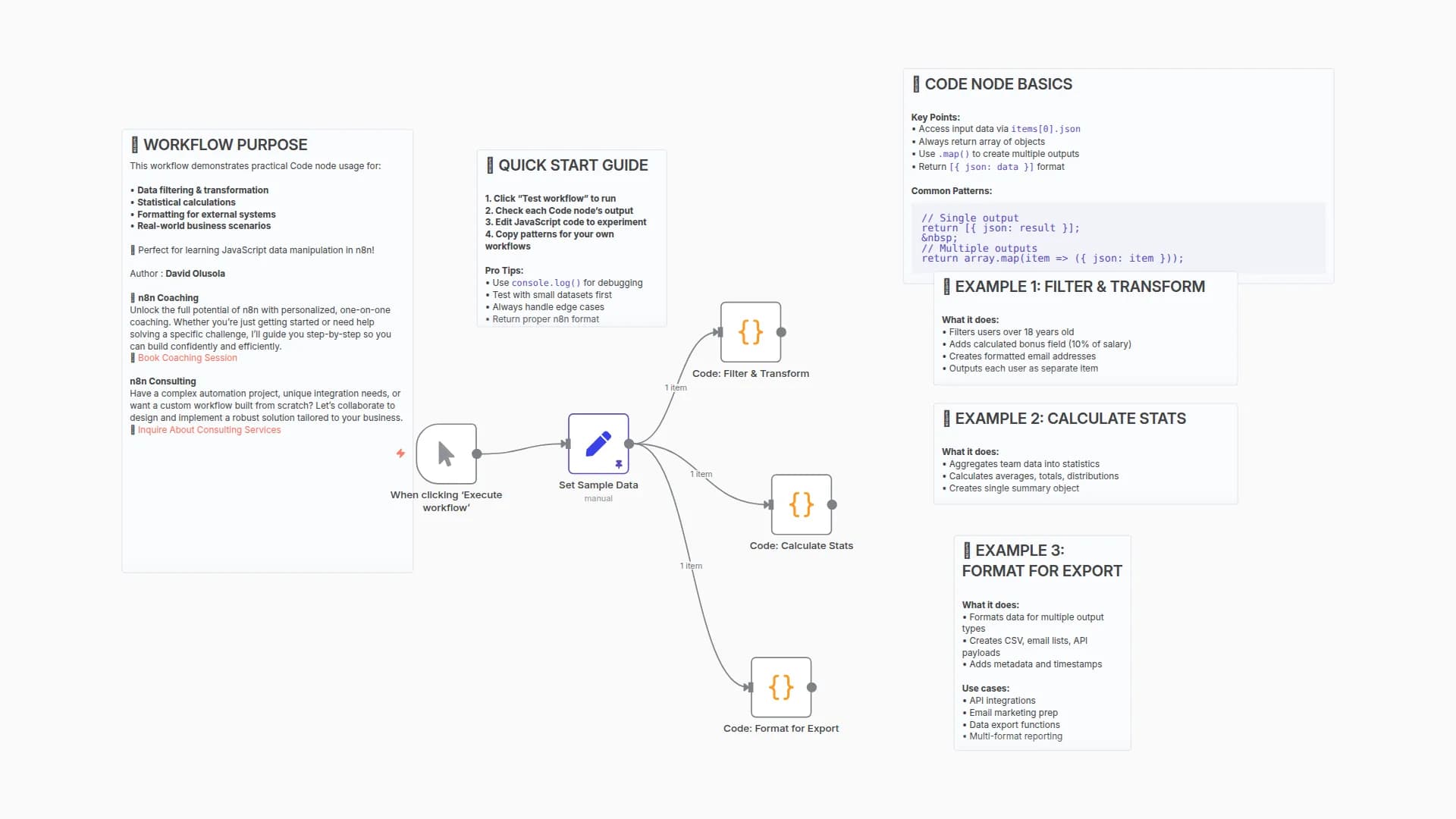
This workflow is a hands-on tutorial for the Code node in n8n, covering both basic and advanced concepts through a simple data processing task.
- Provides Sample Data: The workflow begins with a sample list of users.
- Processes Each Item (
Run Once for Each Item): The first Code node iterates through each user to calculate theirfullNameandage. This demonstrates basic item-by-item data manipulation using$input.item.json. - Fetches External Data (Advanced): The second Code node showcases a more advanced feature. For each user, it uses the built-in
this.helpers.httpRequestfunction to call an external API (genderize.io) to enrich the data with a predicted gender. - Processes All Items at Once (
Run Once for All Items): The third Code node receives the fully enriched list of users and runs only once. It uses$items()to access the entire list and calculate theaverageAge, returning a single summary item. - Create a Binary File: The final Code node gets the fully enriched list of users once again and creates a binary CSV file to show how to use binary data
Bufferin JavaScript.
Set up steps
Setup time: < 1 minute
This workflow is a self-contained tutorial and requires no setup.
- Explore the Nodes: Click on each of the Code nodes to read the code and the comments explaining each step, from basic to advanced.
- Run the Workflow: Click "Execute Workflow" to see it in action.
- Check the Output: Click on each node after the execution to see how the data is transformed at each stage. Notice how the data is progressively enriched.
- Experiment! Try changing the data in the
1. Sample Datanode, or modify the code in the Code nodes to see what happens.
You may also like
New to n8n?
Need help building new n8n workflows? Process automation for you or your company will save you time and money, and it's completely free!


