Manage Google Calendar Events with OpenAI Assistant (Get, Create, Delete)

Last edited 206 days ago
What this workflow does
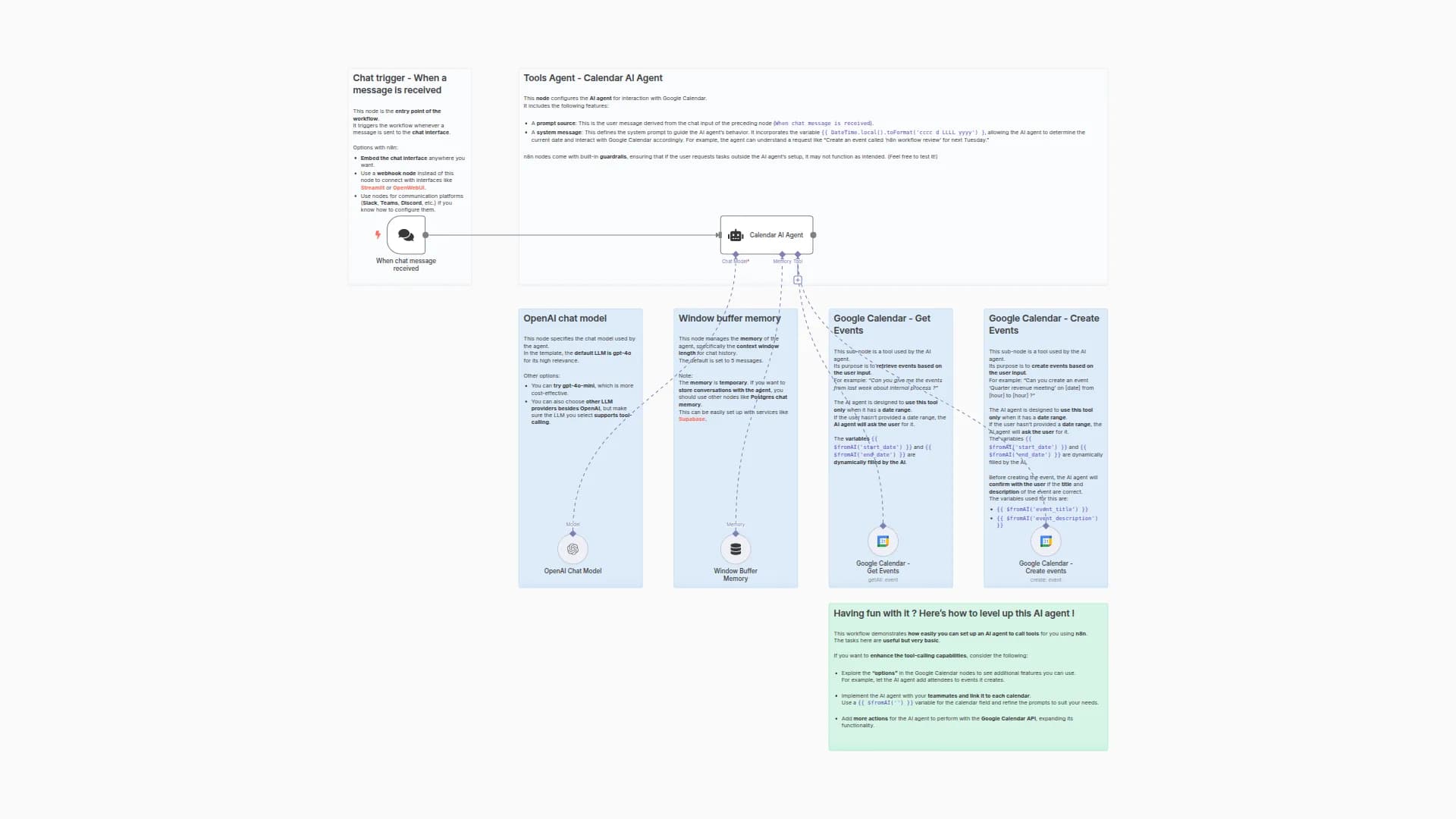
Provides the tools layer for the Parent agent to manage Google Calendar: Get (list events), Create, and Delete. Accepts text + sessionid from the Parent and uses an LLM with short-term memory to choose and run the correct tool.
Pipeline: Execute Workflow Trigger → Sub-Agent → (Get / Create / Delete) → Google Calendar
Category: Productivity / Calendar / Agentic
Time to set up: ~10 minutes
Difficulty: Intermediate
Cost: Mostly free (n8n CE; OpenAI + Google Calendar usage as configured)
What you'll need
-
OpenAI credentials.
-
Google Calendar OAuth2 credentials.
-
A calendar ID (use a placeholder like
[[email protected]](/cdn-cgi/l/email-protection)in the node and select your actual calendar at runtime).
Set up steps
-
Import this Sub-Agent workflow.
-
Open the Google Calendar tool nodes (Get, Create, Delete) and select your OAuth2 credential and calendar.
-
Ensure the Execute Workflow Trigger exposes two inputs:
textandsessionid. -
Connect the Parent's
toolWorkflownode to this workflow.
Testing (direct call example)
-
From the Parent, send: "Schedule 'Team Sync' tomorrow 10:00--11:00" → Sub-Agent should call Create.
-
"List events next week" → Get with
timeMin/timeMax. -
"Delete event 'Team Sync'" → Delete with
eventIdonce matched.
You may also like
New to n8n?
Need help building new n8n workflows? Process automation for you or your company will save you time and money, and it's completely free!


