Manage Personal Expenses with Webhooks and Google Sheets Automated Tracker


Last edited 206 days ago
-
How it works:
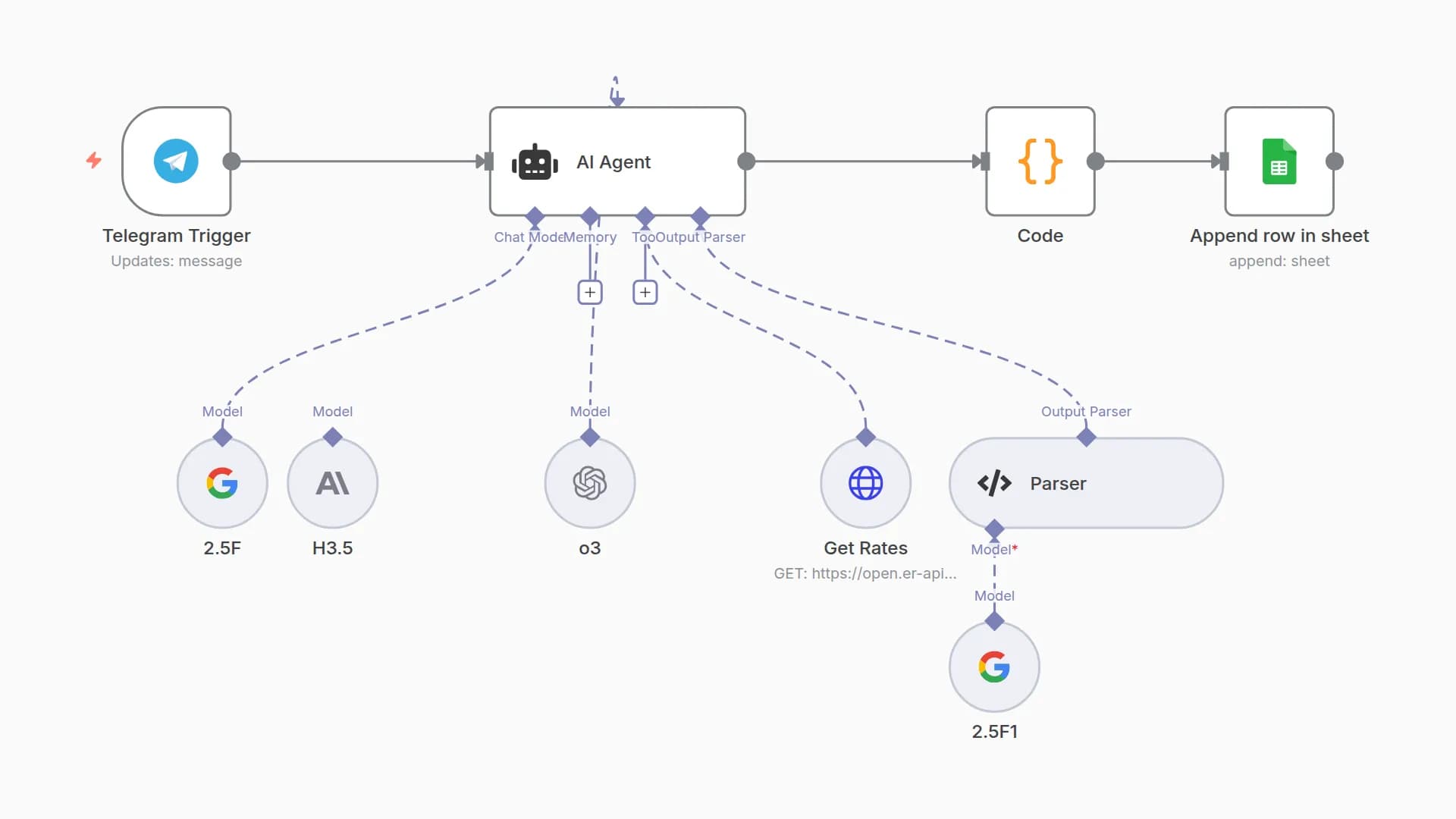
This system functions by receiving expenses via webhook POST. It validates the data, stores it in Google Sheets, and, daily at 8 PM, generates and sends financial summaries. Automatic categorization simplifies the organization of expenses. -
Set up steps:
Setup involves creating the Google Sheet, configuring the webhook, and defining the categorization rules. The process is quick and intuitive, taking about 10-15 minutes for the system to be ready to receive your expenses.
You may also like
New to n8n?
Need help building new n8n workflows? Process automation for you or your company will save you time and money, and it's completely free!


