Personalized Cold Email Generator with Supabase, Smartlead & Google Gemini AI


Last edited 206 days ago
n8n Workflow: AI-Personalized Email Outreach (Smartlead)
🔄 Purpose
This workflow automates cold email campaigns by:
- Fetching leads
- Generating hyper-personalized email content using AI
- Sending emails via Smartlead API
- Logging campaign activity into Google Sheets
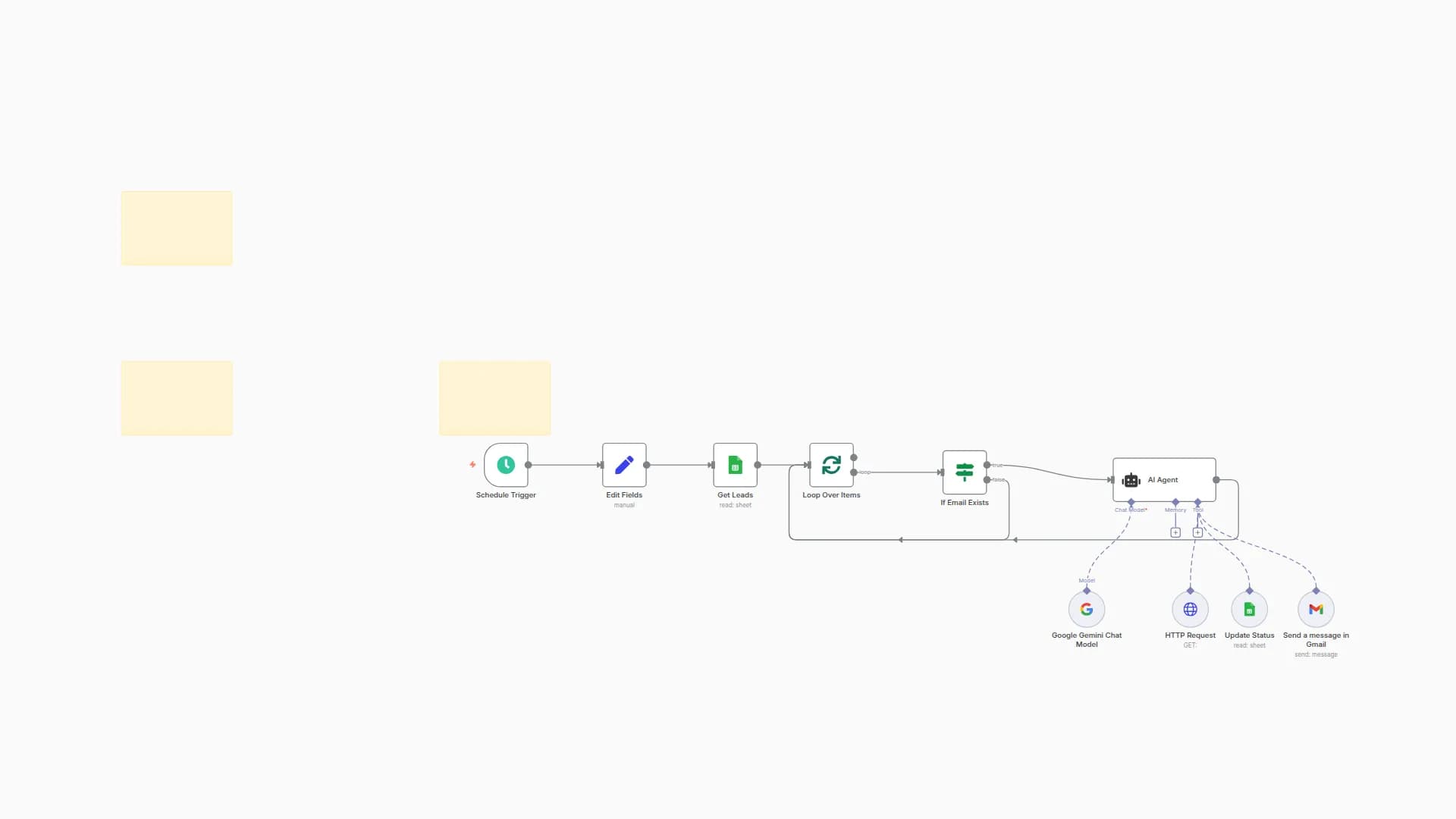
🧩 Workflow Structure
-
Schedule Trigger
- Starts the workflow automatically at scheduled intervals.
- Ensures continuous campaign execution.
-
Get Leads
- Fetches lead data (name, email, company, role, industry).
- Serves as the input for personalization.
-
Loop Over Leads
- Processes each lead one by one.
- Maintains individualized email generation.
-
Aggregate Lead Data
- Collects and formats lead attributes.
- Prepares structured input for the AI model.
-
Basic LLM Chain #1
- Generates personalized snippets/openers using AI.
- Tailored based on company, role, and industry.
-
Update Row (Google Sheets)
- Saves AI outputs (snippets) for tracking and QA.
-
Basic LLM Chain #2
- Expands snippet into a full personalized email draft.
- Includes subject line + email body.
-
Information Extractor
- Extracts structured fields from AI output:
- Subject
- Greeting
- Call-to-Action (CTA)
- Closing
- Extracts structured fields from AI output:
-
Update Row (Google Sheets)
- Stores finalized draft in Google Sheets.
- Provides visibility and audit trail.
-
Code
- Formats email into Smartlead-compatible payload.
- Maps fields like subject, body, and recipient details.
-
Smartlead API Request
- Sends the personalized email through Smartlead.
- Returns message ID and delivery status.
-
Basic LLM Chain #3 (Optional)
- Generates follow-up versions for multi-step campaigns.
- Ensures varied engagement over time.
-
Information Extractor (Follow-ups)
- Structures follow-up emails into ready-to-send format.
-
Update Row (Google Sheets)
- Updates campaign logs with:
- Smartlead send status
- Message IDs
- AI personalization notes
- Updates campaign logs with:
⚙️ Data Flow Summary
- Trigger → Runs workflow
- Get Leads → Fetch lead records
- LLM Personalization → Create openers + full emails
- Google Sheets → Save drafts & logs
- Smartlead API → Send personalized email
- Follow-ups → Generate and log structured follow-up messages
📊 Use Case
- Automates hyper-personalized cold email outreach at scale.
- Uses AI to improve response rates with contextual personalization.
- Provides full visibility by saving drafts and send logs in Google Sheets.
- Integrates seamlessly with Smartlead for sending and tracking.
You may also like

New to n8n?
Need help building new n8n workflows? Process automation for you or your company will save you time and money, and it's completely free!


