Personalized Follow-Up Emails for Zoom Attendees with GPT-4 and Gmail


Last edited 206 days ago
📧 Auto-Send AI Follow-Up Emails to Zoom Attendees
This workflow automatically emails personalized follow-ups to every Zoom meeting participant once the meeting ends.
⚙️ How It Works
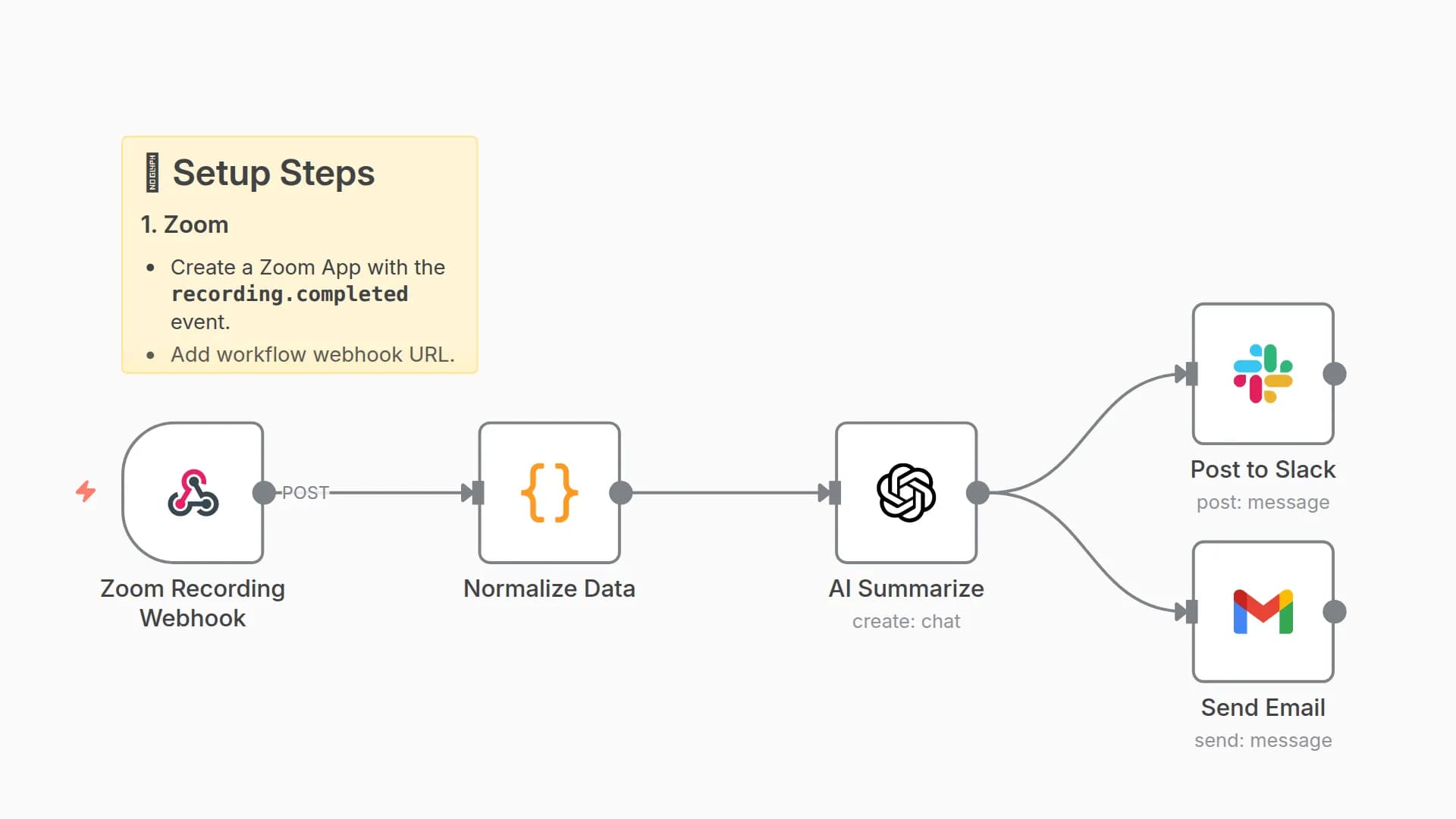
- Zoom Webhook → Captures meeting.ended event + participant list.
- Normalize Data → Extracts names, emails, and transcript (if available).
- AI (GPT-4) → Drafts short, professional follow-up emails.
- Gmail → Sends thank-you + recap email to each participant.
🛠️ Setup Steps
1. Zoom App
- Enable
meeting.endedevent. - Include participant email/name in webhook payload.
- Paste workflow webhook URL.
2. Gmail
- Connect Gmail OAuth in n8n.
- Emails are sent automatically per participant.
3. OpenAI
- Add your OpenAI API key.
- Uses GPT-4 for personalized drafting.
📊 Example Output
Email Subject:
Follow-Up: Marketing Strategy Session
Email Body:
Hi Sarah,
Thank you for joining our Marketing Strategy Session today.
Key points we discussed:
Campaign launch next Monday
Budget allocation approved
Need design assets by Thursday
Next steps: I'll follow up with the creative team and share the updated timeline.
Best,
David
⚡ With this workflow, every attendee feels valued and aligned after each meeting.
You may also like

New to n8n?
Need help building new n8n workflows? Process automation for you or your company will save you time and money, and it's completely free!


