🛠️ QuickBooks Online Tool MCP Server 💪 all 42 operations

Last edited 223 days ago
Need help? Want access to this workflow + many more paid workflows + live Q&A sessions with a top verified n8n creator?
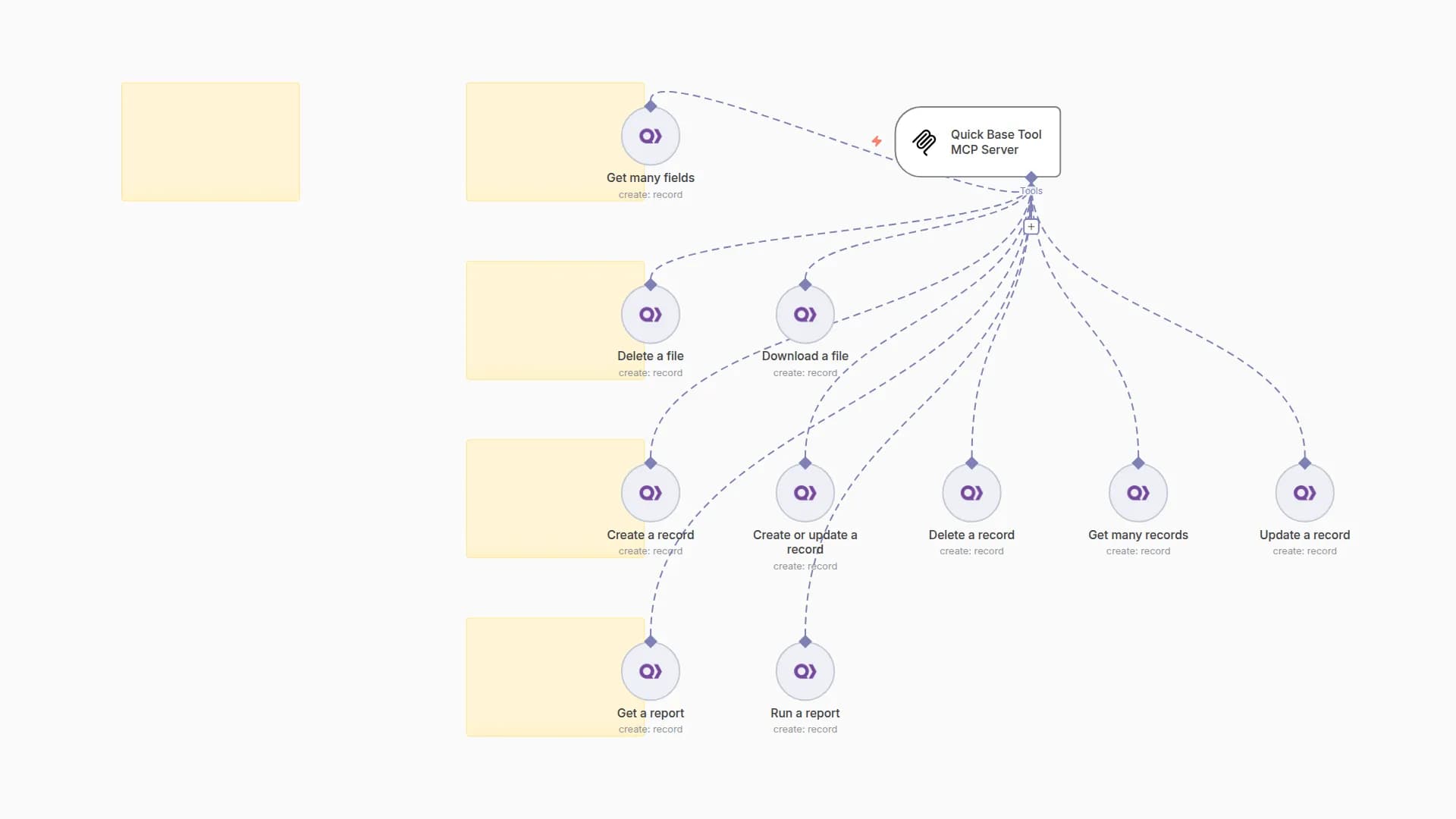
Complete MCP server exposing all QuickBooks Online Tool operations to AI agents. Zero configuration needed - all 42 operations pre-built.
⚡ Quick Setup
- Import this workflow into your n8n instance
- Activate the workflow to start your MCP server
- Copy the webhook URL from the MCP trigger node
- Connect AI agents using the MCP URL
🔧 How it Works
• MCP Trigger: Serves as your server endpoint for AI agent requests
• Tool Nodes: Pre-configured for every QuickBooks Online Tool operation
• AI Expressions: Automatically populate parameters via $fromAI() placeholders
• Native Integration: Uses official n8n QuickBooks Online Tool tool with full error handling
📋 Available Operations (42 total)
Every possible QuickBooks Online Tool operation is included:
🔧 Bill (5 operations)
• Create a bill
• Delete a bill
• Get a bill
• Get many bills
• Update a bill
🔧 Customer (4 operations)
• Create a customer
• Get a customer
• Get many customers
• Update a customer
🔧 Employee (4 operations)
• Create an employee
• Get an employee
• Get many employees
• Update an employee
🔧 Estimate (6 operations)
• Create an estimate
• Delete an estimate
• Get an estimate
• Get many estimates
• Send an estimate
• Update an estimate
🔧 Invoice (7 operations)
• Create an invoice
• Delete an invoice
• Get an invoice
• Get many invoices
• Send an invoice
• Update an invoice
• Void an invoice
🔧 Item (2 operations)
• Get an item
• Get many items
🔧 Payment (7 operations)
• Create a payment
• Delete a payment
• Get a payment
• Get many payments
• Send a payment
• Update a payment
• Void a payment
🔧 Purchase (2 operations)
• Get a purchase
• Get many purchases
🔧 Transaction (1 operations)
• Get a report
🔧 Vendor (4 operations)
• Create a vendor
• Get a vendor
• Get many vendors
• Update a vendor
🤖 AI Integration
Parameter Handling: AI agents automatically provide values for:
• Resource IDs and identifiers
• Search queries and filters
• Content and data payloads
• Configuration options
Response Format: Native QuickBooks Online Tool API responses with full data structure
Error Handling: Built-in n8n error management and retry logic
💡 Usage Examples
Connect this MCP server to any AI agent or workflow:
• Claude Desktop: Add MCP server URL to configuration
• Custom AI Apps: Use MCP URL as tool endpoint
• Other n8n Workflows: Call MCP tools from any workflow
• API Integration: Direct HTTP calls to MCP endpoints
✨ Benefits
• Complete Coverage: Every QuickBooks Online Tool operation available
• Zero Setup: No parameter mapping or configuration needed
• AI-Ready: Built-in $fromAI() expressions for all parameters
• Production Ready: Native n8n error handling and logging
• Extensible: Easily modify or add custom logic
🆓 Free for community use! Ready to deploy in under 2 minutes.
You may also like


New to n8n?
Need help building new n8n workflows? Process automation for you or your company will save you time and money, and it's completely free!


