Receipt Scanning & Analysis Workflow


Last edited 206 days ago
How it works:
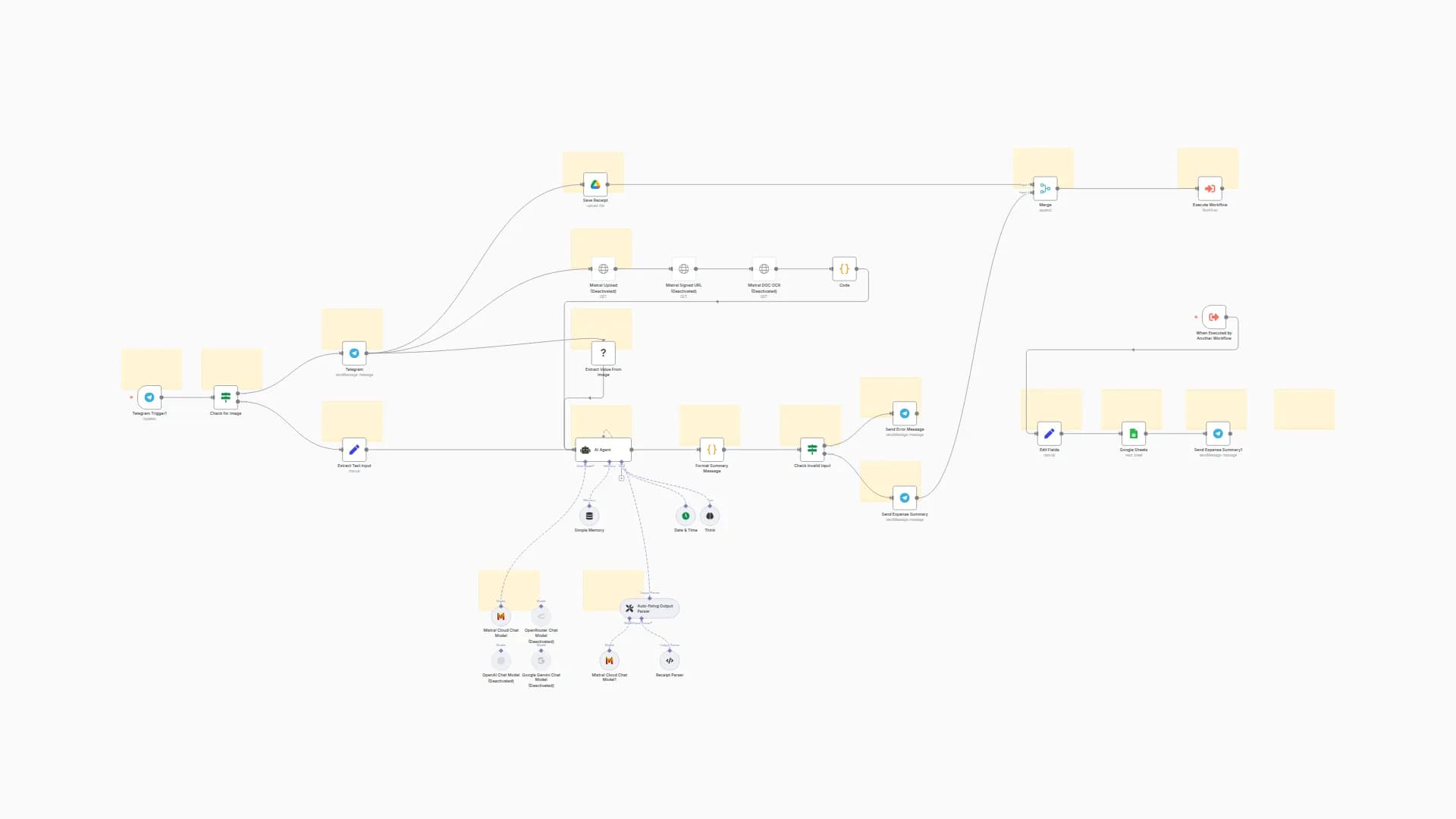
- Automatically detects when a new receipt is uploaded to Google Drive.
- Extracts text from the receipt using OCR.
- Uses an AI Agent to analyze the extracted data and structure it (e.g., vendor, date, total, tax).
- Saves the organized receipt data into a Google Sheet for easy tracking.
Set up steps:
- Setup takes around 15–20 minutes.
- You'll need a Google Drive folder for receipts and a Google Sheet to store results.
- Configure your Google Drive Trigger, OCR extraction, AI Agent, and Google Sheets connection.
Detailed instructions and explanations are included in this n8n Starter Session tutorial series.
You may also like

New to n8n?
Need help building new n8n workflows? Process automation for you or your company will save you time and money, and it's completely free!


