Recursive Google Drive Folder Duplicator with Permission Preservation


Last edited 206 days ago
Google Drive Folder Duplicator
This n8n workflow creates a complete recursive copy of any Google Drive folder, preserving the entire folder structure, all files, and sharing permissions.
What It Does
- Duplicates folders with unlimited nested subfolders
- Copies all files maintaining original names and metadata
- Preserves sharing permissions (users, groups, domains)
- Creates identical folder hierarchy in target location
How It Works
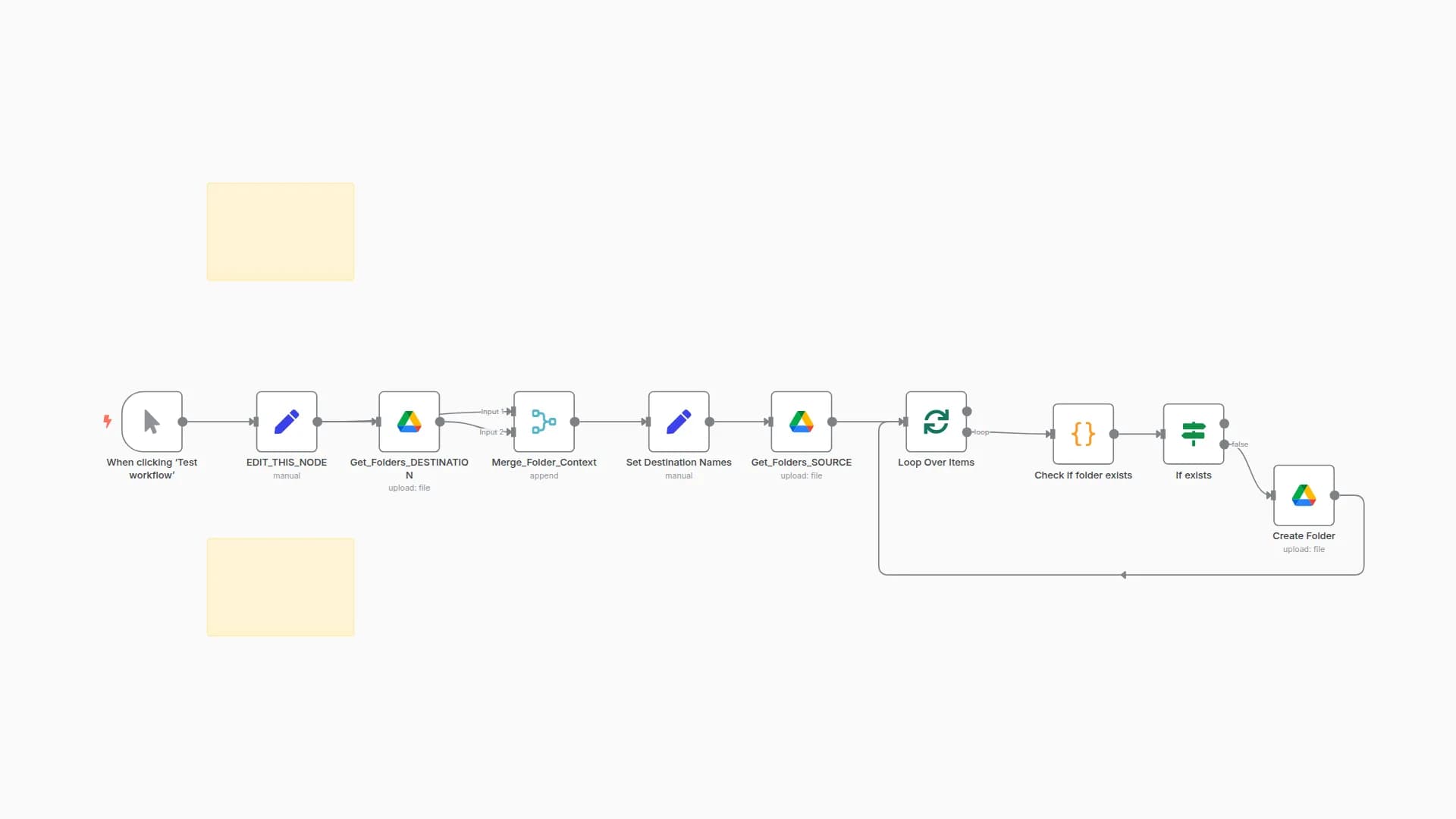
- Initialize: Sets source/target folders and creates main destination folder
- Recursive Processing: Scans each folder level, splits files from subfolders
- File Handling: Copies files and applies original permissions
- Folder Handling: Creates subfolders and applies original permissions
- Self-Recursion: Calls itself for each subfolder to process unlimited nested levels
Key Features
- Unlimited Depth: Handles any number of nested folder levels
- Permission Preservation: Maintains exact sharing settings
Requirements
Google Drive OAuth2 credentials with drive access
You may also like
New to n8n?
Need help building new n8n workflows? Process automation for you or your company will save you time and money, and it's completely free!


