Send School Fee Reminders with Payment Links via Email & WhatsApp


Last edited 205 days ago
📚 Automated School Fee Reminder Workflow with Payment Link
Automatically sends fee reminders (via email and WhatsApp) to parents with secure payment links, 3 days before the due date.
🔧 Main Components
-
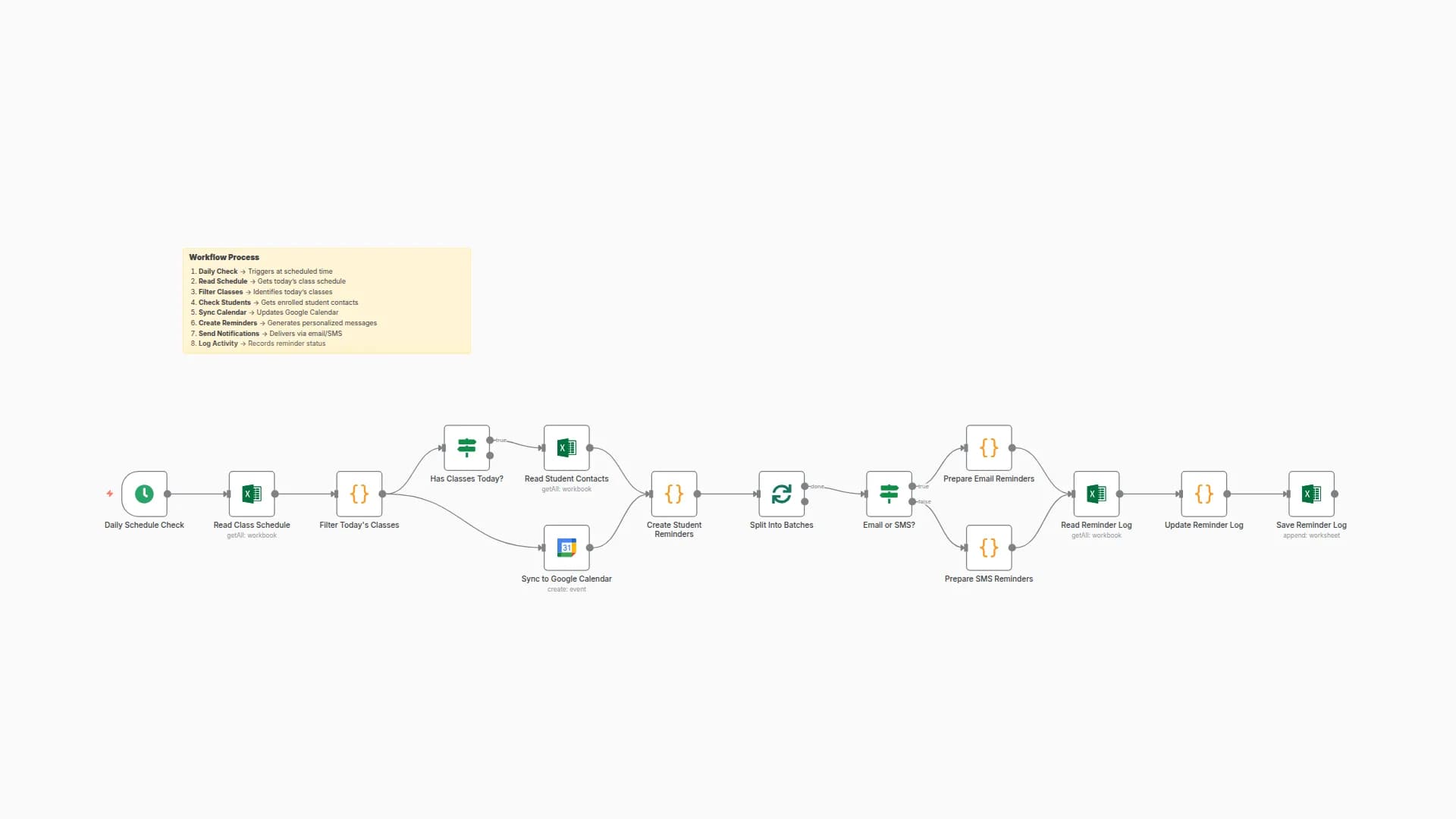
Daily Fee Check – 8 AM
Scheduled trigger that starts the workflow daily at 8 AM. -
Read Pending Fees
Fetches student fee records from an Excel sheet (usinggetAllmethod). -
Process Fee Reminders
Filters records to find pending fees due within the next 3 days. -
Prepare Email Reminder
Generates personalized email messages with payment links. -
Wait for Email Preparation
Adds delay/wait condition for email logic readiness. -
Send Email Reminder
Sends the fee reminder email with a secure payment link to the parent. -
Prepare WhatsApp Reminder
Generates WhatsApp-friendly messages with fee and payment details. -
Wait for WhatsApp Preparation
Waits for WhatsApp message logic to complete. -
Send WhatsApp Message
Sends the message to the parent’s WhatsApp number using a message API. -
Update Reminder Status
Updates the Excel file to mark reminders as sent to avoid duplicates.
🧩 Channels Used
- 📧 Email – with personalized payment link
- 💬 WhatsApp – formatted reminder message
🔐 Payment Integration
Secure payment links are auto-generated per student to enable direct and safe online fee payments.
✅ Essential Prerequisites
- Excel sheet with fee records (
student_fee_data.xlsx) - SMTP credentials for sending email
- WhatsApp API or provider integration (like Twilio or Gupshup)
- Access to a payment gateway or service for link generation
- File storage access to update reminder status in Excel
📁 Required Excel File Structure (student_fee_data.xlsx)
Student ID
Name
Phone
Fee Due Date
Amount
Reminder Sent
🧾 Expected Input Format Example
{
  "studentId": "ST123",
  "name": "Ria Mehta",
  "email": "[email protected]",
  "phone": "+919123456789",
  "dueDate": "2025-08-10",
  "amount": "₹5000",
  "reminderSent": "No"
}
🚀 Key Features
- ⏰ Scheduled Daily Execution – Fully automated at 8 AM
- 🧮 Due-Date Filtering – Only targets fees due in the next 3 days
- 💬 Multi-Channel Notifications – Sends reminders via both Email and WhatsApp
- 🔗 Secure Payment Links – Auto-generated for each student
- 🔄 Reminder Tracking – Prevents duplicate reminders by updating status
⚙️ Quick Setup Guide
- Import Workflow JSON into your n8n instance.
- Configure schedule in the “Daily Fee Check” node (default: 8 AM).
- Set Excel file path in the “Read Pending Fees” node.
- Update your fee processing logic in the “Process Fee Reminders” node.
- Add email credentials in the “Send Email Reminder” node.
- Integrate WhatsApp provider API in the “Send message” node.
- Define how you generate secure payment links.
- Test with sample data and activate workflow.
🛠️ Parameters to Configure
Parameter
Description
excel_file_path
Path to the fee tracking Excel file
smtp_host
SMTP server for sending email reminders
smtp_user
Email username
smtp_password
Email password
whatsapp_api_key
WhatsApp API key for sending messages
payment_api_url
URL for generating payment links
admin_email
(Optional) Admin email for error reporting
You may also like
New to n8n?
Need help building new n8n workflows? Process automation for you or your company will save you time and money, and it's completely free!


