Sync Google Sheets Contacts to SeaTable with Update/Insert Logic


Last edited 206 days ago
Keep your Google Sheets contacts in sync with SeaTable
Update or Insert records in SeaTable
How it works
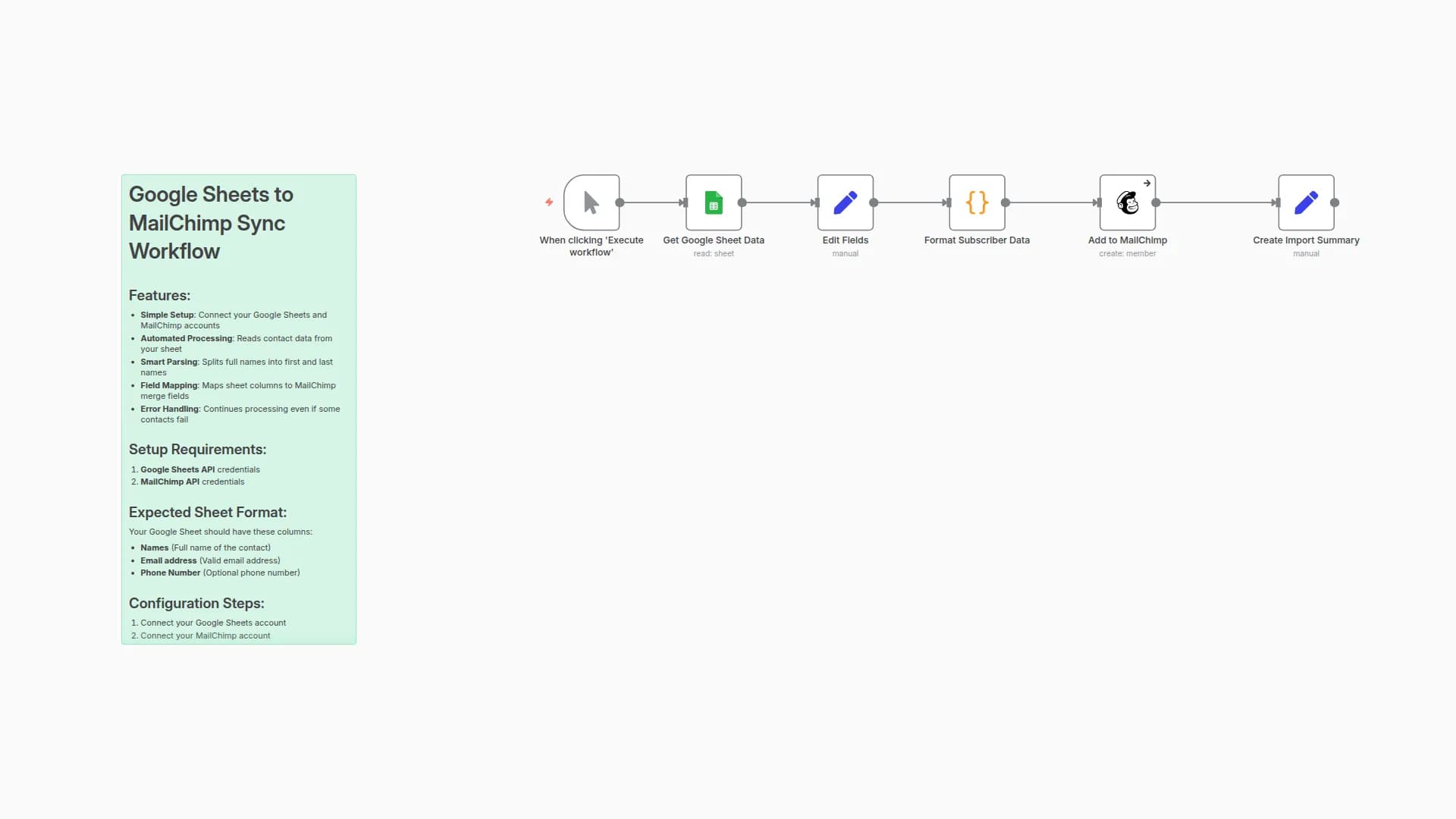
- Use a Google Sheet as your central contact list.
- For each contact in the sheet:
- Check if the record already exists in SeaTable (based on email).
- If it exists → update the record.
- If it doesn’t → insert the new contact.
How to use
- Copy the Google Sheet Template Link.
- Get the Google Sheet ID (the string between
d/and/edit).
- Get the Google Sheet ID (the string between
- In the workflow, set the Sheet ID in the
settingsnode. - In SeaTable, create or update a base with a Table1 containing these fields:
emailfirstnamelastnamecompany
- Configure your Google Sheets and SeaTable credentials in n8n.
- Add your own contacts to the Google Sheet & run the workflow
Requirements
- Google credentials (for Sheets access)
- SeaTable account (Cloud)
- n8n (tested on version 1.105.2, Ubuntu)
Example use cases
- Maintain a central CRM-like database in SeaTable.
- Ensure consistent contact data when collecting leads in Google Sheets.
- Automate record deduplication (prevent duplicate entries).
Need Help?
You may also like

New to n8n?
Need help building new n8n workflows? Process automation for you or your company will save you time and money, and it's completely free!


