Sync QuickBooks Chart of Accounts to Google BigQuery


Last edited 206 days ago
Sync QuickBooks Chart of Accounts to Google BigQuery
Keep a historical, structured copy of your QuickBooks Chart of Accounts in BigQuery. This n8n workflow runs weekly, syncing new or updated accounts for better reporting and long-term tracking.
Who Is This For?
- Data Analysts & BI Developers
Build a robust financial model and analyze changes over time. - Financial Analysts & Accountants
Track structural changes in your Chart of Accounts historically. - Business Owners
Maintain a permanent archive of your financial structure for future reference.
What the Workflow Does
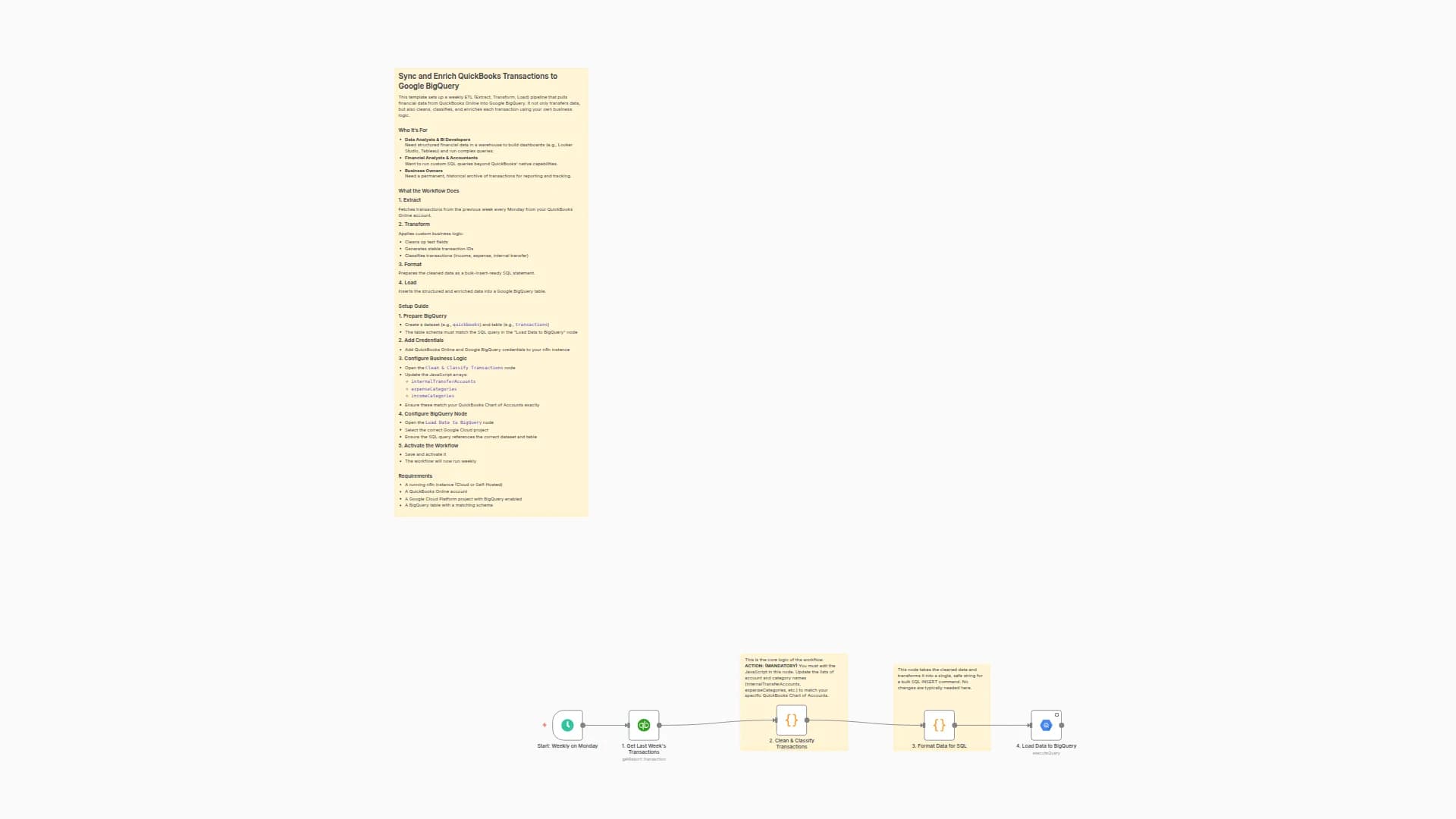
- Extract
Every Monday, fetch accounts created or updated in the past 7 days from QuickBooks. - Transform
Clean the API response, manage currencies, create stable IDs, and format the data. - Format
Convert cleaned data into an SQL insert-ready structure. - Load
Insert or update account records into BigQuery.
Setup Steps
1. Prepare BigQuery
- Create a table (e.g.,
quickbooks.accounts) with columns matching the final SQL insert step.
2. Add Credentials
- Connect QuickBooks Online and BigQuery credentials in n8n.
3. Configure the HTTP Node
- Open
1. Get Updated Accounts from QuickBooks. - Replace the Company ID {COMPANY_ID} with your real Company ID.
- Press
Ctrl + Alt + ?in QuickBooks to find it.
- Press
4. Configure the BigQuery Node
- Open
4. Load Accounts to BigQuery. - Select the correct project.
- Make sure your dataset and table name are correctly referenced in the SQL.
5. Activate
- Save and activate the workflow. It will now run every week.
Requirements
- QuickBooks Online account
- QuickBooks Company ID
- Google Cloud project with BigQuery and a matching table
Customization Options
- Change Sync Frequency
Adjust the schedule node to run daily, weekly, etc. - Initial Backfill
Temporarily update the API query toselect * from Accountfor a full pull. - Add Fields
Modify2. Structure Account Datato include or transform fields as needed.
You may also like
New to n8n?
Need help building new n8n workflows? Process automation for you or your company will save you time and money, and it's completely free!


