Transform Books into 100+ Social Media Posts with DeepSeek AI and Google Drive


Categories
Created by
adAdam CraftsLast edited 206 days ago
📚🤖✨ Your Automated Content Factory: Turn Any Book into 100+ Social Media Ideas Instantly Never run out of content again by automatically generating a massive library of social media posts from a single document.
🚀 Overview
This automation is a game-changer for content creators, marketers, and authors. It transforms any book or long document into a treasure trove of over 100 ready-to-use, short-form content ideas for platforms like TikTok, Instagram Reels, and YouTube Shorts. Drop a file, and get a batch of viral-ready posts back.
😩 The Problem
You have amazing, valuable content locked away in books, e-books, or long reports. Turning that content into a steady stream of engaging social media posts is a painful, manual grind. You spend countless hours rereading chapters, trying to pinpoint interesting facts, brainstorming catchy hooks, and writing dozens of unique posts. It's a creative bottleneck that drains your time and energy, making it impossible to post consistently and scale your reach.
✨ The Solution
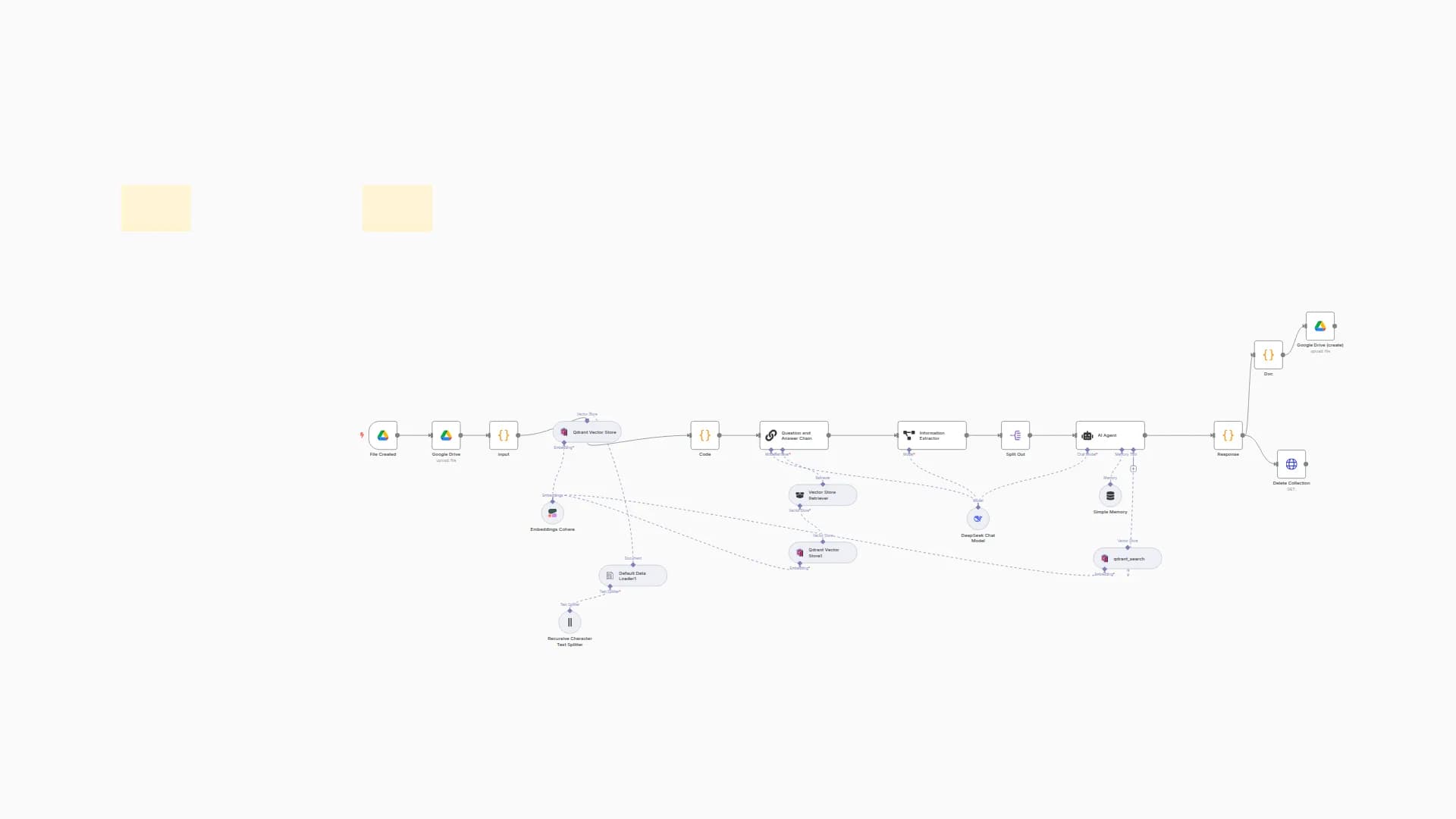
This workflow acts as your personal AI content team, working 24/7. Simply drop a book file (like a PDF or TXT) into a designated Google Drive folder. The automation instantly gets to work:
- It reads and understands the entire book, breaking it down chapter by chapter.
- An advanced AI agent then analyzes the core ideas, emotional hooks, and surprising facts within the text.
- It generates 5-10 unique, viral content ideas for each chapter, complete with an irresistible hook, the core message, and a call-to-action to drive engagement.
- Finally, it neatly saves all of these brilliant ideas into a new document in another Google Drive folder, ready for you to use. It's a complete, hands-off content repurposing machine.
⚙️ Simple Setup
This workflow is a pre-built blueprint, designed to be up and running in minutes!
- 1. Upload: Simply upload the provided JSON file into your n8n instance.
- 2. Detailed Setup: Follow all the instructions of the Detailed Setup.
- 3. Activate: Turn the workflow on, and it's ready to go! Let your new automated employee get to work.
🌐 Explore more workflows
❤️ Buy more workflows at: adamcrafts
🦾 Custom workflows at: [email protected]
[email protected]
You may also like
New to n8n?
Need help building new n8n workflows? Process automation for you or your company will save you time and money, and it's completely free!


