Trello to Slack Notification Trigger: Task/Card Move Alerts


Last edited 205 days ago
Sends a Slack notification whenever a Trello card is moved between lists on a specific board. Message format (bolded parts):
Task: *{{ $json.Task }}* moved from *{{ $json['Previous Step'] }}* to *{{ $json['New Step'] }}*
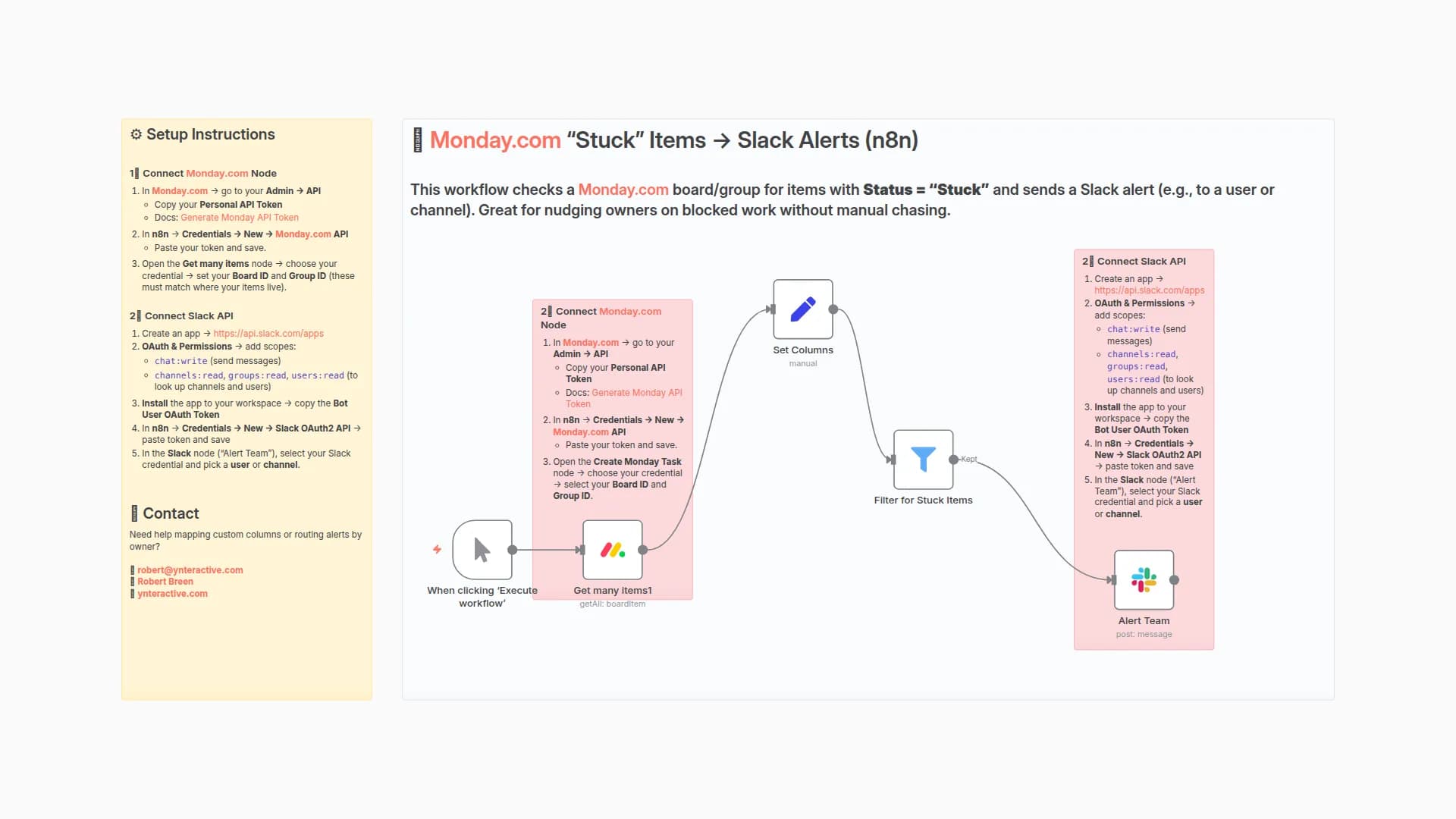
⚙️ Setup Instructions
1️⃣ Connect Trello (Developer API)
- Get your API key here → Trello App Key
- On the same page, generate a Token (click Token).
- In n8n → Credentials → New → Trello API → paste API Key + Token, then save.
- Open each Trello node (Get Board, Get Lists, Get Cards) and select your Trello credential.
2️⃣ Connect Slack
- Go to Slack API Apps and create a new app.
- Add OAuth & Permissions → include scopes like:
chat:write(to send messages)users:read(if targeting specific users)
- Install the app to your workspace → copy the Bot User OAuth Token.
- In n8n → Credentials → New → Slack OAuth2 API → paste the token and save.
- In your Slack node (e.g., Send a message), select your Slack credential, and choose whether to send messages to a channel or a user.
3️⃣ Get Your Trello Board ID
Find your board’s shortlink in the URL (e.g. in https://trello.com/b/DCpuJbnd/administrative-tasks, the shortlink is DCpuJbnd).
Run this request in an HTTP node (replace placeholders with your values):
Copy the "id" from the response — that’s your board ID.
Paste it into the Trello Trigger node under Model ID.
📬 Contact
Need help customizing this workflow or building automations?
You may also like
New to n8n?
Need help building new n8n workflows? Process automation for you or your company will save you time and money, and it's completely free!


