Validate CAD and BIM Files Against Excel Standards (Revit, IFC, AutoCAD, DGN)


Last edited 206 days ago
This workflow contains community nodes that are only compatible with the self-hosted version of n8n.
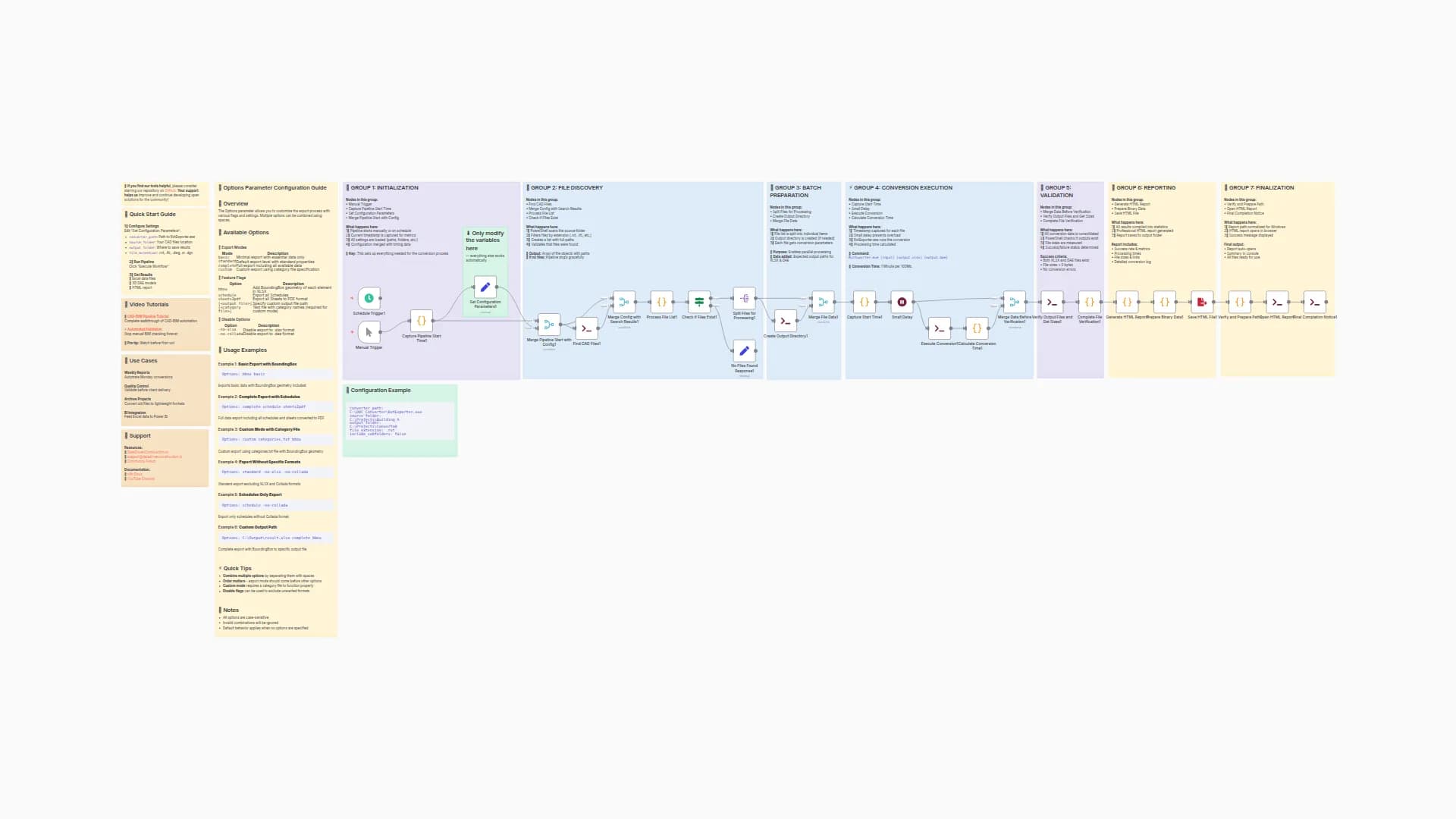
CAD-BIM Multi-Format Validation Pipeline
This workflow enables automated validation of CAD and BIM files in multiple formats (Revit, IFC, DWG, DGN) for compliance with project standards and requirements.
Key Features
- Converts Revit, IFC, DWG, and DGN models into open data tables
- Runs automated validation checks on model naming, structure, attributes, and completeness
- Generates error reports and QTO (Quantity Take-Off) tables for all processed files
How it works
- Upload one or more project files in Revit (.rvt), IFC (.ifc), DWG, or DGN formats
- The pipeline automatically processes each file and validates against configurable rules in Excel form
- Error summaries and QTO tables are generated
- All outputs are available for download as Excel
-
Converter Path:
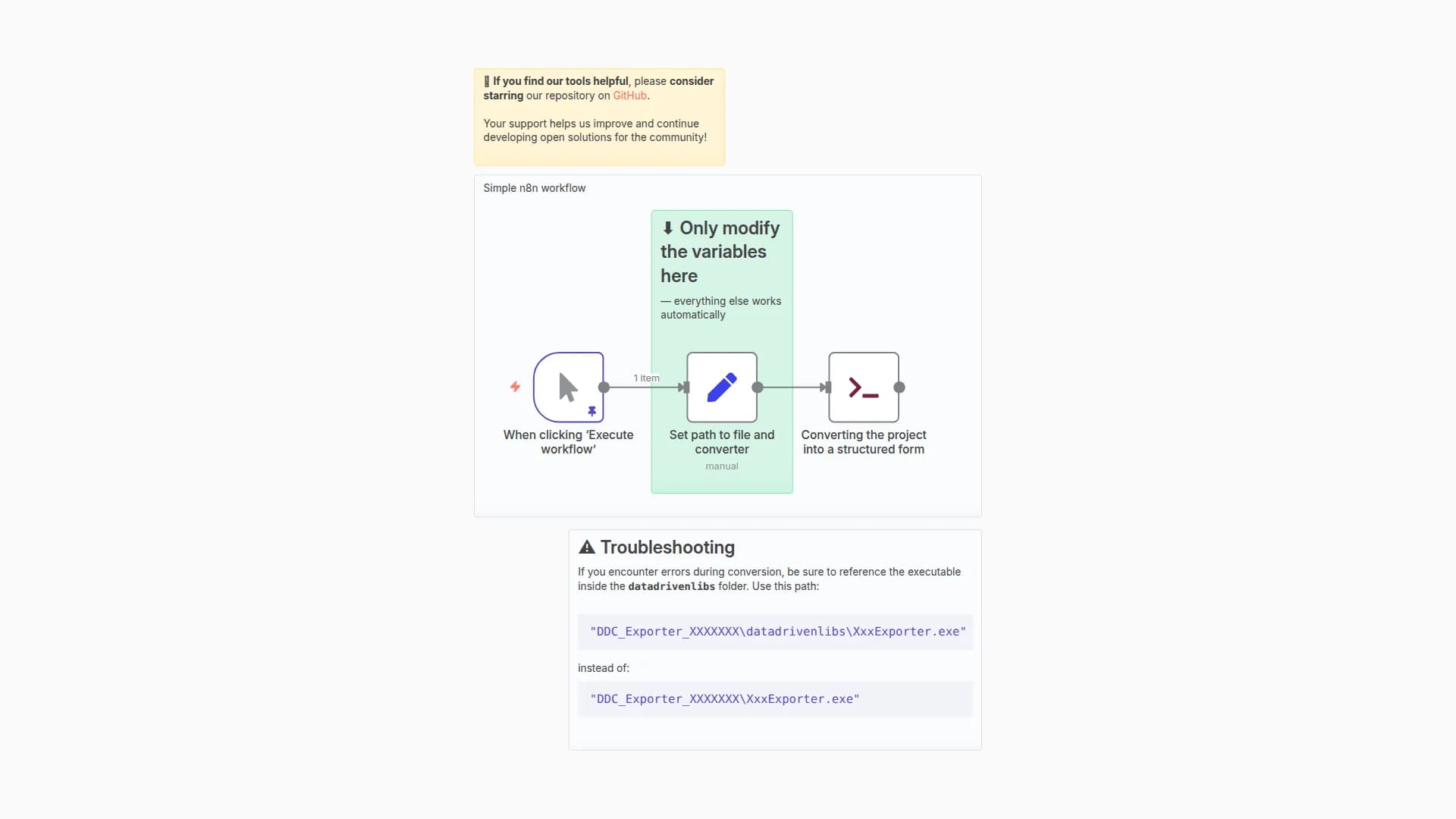
Make sure the converter executable (e.g.RvtExporter.exe) is placed inDDC Exporter\datadrivenlibs\.
Specify the full path in the workflow settings if required. -
Troubleshooting:
- If conversion fails, double-check the path to the executable.
- Only supported formats can be processed (see GitHub Readme).
- Review logs in
/outputfor error details.
-
Docs & Issues:
Full Readme on GitHub
Consulting and Training
We work with leading construction, engineering, consulting agencies and technology firms around the world to help them implement open data principles, automate CAD/BIM processing and build robust ETL pipelines.
If you would like to test this solution with your own data, or are interested in adapting the workflow to real project tasks, feel free to contact us.
Author
DataDrivenConstruction.io
[email protected]
Docs & Issues:
Full Readme on GitHub
You may also like
New to n8n?
Need help building new n8n workflows? Process automation for you or your company will save you time and money, and it's completely free!


