AI Resume Analysis & Candidate Evaluation with Slack and Google Sheets


Categories
Created by
trTrung TranLast edited 206 days ago
Create AI-Powered Chatbot for Candidate Evaluation on Slack
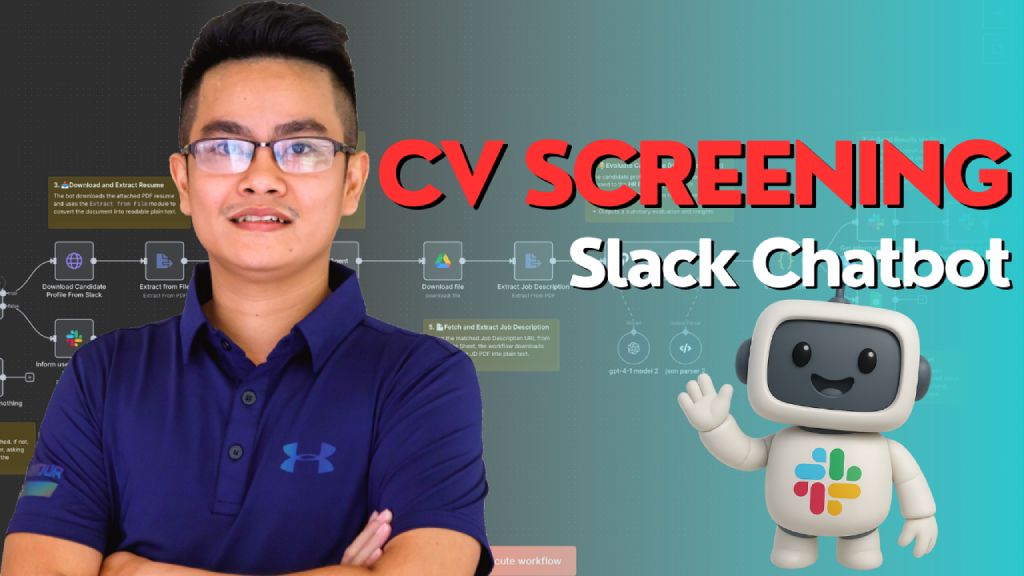
This workflow connects a Slack chatbot with AI agents and Google Sheets to automate candidate resume evaluation. It extracts resume details, identifies the applied job from the message, fetches the correct job description, and provides a summarized evaluation via Slack and tracking sheet. Perfect for HR teams using Slack.
Who’s it for
This workflow is designed for:
- HR Teams, Recruiters, and Hiring Managers
- Working in software or tech companies using Slack, Google Sheets, and n8n
- Who want to automate candidate evaluation based on uploaded profiles and applied job positions
How it works / What it does
This workflow is triggered when a Slack user mentions the HR bot and attaches a candidate profile PDF.
The workflow performs the following steps:
- Trigger from Slack Mention
- A user mentions the bot in Slack with a message like:
@HRBot Please evaluate this candidate for the AI Engineer role.
(with PDF attached)
- A user mentions the bot in Slack with a message like:
- Input Validation
- If no file is attached, the bot replies:
"Please upload the candidate profile file before sending the message."
- If no file is attached, the bot replies:
- Extract Candidate Profile
- Downloads the attached PDF from Slack
- Uses
Extract from Fileto parse the resume into text
- Profile Analysis (AI Agent)
- Sends the resume text and message to the
Profile Analyzer Agent - Identifies:
- Candidate name, email, and summary
- Applied position (from message)
- Looks up the Job Description PDF URL using Google Sheets
- Sends the resume text and message to the
- Job Description Retrieval
- Downloads and parses the matching JD PDF
- HR Evaluation (AI Agent)
- Sends both the candidate profile and job description to
HR Expert Agent - Receives a summarized fit evaluation and insights
- Sends both the candidate profile and job description to
- Output and Logging
- Sends evaluation result back to Slack in the original thread
- Updates a Google Sheet with evaluation data for tracking
How to set up
- Slack Setup
- Create a Slack bot and install it into your workspace
- Enable the
app_mentionevent and generate a bot token - Connect Slack to n8n using Slack Bot credentials
- Google Sheets Setup
- Create a sheet mapping
Position Title → Job Description URL - Create another sheet for logging evaluation results
- Create a sheet mapping
- n8n Setup
- Add a Webhook Trigger for Slack mentions
- Connect Slack, Google Sheets, and GPT-4 credentials
- Set up agents (
Profile Analyzer Agent,HR Expert Agent) with appropriate prompts
- Deploy & Test
- Mention your bot in Slack with a message and file
- Confirm the reply and entry in the evaluation tracking sheet
Requirements
- n8n (self-hosted or cloud)
- Slack App with Bot Token
- OpenAI or Azure OpenAI account (for GPT-4)
- Google Sheets (2 sheets: job mapping + evaluation log)
- Candidate profiles in PDF format
- Defined job titles and descriptions
How to customize the workflow
You can easily adapt this workflow to your team’s needs:
Customization Area
How to Customize
Job Mapping Source
Replace Google Sheet with Airtable or Notion DB
JD Format
Use Markdown or inline descriptions instead of PDF
Evaluation Output Format
Change from Slack message to Email or Notion update
HR Agent Prompt
Customize to match your company tone or include scoring rubrics
Language Support
Add support for bilingual input/output (e.g., Vietnamese & English)
Workflow Trigger
Trigger from slash command or form instead of @mention
You may also like
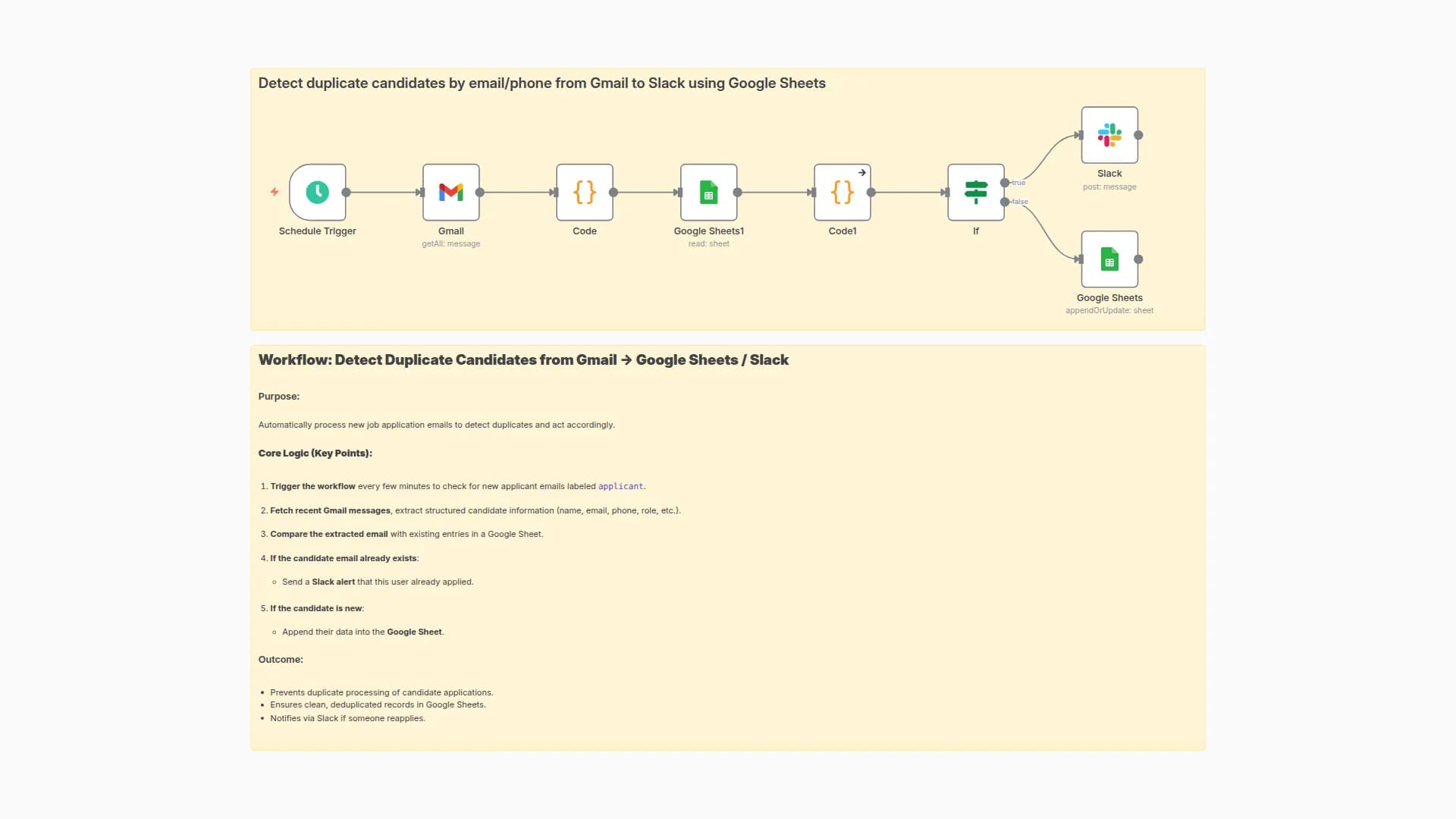
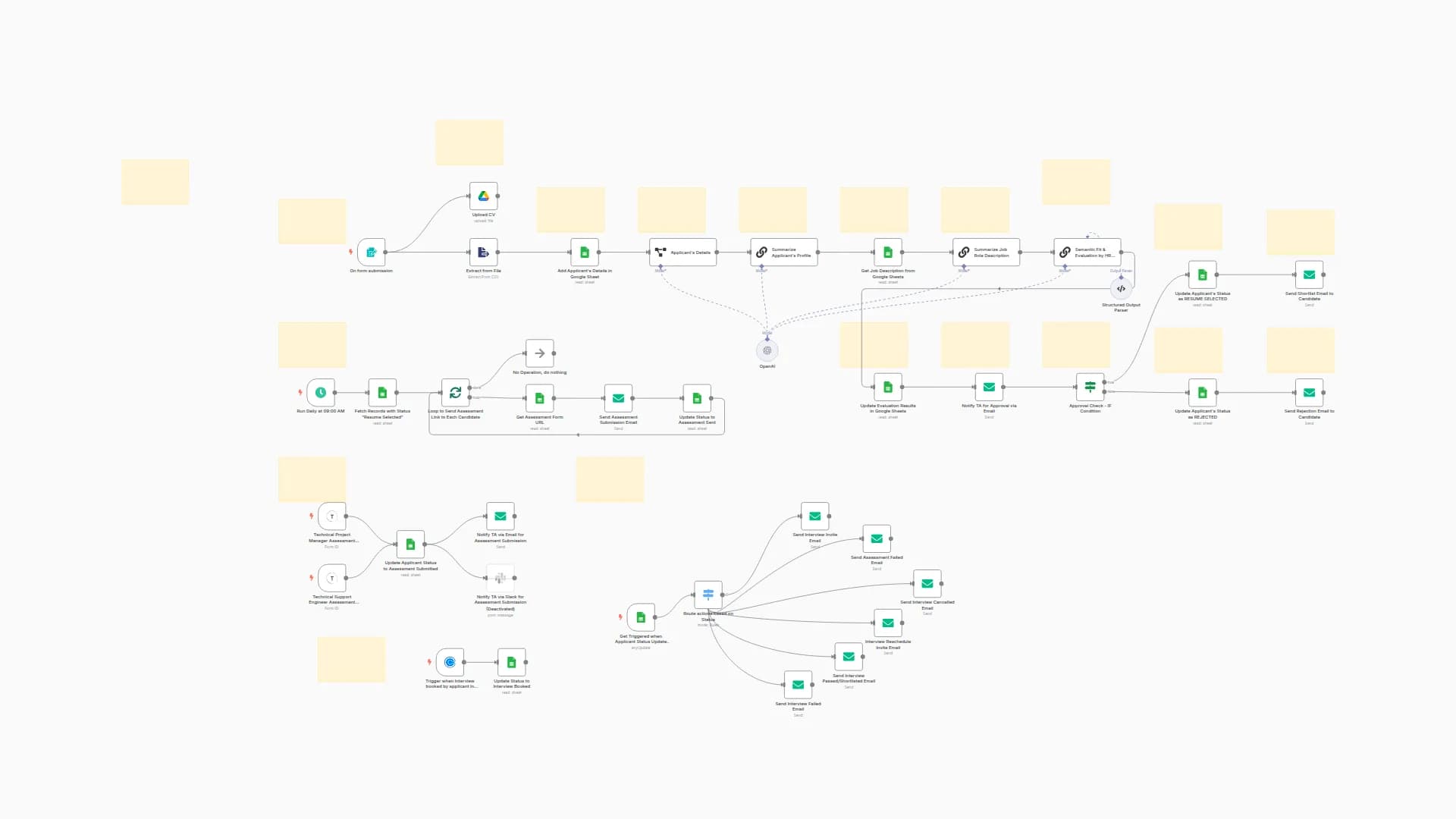
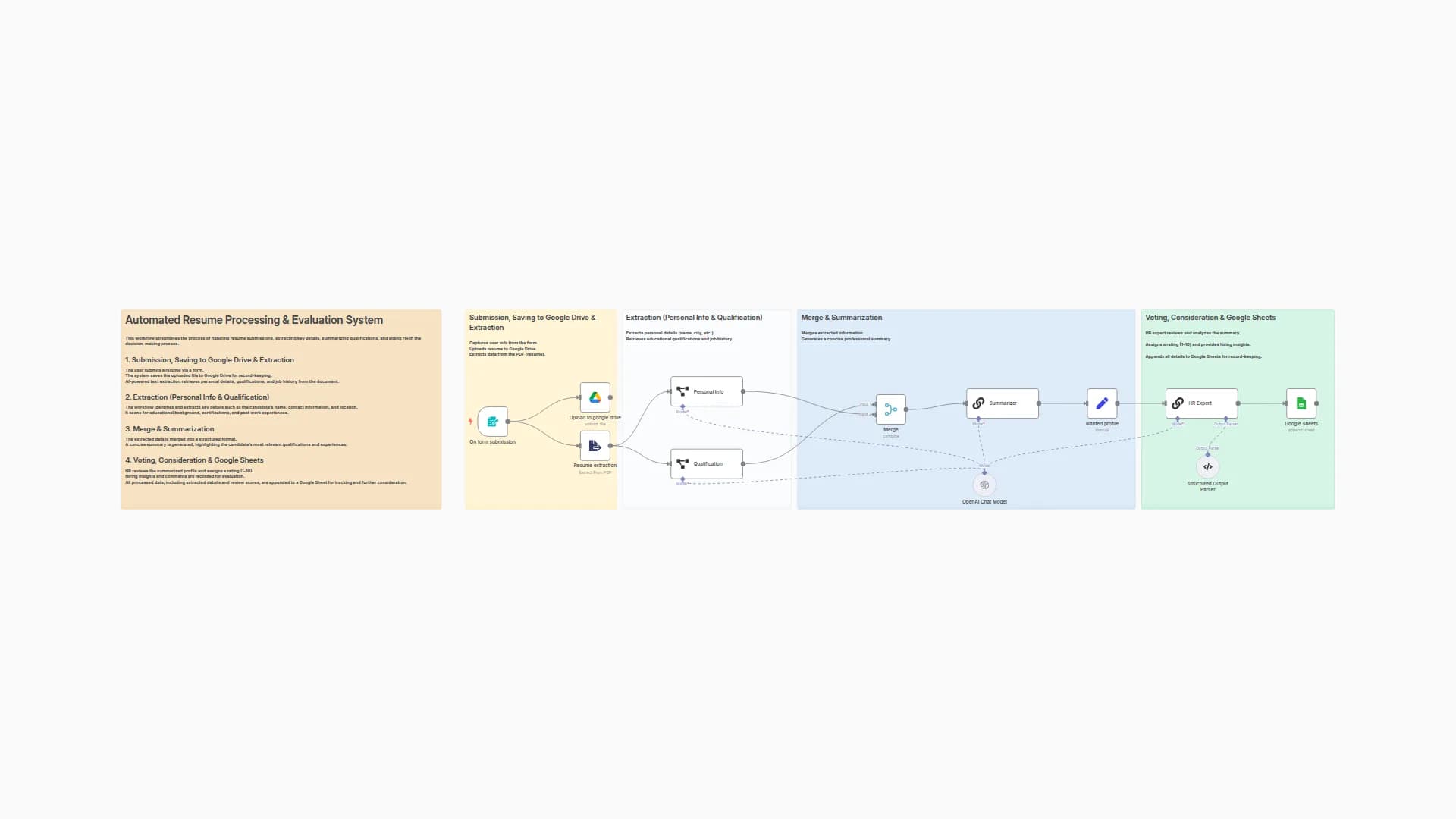
New to n8n?
Need help building new n8n workflows? Process automation for you or your company will save you time and money, and it's completely free!


