Analyze Search Intent for Keywords with Google Scraping, Bright Data, and Gemini AI


Last edited 206 days ago
What it does
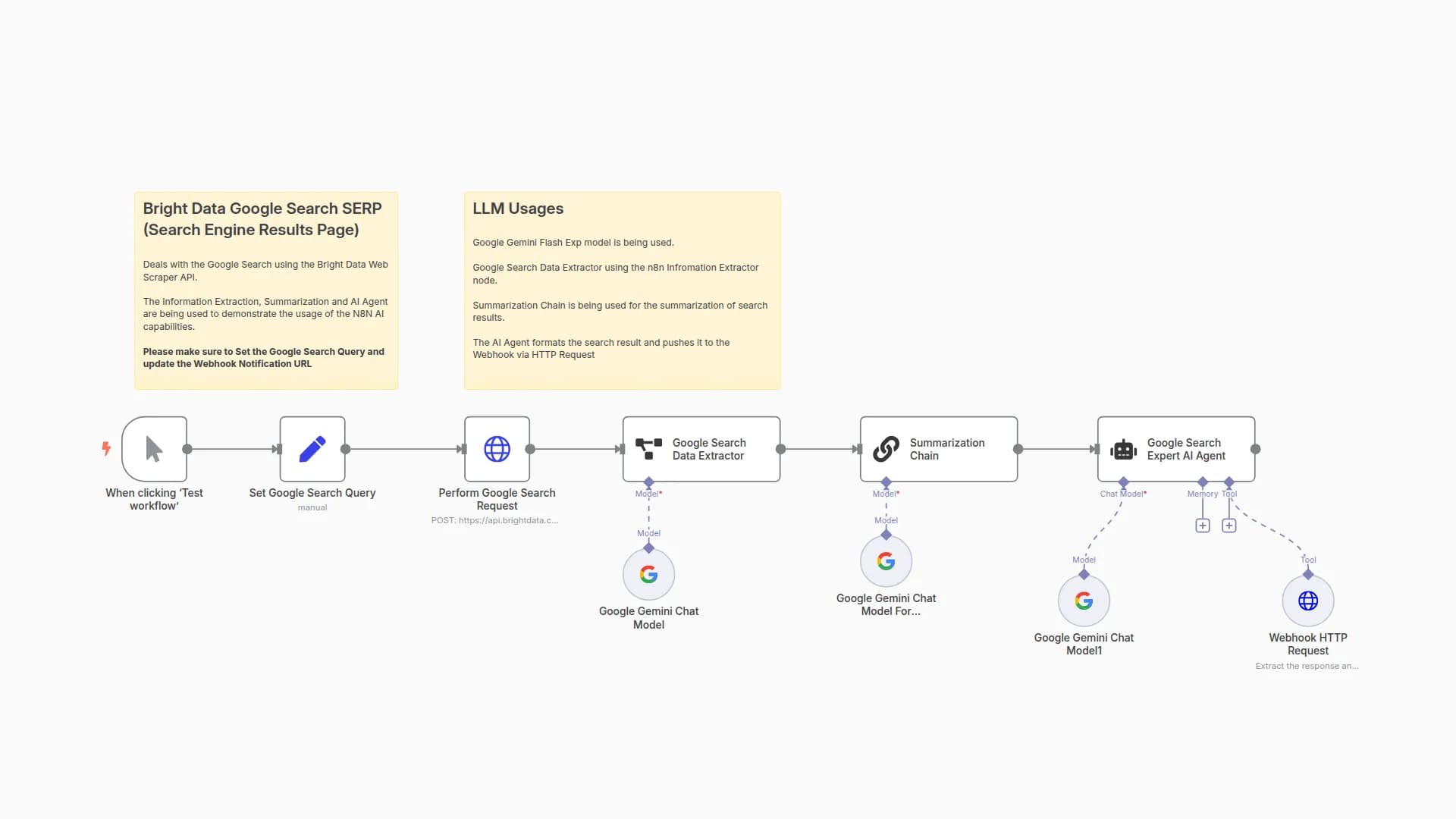
This workflow scrapes the top 10 pages on SERP and conducts an in-depth analysis of the keyword intent for each ranking keyword, saving the information to a Google Sheet for further analysis.
How does this workflow work?
- We add our keywords and country code to a Google sheet that we need to monitor and research on
- Run the system
- Scrape the top 10 pages
- Analyze the intents of the top 10 and update to a Google sheet
Technical Setup
- Make a copy of this G sheet
- Add your desired keywords to the Google sheet
- Map keyword and country code
- Update the Zone name to match your zone on Bright Data
- Run the scraper
Upon successful scraping, we run an intent classifier to determine the intents for each ranking page and update the G sheet.
Setting up the Serp Scraper in Bright Data
- On Bright Data, go to the Proxies & Scraping tab
- Under SERP API, create a new zone
- Give it a suitable name and description. The default is
serp_api - Add this to your account
- Add your credentials as a header credential
You may also like


New to n8n?
Need help building new n8n workflows? Process automation for you or your company will save you time and money, and it's completely free!


