Auto-Create Airtable CRM Records for Zoom Attendees


Last edited 206 days ago
🗂️ Auto-Create Airtable CRM Records for Zoom Attendees
This workflow automatically logs every Zoom meeting attendee into an Airtable CRM — capturing their details for sales follow-up, reporting, or onboarding.
⚙️ How It Works
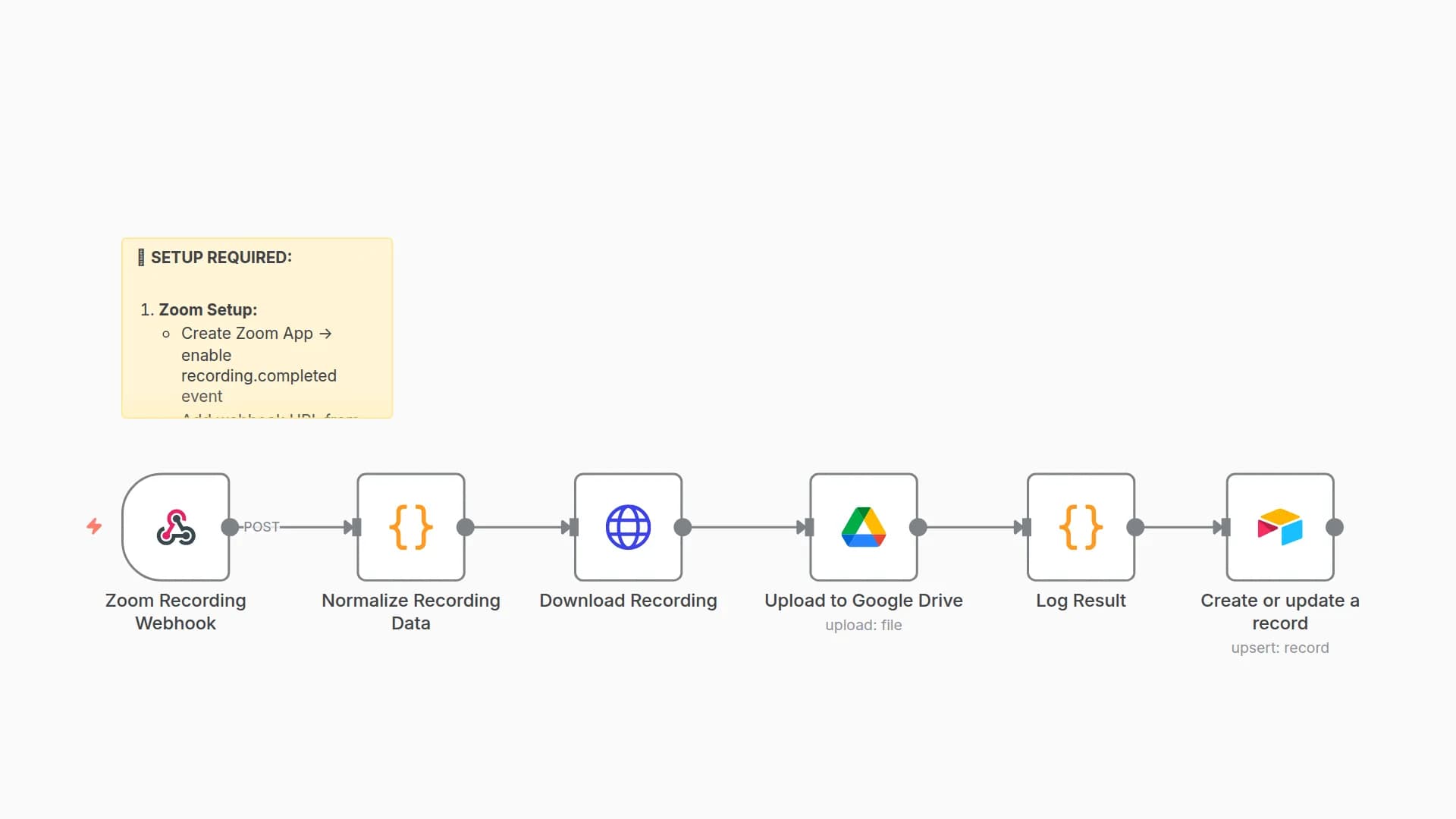
- Zoom Webhook → Captures participant join event.
- Normalize Data → Extracts attendee name, email, join/leave times.
- Airtable → Saves/updates record with meeting + contact info.
🛠️ Setup Steps
1. Zoom
- Create a Zoom App with
meeting.participant_joinedevent. - Paste workflow webhook URL.
2. Airtable
- Create a base called CRM.
- Table: Attendees.
- Columns:
- Meeting ID
- Topic
- Name
- Join Time
- Leave Time
- Duration
- Tag
3. n8n
- Replace
YOUR_AIRTABLE_BASE_ID+YOUR_AIRTABLE_TABLE_IDin the workflow. - Connect Airtable API key.
📊 Example Airtable Row
Meeting ID
Topic
Name
Join Time
Duration
Tag
999-123-456
Sales Demo
Sarah L.
2025-08-30T10:02:00Z
45 min
New Lead
⚡ With this workflow, every Zoom attendee becomes a structured CRM record automatically.
You may also like

New to n8n?
Need help building new n8n workflows? Process automation for you or your company will save you time and money, and it's completely free!


