Auto-Sort Support Emails with OpenAI and Route to Teams with Jira Integration


Last edited 205 days ago
This automated n8n workflow provides an AI-powered email classifier for support emails, automatically categorizing incoming emails and routing them to the appropriate inbox, creating a Jira task, and sending an autoresponse within minutes.
Main Components
- IMAP Email - Monitors incoming support emails via IMAP
- OpenAI - Classifies emails into categories (billing, bug, feature)
- Switch - Routes emails based on the classified category
- Send Billing Email - Forwards billing-related emails to the billing inbox
- Send Bug Email - Forwards bug-related emails to the bugs inbox
- Send Feature Email - Forwards feature-related emails to the features inbox
- Create Jira Task - Creates a task in Jira for each classified email
- Send Autoresponse - Sends a confirmation email to the sender
Essential Prerequisites
- IMAP access to the support email account
- OpenAI API key
- SMTP server credentials for sending emails
- Jira account with API access
Customization Guide
- Update IMAP host and credentials in the IMAP Email node
- Adjust OpenAI model or prompt in the OpenAI node
- Modify email addresses ([email protected], [email protected], [email protected]) in Send Email nodes
- Configure Jira project ID and credentials in the Create Jira Task node
- Change autoresponse text in the Send Autoresponse node
Features
- 🤖 AI Classification: Uses OpenAI to categorize emails into billing, bug, or feature
- 🔄 Automated Routing: Routes emails to the correct inbox based on category
- 🎯 Task Creation: Creates a Jira task for each support request
- 📧 Autoresponse: Sends instant confirmation to the sender
- ⚡ Optimizations Made: Streamlined email processing with single-pass classification
Parameters to Configure
imap_host: Your IMAP server addressimap_user: IMAP username (e.g., [email protected])imap_password: IMAP passwordopenai_api_key: OpenAI API keysmtp_host: Your SMTP server addresssmtp_user: SMTP usernamesmtp_password: SMTP passwordjira_project_id: Your Jira project IDjira_user: Jira usernamejira_api_token: Jira API token
How to Use
- Copy the JSON code from the artifact
- Open your n8n workspace
- Select “Import from JSON” or “+” → “From JSON”
- Paste the JSON code
- Configure parameters in the respective nodes with your credentials and settings
- Run the workflow
Workflow Actions
- Classify: Uses OpenAI to categorize incoming emails
- Route: Forwards emails to the appropriate inbox
- Create: Generates a Jira task for each email
- Respond: Sends an autoresponse to the sender
You may also like

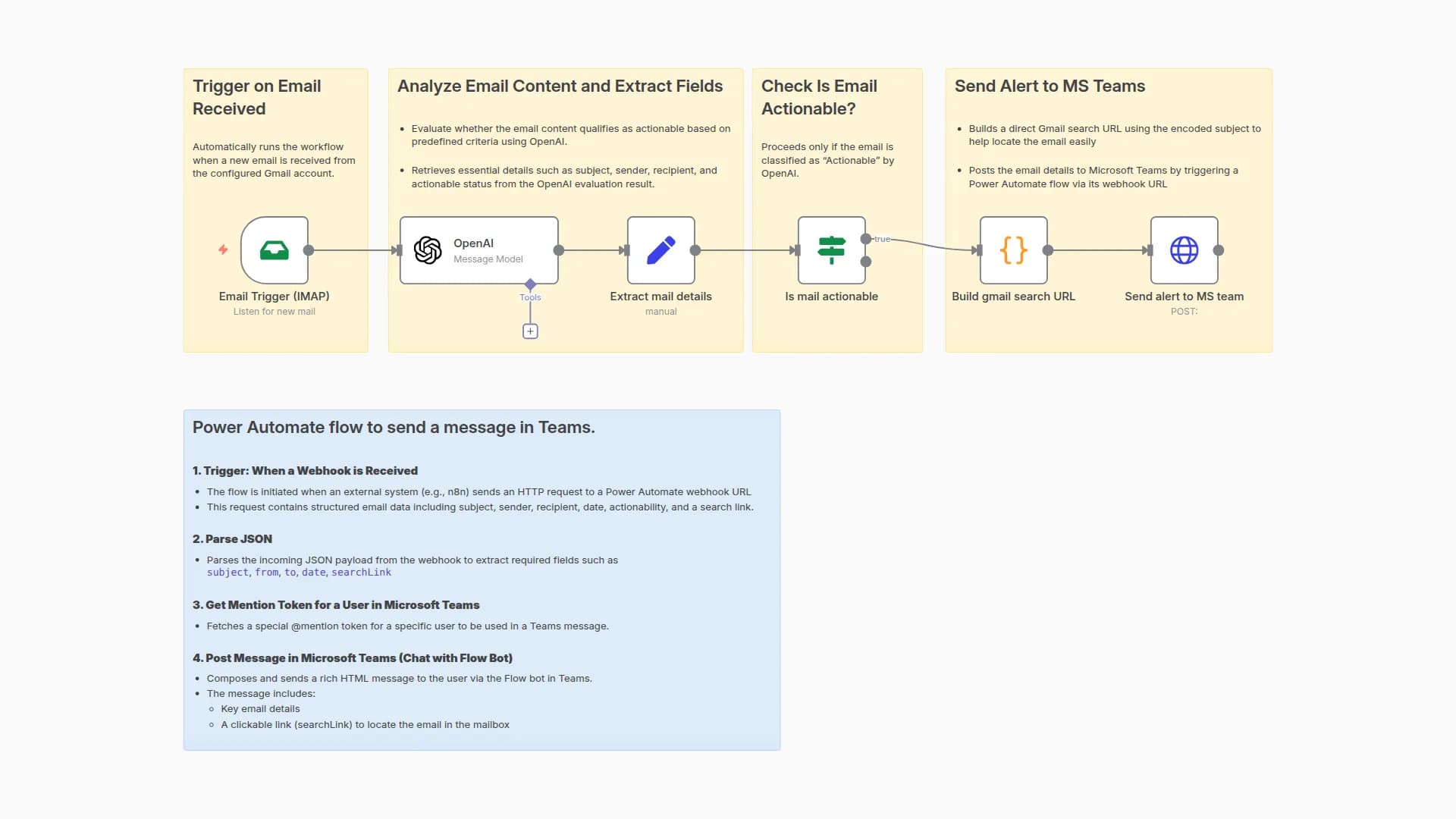
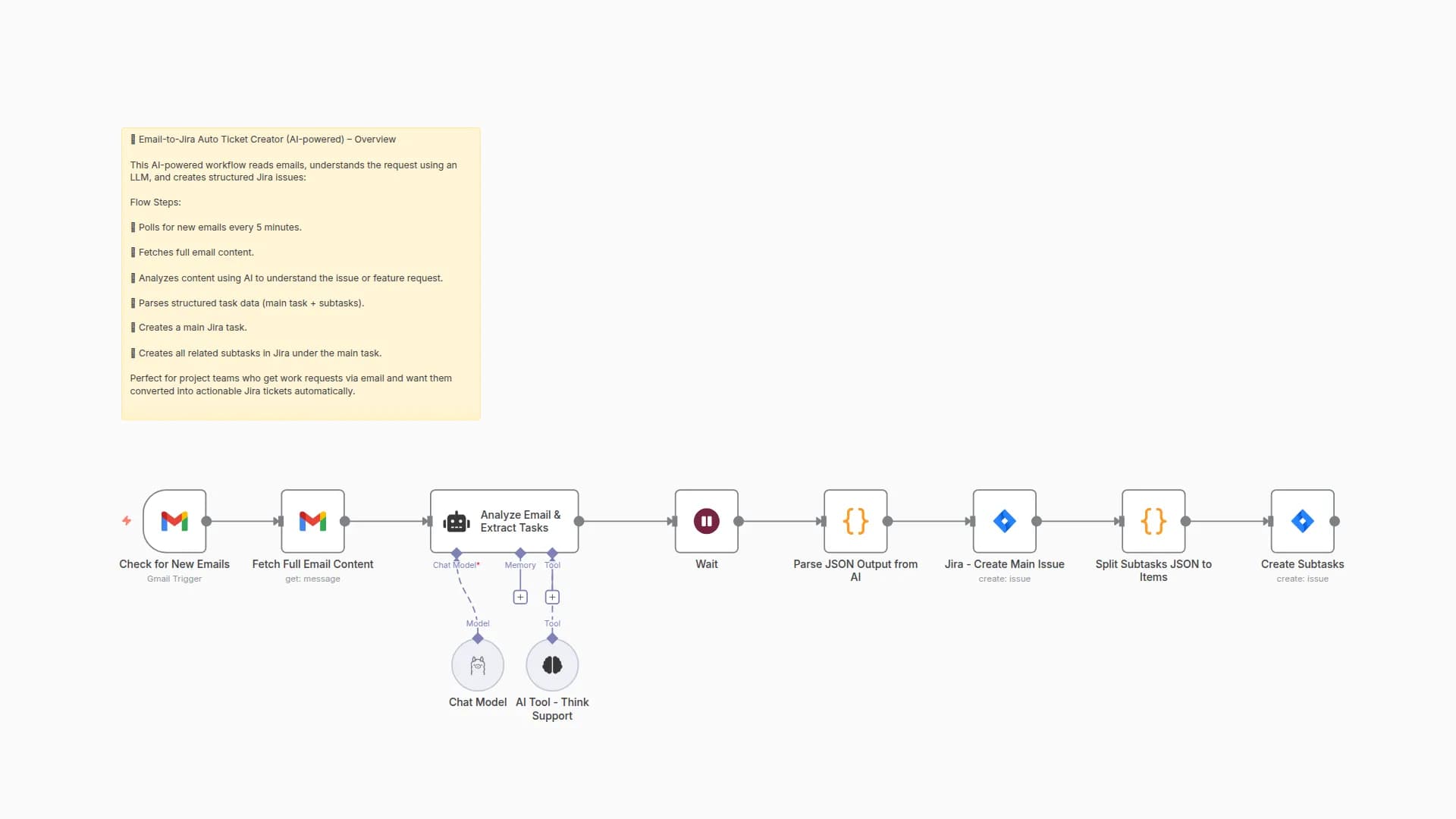
New to n8n?
Need help building new n8n workflows? Process automation for you or your company will save you time and money, and it's completely free!


