Automate Client Onboarding with GPT-4o-mini, Asana, Slack, Google Drive and Gmail


Categories
Created by
adAdam CraftsLast edited 206 days ago
Automate the complete client onboarding process for AI automation services using n8n, Asana, Slack, Google Drive, and Gmail.
This workflow ensures a consistent, professional, and scalable onboarding experience for every new client.
📌 Purpose
This workflow is designed to:
- Eliminate manual setup tasks during client onboarding
- Automatically create client-specific resources (folders, projects, channels)
- Ensure smooth communication between your team and the client
- Deliver instant confirmation and welcome emails to the client
⚡ Trigger
The workflow is triggered by an n8n Form submission (Client Onboarding Form) where clients provide:
- Name
- Company Name
- Website
- Proposal/Scope Document (PDF)
🛠️ Actions Performed
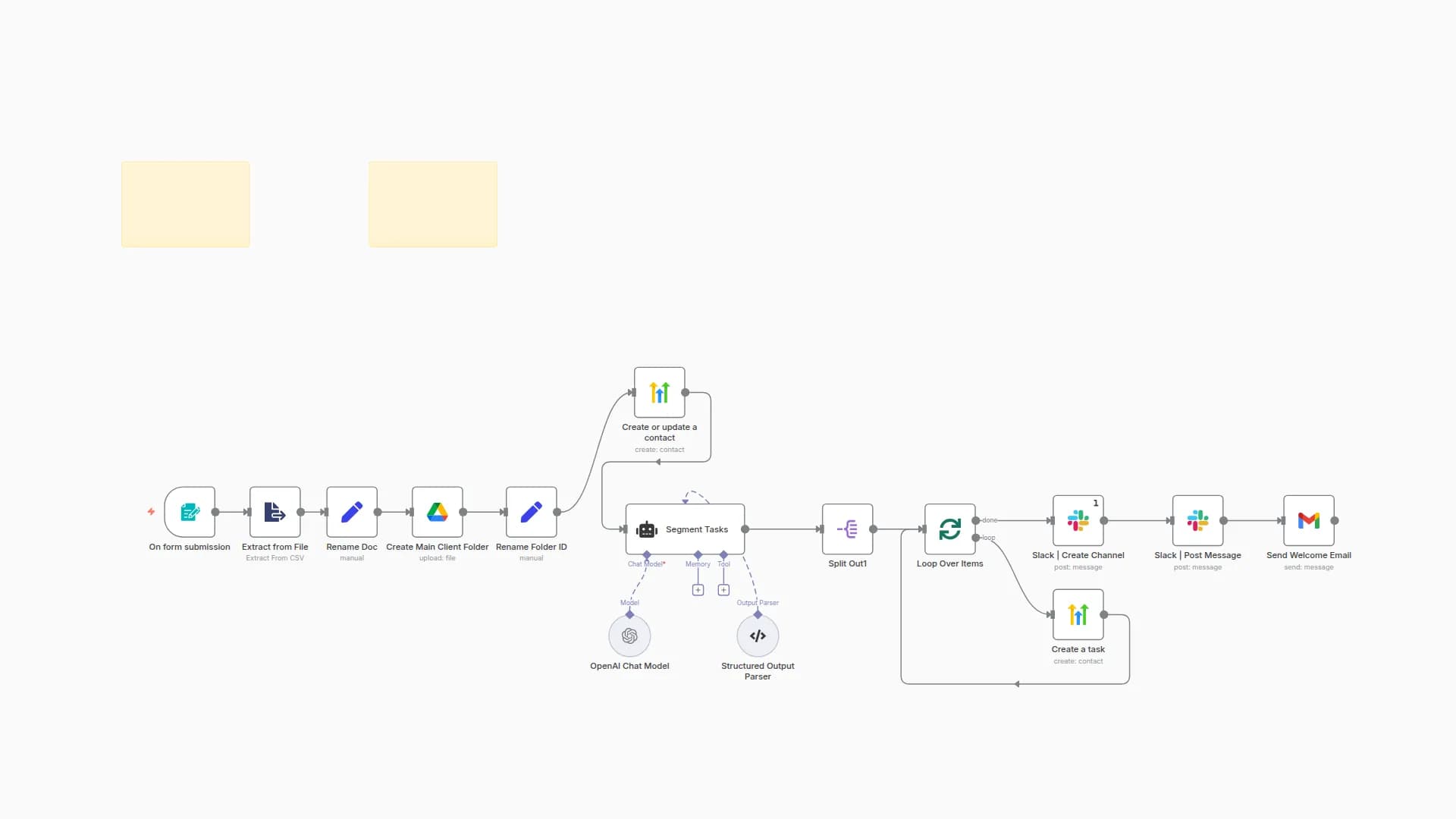
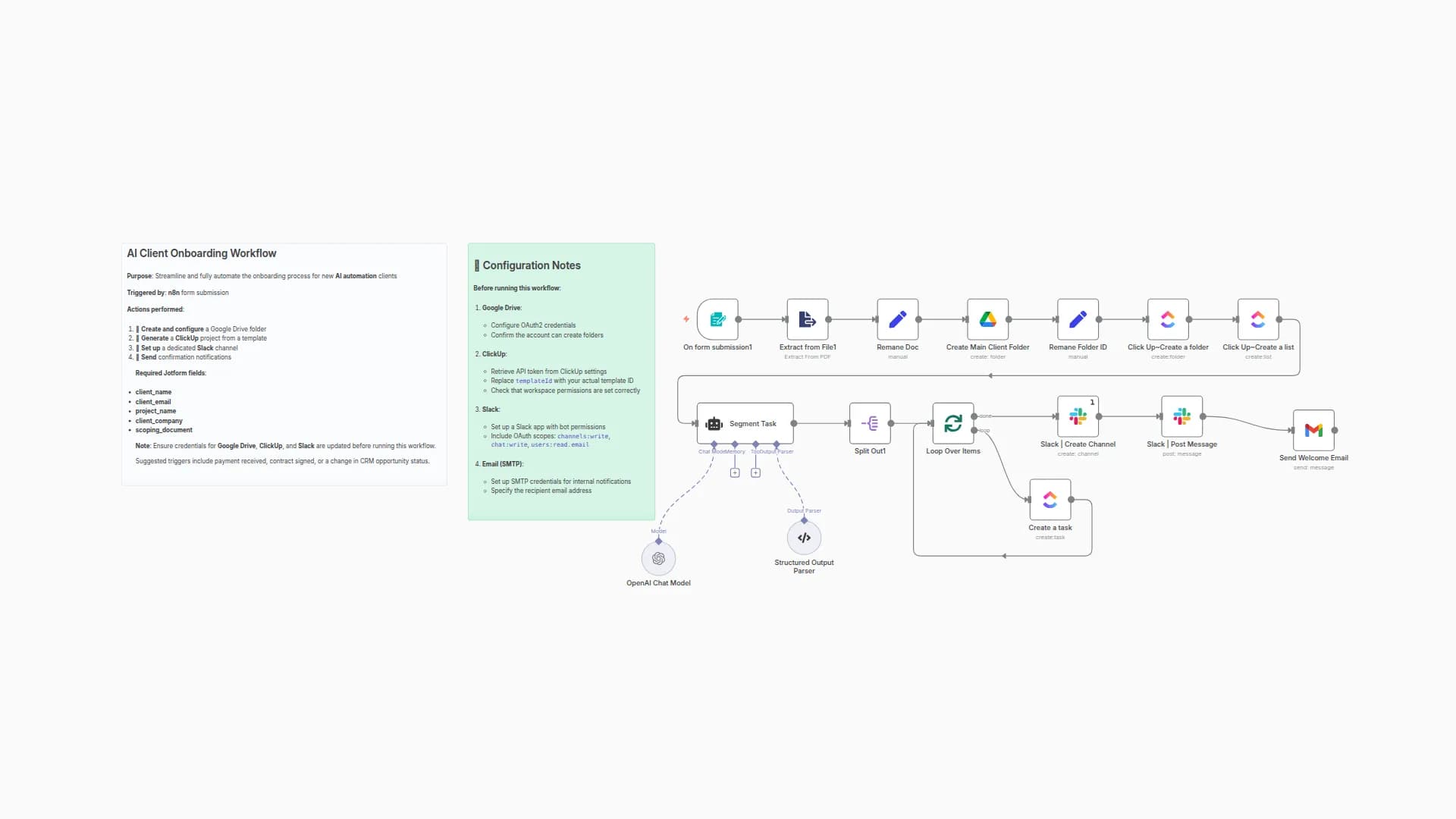
Once the form is submitted, the workflow executes the following steps:
-
Extract Proposal/Scope Document
- Reads the uploaded PDF and extracts key information.
-
Rename & Store Project Data
- Standardizes project information for downstream steps.
-
Google Drive Setup
- Creates a client folder in Drive
- Stores the uploaded document
- Saves folder ID for references
-
Asana Setup
- Creates a new Asana Project from a template
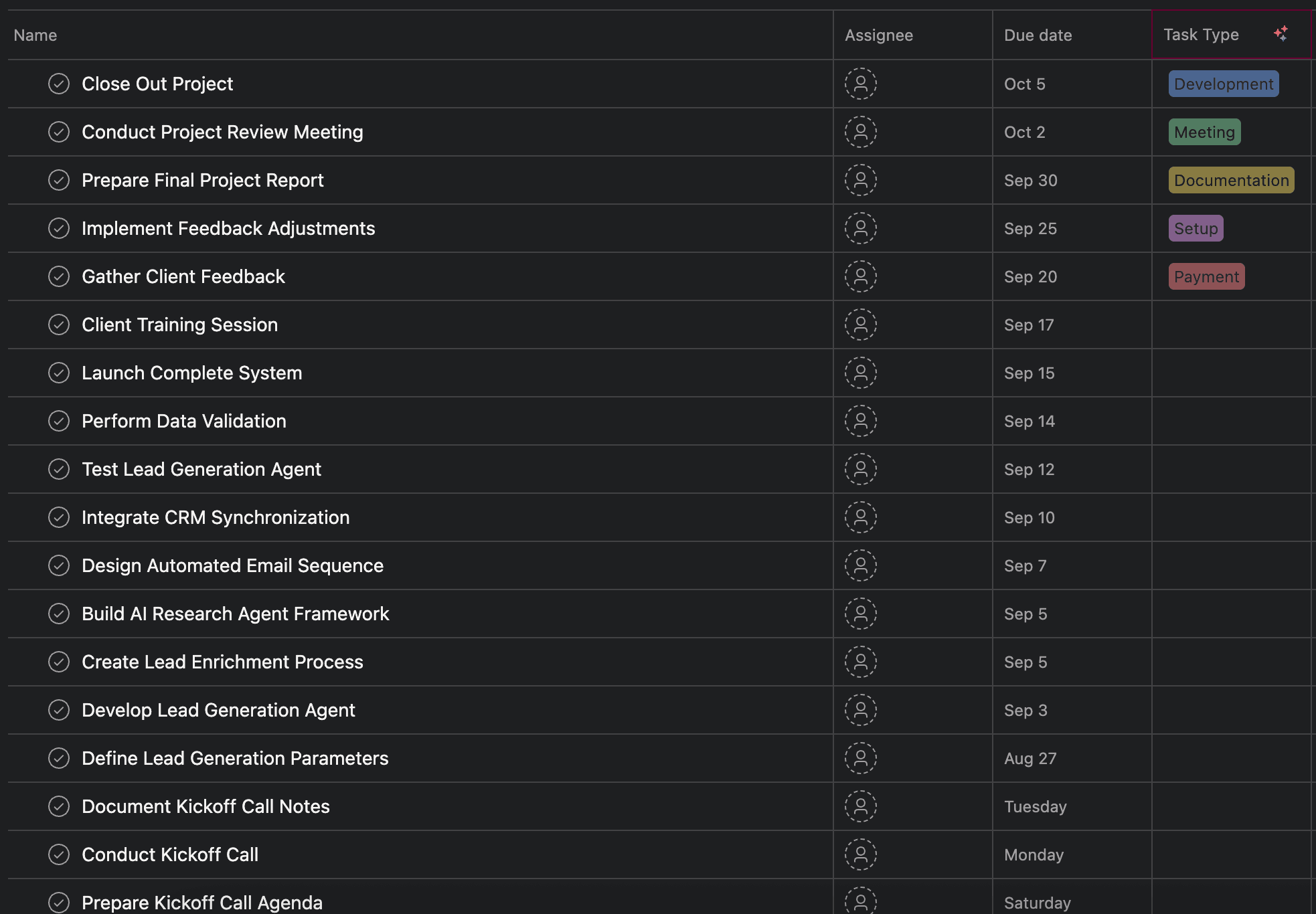
- Uses AI (OpenAI GPT-4o-mini) to parse the proposal and generate 20–30 detailed onboarding tasks
- Populates Asana with automatically assigned tasks and due dates
-
Slack Setup
- Creates a dedicated client Slack channel (named dynamically using the company name)
- Posts a welcome message with next steps and checklist
-
Welcome Email
-
Sends a personalized email to the client, including:
- Google Drive folder link
- Asana project access
- Slack channel invite
- Onboarding call scheduler link
-
🔧 Configuration Notes
Before using this workflow, configure:
1. Google Drive
- Set up OAuth2 credentials
- Ensure the account has folder creation permissions
2. Asana
- Set up OAuth2 credentials
- Verify workspace permissions
- Ensure the correct project template is available
3. Slack
-
Create a Slack App with bot permissions
-
Add OAuth scopes:
channels:writechat:writeusers:read.email
4. Email (SMTP or Gmail OAuth2)
- Configure SMTP/Gmail credentials for internal notifications
- Update recipient email address
📬 Example Outputs
✅ Slack Channel Creation

✅ Welcome Email

✅ Asana Tasks
🚦 Suggested Triggers
While currently triggered by an n8n Form, you can adapt this workflow to start from:
- Payment received (Stripe/PayPal integration)
- Contract signed (DocuSign/HelloSign)
- CRM Opportunity Change (HubSpot/Pipedrive/Salesforce)
🏷️ Tags
onboarding · automation · asana · slack · google-drive · client-success
📢 Notes
- If due dates fall on weekends, they are rolled forward to the next business day.
- Task breakdown leverages AI to generate detailed, sequential, and actionable onboarding steps.
- This workflow is optimized for scalability, ensuring every new client receives the same structured onboarding experience.
You may also like

New to n8n?
Need help building new n8n workflows? Process automation for you or your company will save you time and money, and it's completely free!


