Automate Vendor Contract Renewals & Reminders with GPT-4.1 mini, Slack, and Gmail


Last edited 206 days ago
📝 Smart Vendor Contract Renewal & Reminder Workflow With GPT 4.1 mini
Watch the demo video below:
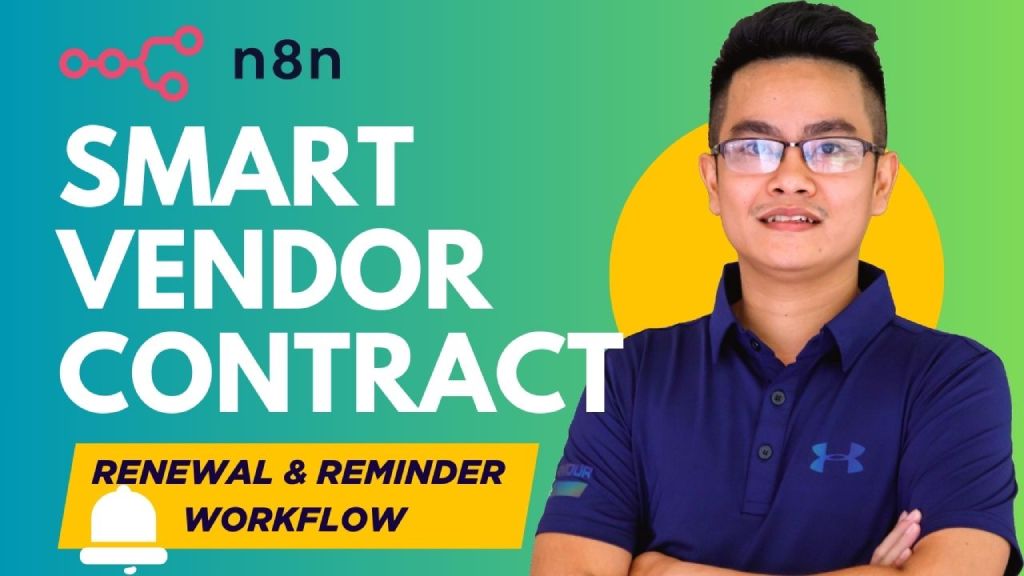
Never miss a vendor renewal again!
This smart workflow automatically tracks expiring contracts, reminds your finance team via Slack, and helps initiate renewal with vendors through email — all with built-in approval and logging. Perfect for managing both auto-renew and manual contracts.
📌 Who’s it for
This workflow is designed for Finance and Procurement teams responsible for managing vendor/service contracts. It ensures timely notifications for expiring contracts and automates the initiation of renewal conversations with vendors.
⚙️ How it works / What it does
-
⏰ Daily Trigger
- Runs every day at 6:00 AM using a scheduler.
-
📄 Retrieve Contract List
- Reads vendor contract data from a Google Sheet (or any data source).
- Filters for contracts nearing their end date, using a Notice Period (days) field.
-
🔀 Branch Based on Renewal Type
-
Auto-Renew Contracts:
- Compose a Slack message summarizing the auto-renewal.
- Notify the finance contact via Slack.
-
Manual Renewal Contracts:
- Use an OpenAI-powered agent to generate a meaningful Slack message.
- Send message and wait for approval from the finance contact (e.g., within 8 hours).
- Upon approval, generate a formal HTML email to the vendor.
- Send the email to initiate the contract extension process.
-
-
📊 (Optional) Logging
- Can be extended to log all actions (Slack messages, emails, approvals) to Google Sheets or other databases.
🛠️ How to set up
-
Prepare your Google Sheet
- Include the following fields:
Vendor Name,Vendor Email,Service Type,Contract Start Date,Contract End Date,Notice Period (days),Renewal Type,Finance Contact,Contact Email,Slack ID,Contract Value,Notes.- Sample: https://docs.google.com/spreadsheets/d/1zdDgKyL0sY54By57Yz4dNokQC_oIbVxcCKeWJ6PADBM/edit?usp=sharing
- Include the following fields:
-
Configure Integrations
- 🟢 Google Sheets API: To read contract data.
- 🔵 Slack API: To notify and wait for approval.
- 🧠 OpenAI API (GPT-4): To generate personalized reminders.
- ✉️ Email (SMTP/Gmail): To send emails to vendors.
-
Set the Daily Scheduler
- Use a Cron node to trigger the workflow at
6:00 AMdaily.
- Use a Cron node to trigger the workflow at
✅ Requirements
Component
Required
Google Sheets API
✅
Slack API
✅
OpenAI API (GPT-4)
✅
Email (SMTP/Gmail)
✅
n8n (Self-hosted or Cloud)
✅
Contract Sheet with proper schema
✅
🧩 How to customize the workflow
- Adjust Reminder Period: Modify the logic in the
Find Expiring Vendorsnode (based onContract End DateandNotice Period). - Change Message Tone or Format: Customize the OpenAI agent's prompt or switch from plain text to branded HTML email.
- Add Logging or Tracking: Add a node to append logs to a Google Sheet, Notion, or database.
- Replace Data Source: Swap out Google Sheets for Airtable, PostgreSQL, or other CRM/database systems.
- Adjust Wait/Approval Duration: Modify the
sendAndWaitSlack node timeout (e.g., from 8 hours to 2 hours).
📦 Optional Extensions
- 🧾 Add PDF contract preview via Drive link
- 🧠 Use GPT to summarize renewal terms
- 🛠 Auto-create Jira task for contract review
You may also like
New to n8n?
Need help building new n8n workflows? Process automation for you or your company will save you time and money, and it's completely free!


