Automated Task Creation from Google Sheets to Monday.com with Status Updates


Last edited 205 days ago
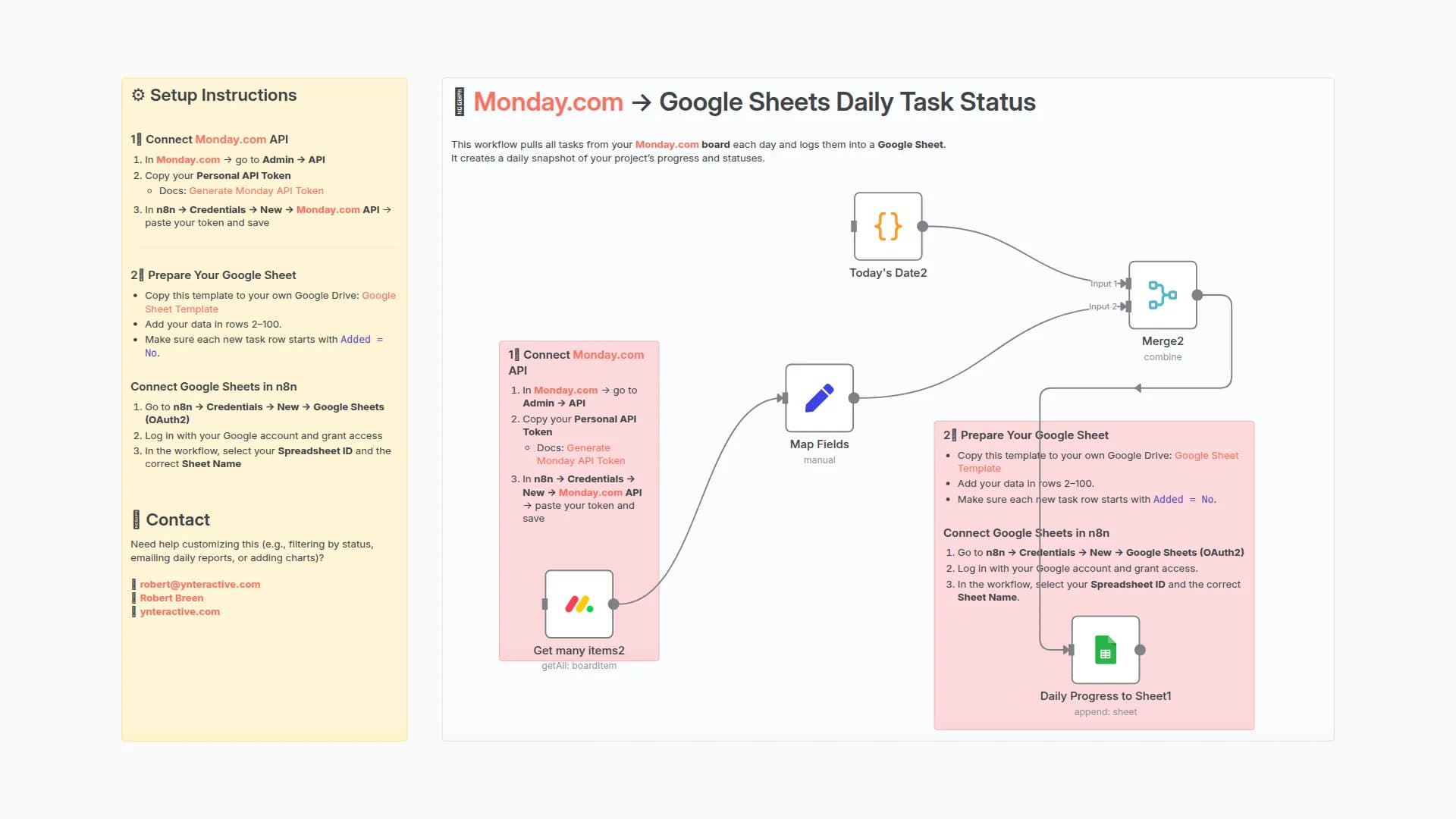
This workflow checks a Google Sheet for new tasks (marked Added = No) and automatically creates them in a Monday.com board.
Once added, the workflow updates the sheet to mark the task as Added = Yes.
⚙️ Setup Instructions
1️⃣ Prepare Your Google Sheet
- Copy this template to your own Google Drive: Google Sheet Template
- First row should contain column names
- Add your data in rows 2–100.
- Make sure each new task row starts with
Added = No.
Connect Google Sheets in n8n
- Go to n8n → Credentials → New → Google Sheets (OAuth2)
- Log in with your Google account and grant access.
- In the workflow, select your Spreadsheet ID and Worksheet Name.
- Optional: You can connect Airtable, Notion, or your database instead of Google Sheets.
2️⃣ Connect Monday.com Node
- In Monday.com → go to your Admin → API
- Copy your Personal API Token
- Docs: Generate Monday API Token
- In n8n → Credentials → New → Monday.com API
- Paste your token and save.
- Open the Create Monday Task node → choose your credential → select your Board ID and Group ID.
📬 Contact
Need help customizing this (e.g., mapping more fields, syncing statuses, or updating timelines)?
You may also like
New to n8n?
Need help building new n8n workflows? Process automation for you or your company will save you time and money, and it's completely free!


