Create Daily Task Status Snapshots from Monday.com to Google Sheets


Last edited 205 days ago
This workflow pulls all tasks from your Monday.com board each day and logs them into a Google Sheet.
It creates a daily snapshot of your project’s progress and statuses for reporting, tracking, or analysis.
⚙️ Setup Instructions
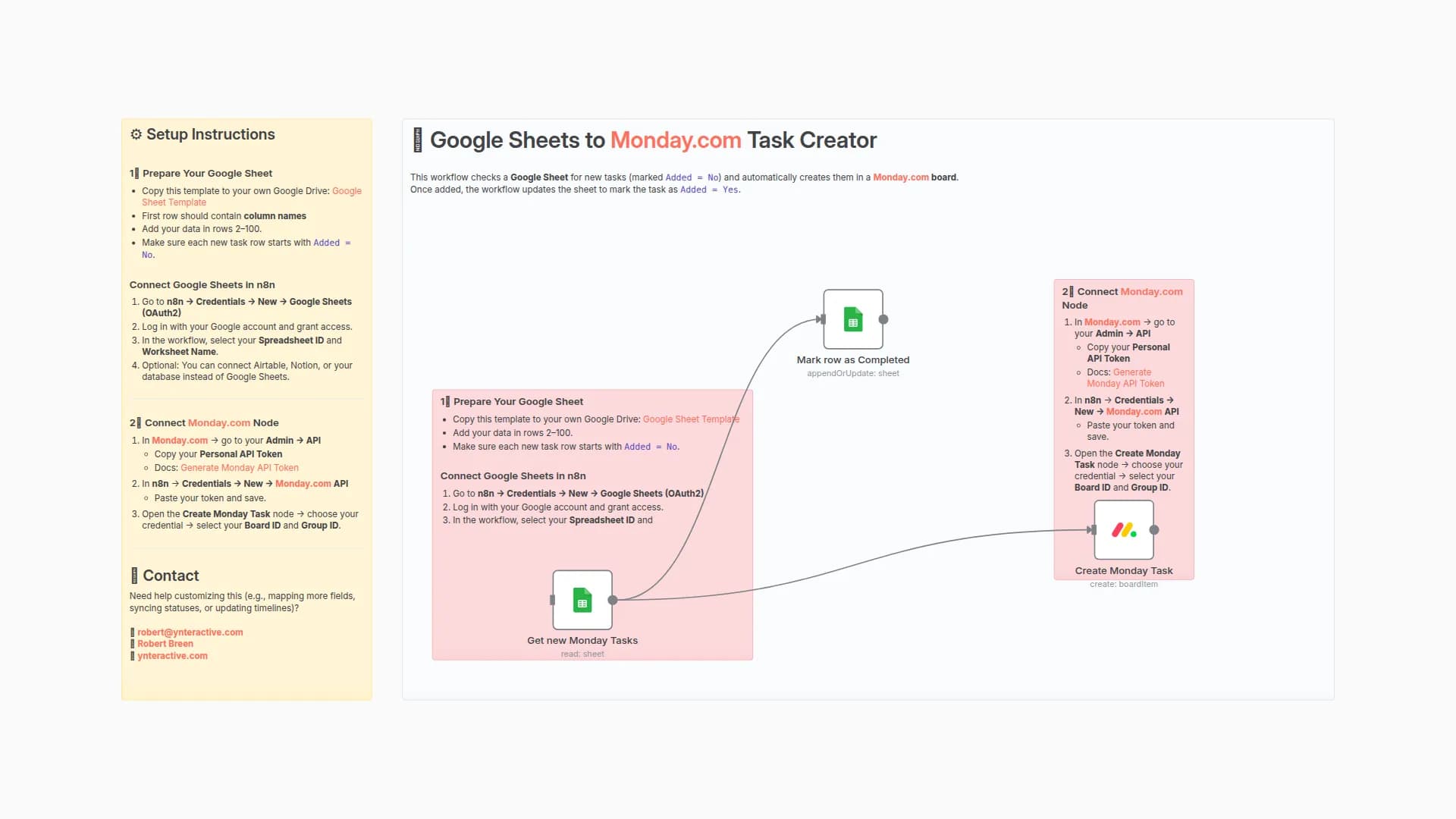
1️⃣ Connect Monday.com API
- In Monday.com → go to Admin → API
- Copy your Personal API Token
- In n8n → Credentials → New → Monday.com API → paste your token and save
2️⃣ Prepare Your Google Sheet
- Copy this template to your own Google Drive: Google Sheet Template
- Add your data in rows 2–100.
- Make sure each new task row starts with
Added = No.
Connect Google Sheets in n8n
- Go to n8n → Credentials → New → Google Sheets (OAuth2)
- Log in with your Google account and grant access
- In the workflow, select your Spreadsheet ID and the correct Sheet Name
🧠 How it works
- Trigger: Runs on click or via schedule (e.g., daily at 9 AM).
- Get many items (Monday.com): Fetches all tasks and their current status.
- Today's Date Node: Adds the current date for snapshot logging.
- Map Fields: Normalizes task name and status.
- Google Sheets (Append): Saves all tasks with status + date into your sheet for historical tracking.
📬 Contact
Need help customizing this (e.g., filtering by status, emailing daily reports, or adding charts)?
You may also like
New to n8n?
Need help building new n8n workflows? Process automation for you or your company will save you time and money, and it's completely free!


