Automatic Blog Post Generation from WooCommerce Products with GPT-4.1-mini


Last edited 205 days ago
What it does
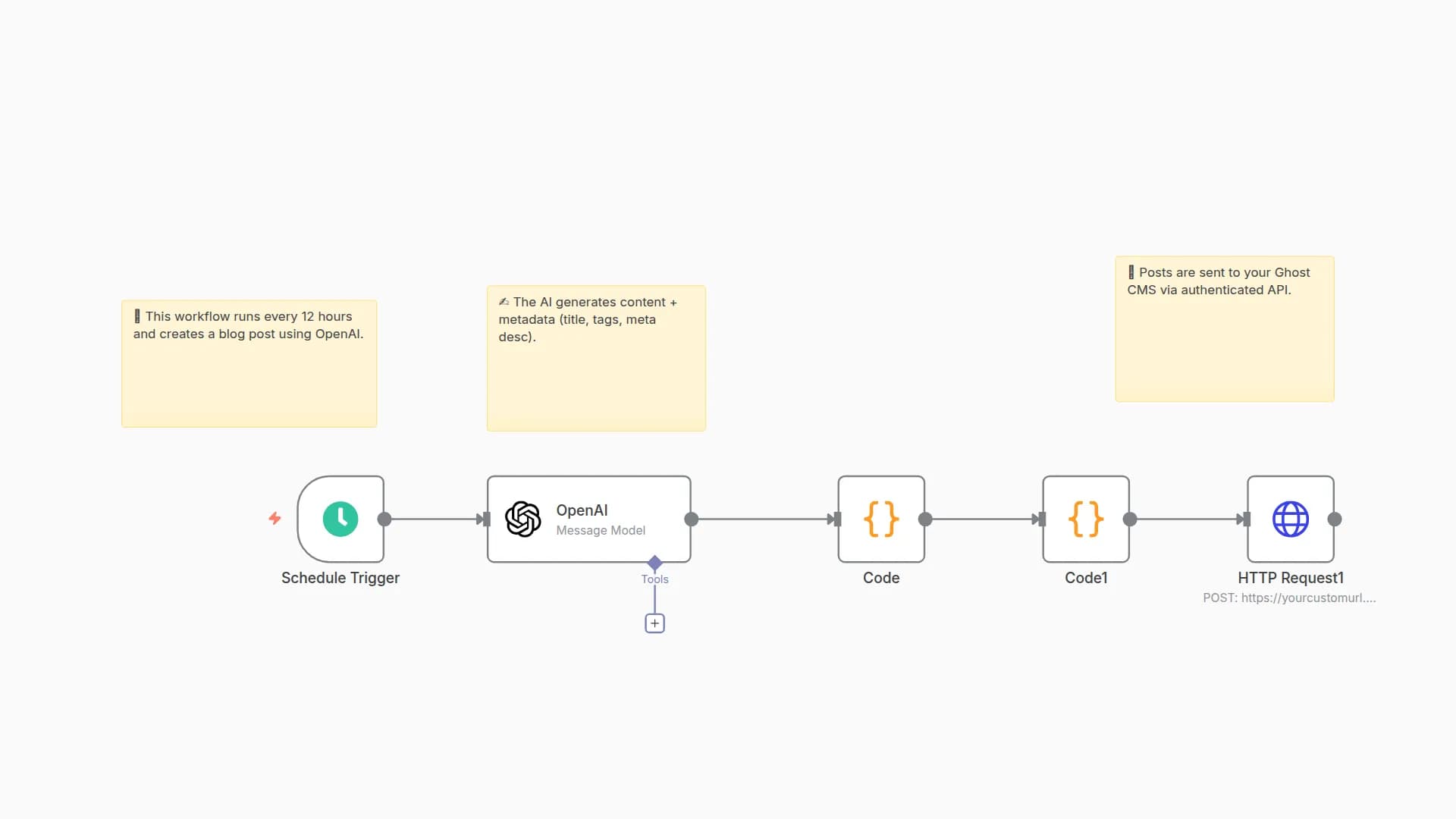
This workflow automatically creates and publishes engaging blog posts for products in your WooCommerce store using OpenAI.
Every 6 hours (schedule adjustable), it randomly selects a product from your store, generates a fun, curiosity-driven post, formats it for WordPress, and publishes it — all without manual intervention.
How it works
- Schedule Trigger – Runs on a set interval (default: every 6 hours).
- Pull WooCommerce Products – Uses the WooCommerce REST API to retrieve up to 100 products.
- Sort Randomly & Select One – Ensures variety by picking a different product each run.
- OpenAI Blog Post Generation – Sends the product link and a creative prompt to GPT-4.1-mini for a casual, shareable blog post.
- Format Post – Extracts title, content, slug, and excerpt from AI output.
- Publish to WordPress – Posts directly via the WP REST API with your chosen category.
Key features
- Hands-off content creation — Runs automatically on your schedule.
- Unique, non-corporate tone — Prompt crafted for casual, social-media-friendly style.
- Product variety — Randomized selection keeps posts fresh.
- End-to-end automation — From product data to live blog post in minutes.
- Easy to customize — Adjust prompt, schedule, categories, or post format.
Setup instructions
-
WooCommerce
- Enable REST API and create a key with Read permissions.
- Store your API key/secret in n8n as Basic Auth credentials.
- Update the “Pull WooCommerce Product” URL to your store domain.
-
OpenAI
- Add your API key in n8n’s OpenAI credentials.
- Optionally adjust model or prompt for your tone/style.
-
WordPress
- Enable REST API and create an Application Password or Basic Auth user with Author or higher permissions.
- Add credentials to the “Publish to WordPress” node.
- Update post category ID in the “Publish” node if needed.
Costs
- OpenAI: per-token usage (GPT-4.1-mini is cost-efficient for blog-length content).
- Hosting: Your n8n instance, WooCommerce, and WordPress hosting costs.
Troubleshooting
- No products retrieved: Check WooCommerce API credentials and endpoint URL.
- Post fails to publish: Verify WordPress API credentials and category ID.
- Formatting issues: Adjust the “Format Post For Publishing” code node to tweak parsing.
You may also like


New to n8n?
Need help building new n8n workflows? Process automation for you or your company will save you time and money, and it's completely free!


