Automatic Google Cloud Run Auth with JWT Token Management (sub-workflow)


Last edited 223 days ago
Who it’s for?
Anyone calling a Google Cloud Run service from n8n who wants a small, reusable auth layer instead of wiring tokens in every workflow.
What it does / How it works
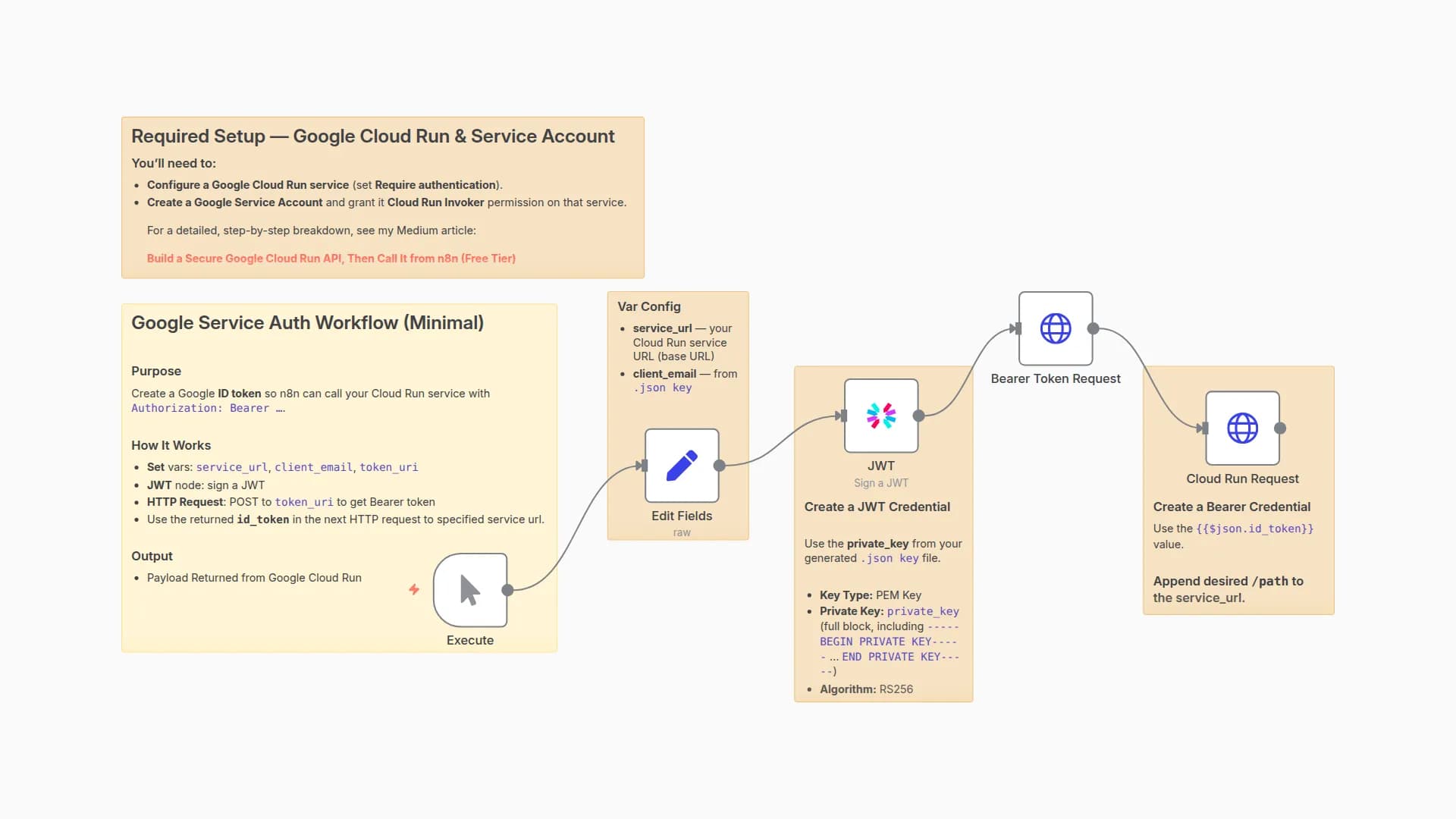
This sub-workflow checks whether an incoming id_token exists and is still valid (with a 5-minute buffer). If it’s good, it reuses it. If not, it signs a short-lived JWT with your service account, exchanges it at Google’s token endpoint, and returns a fresh id_token. It also passes through service_url and an optional service_path so the caller can hit the endpoint right away. (Designed to be called via Execute Workflow from your main flow.)
How to set up
- Add your JWT (PEM) credential using the service account private_key.
- In Vars, set
client_email(from your key) and confirmtoken_uriishttps://oauth2.googleapis.com/token. - Call this sub-workflow with
service_url(and optionalservice_path). Optionally include a priorid_tokento enable reuse.
Inputs / Outputs
Inputs: id_token (optional), service_url, service_path
Outputs: id_token, service_url, service_path
Notes
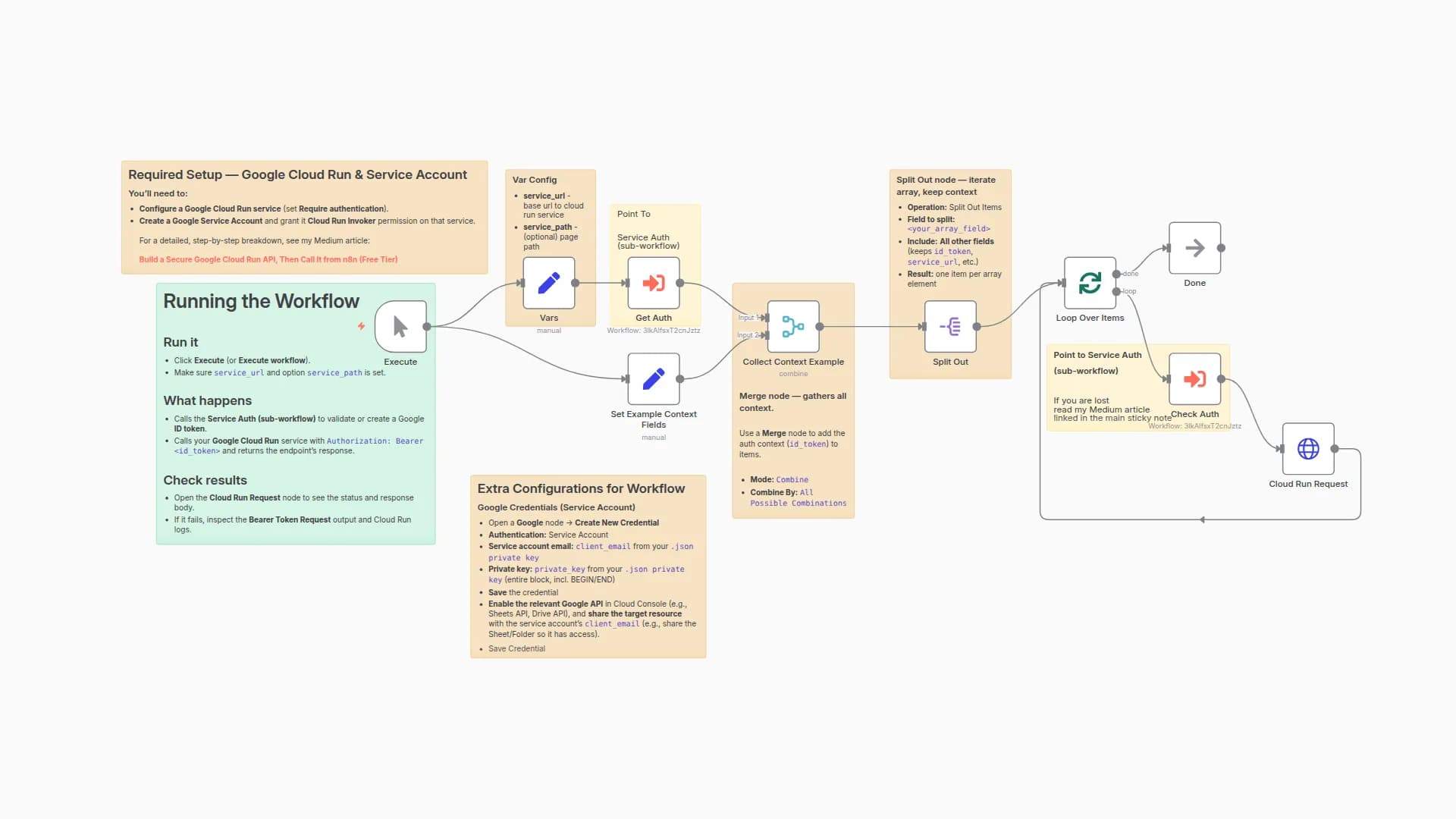
- Built for loops: pair with a Merge/Split strategy to attach
id_tokento each item. - Keep credentials in n8n Credentials (no keys in nodes).
- Full write-up and context:
Build a Secure Google Cloud Run API, Then Call It from n8n (Free Tier)
— by Marco Cassar
You may also like
New to n8n?
Need help building new n8n workflows? Process automation for you or your company will save you time and money, and it's completely free!


