Build a RAG Knowledge Chatbot with OpenAI, Google Drive, and Supabase


Last edited 206 days ago
🚀 Build Your Own Knowledge Chatbot Using Google Drive
Create a smart chatbot that answers questions using your Google Drive PDFs—perfect for support, internal docs, education, or research.
🛠️ Quick Setup Guide**
Step 1: Prerequisites
- n8n instance (cloud or self-hosted)
- Google Drive account (with PDFs)
- Supabase account (vector database)
- OpenAI API key
- PostgreSQL database (for chat memory) else remove the node
Step 2: Supabase Setup
- Create supabase account (its free)
- Create a project
- Copy the sql and paste it in supabase sql editor
-- Enable the pgvector extension to work with embedding vectors
create extension vector;

-- Create a table to store your documents
create table documents (
  id bigserial primary key,
  content text, -- corresponds to Document.pageContent
  metadata jsonb, -- corresponds to Document.metadata
  embedding vector(1536) -- 1536 works for OpenAI embeddings, change if needed
);

-- Create a function to search for documents
create function match_documents (
  query_embedding vector(1536),
  match_count int default null,
  filter jsonb DEFAULT '{}'
) returns table (
  id bigint,
  content text,
  metadata jsonb,
  similarity float
)
language plpgsql
as $$
#variable_conflict use_column
begin
  return query
  select
    id,
    content,
    metadata,
    1 - (documents.embedding <=> query_embedding) as similarity
  from documents
  where metadata @> filter
  order by documents.embedding <=> query_embedding
  limit match_count;
end;
$$;
Step 3: Import & Configure n8n Workflow
- Import this template into n8n
- Add credentials:
- OpenAI API key
- Google Drive OAuth2
- Supabase URL & service key
- PostgreSQL connection
- Set your Google Drive folder ID in triggers
Step 4: Test & Use
- Add a PDF to your Drive folder → check Supabase for new entries
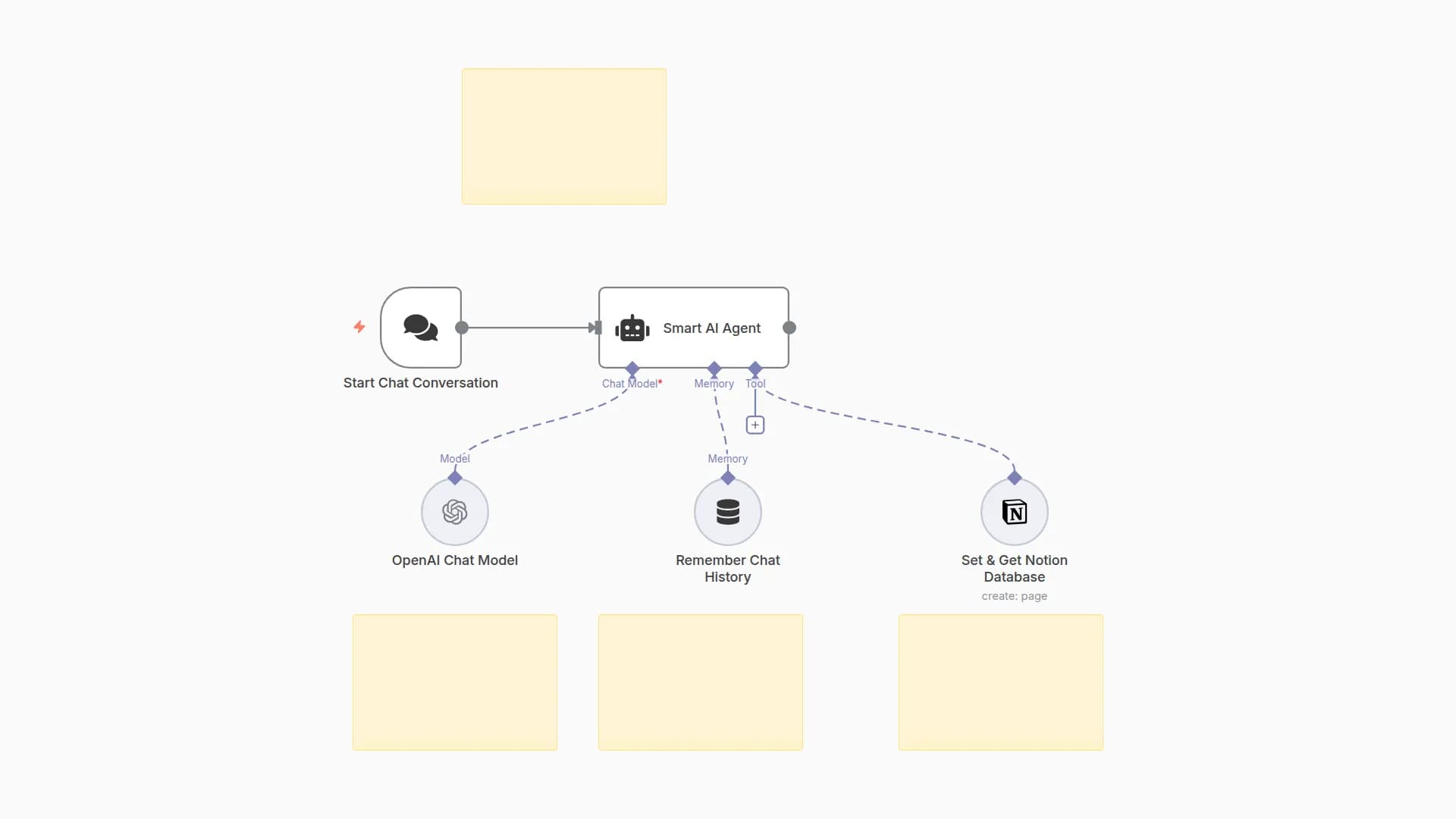
- Start the workflow and chat → ask questions about your documents. "What can you help me with?"
- Multi-turn chat → context is maintained per user
⚡ Features
- Auto-syncs new/updated PDFs from Google Drive
- Extracts, chunks, and vectorizes text
- Finds relevant info and answers questions
- Maintains chat history per user
📝 Troubleshooting
- Check folder permissions & IDs if no docs found
- Verify API keys & Supabase setup for errors
- Ensure PostgreSQL is connected for chat memory
Tags: RAG, Chatbot, Google Drive, Supabase, OpenAI, n8n
Setup Time: ~20 minutes
You may also like

New to n8n?
Need help building new n8n workflows? Process automation for you or your company will save you time and money, and it's completely free!


